20 Apps That Make It Easier for Grandparents to Stay in Touch With Family
They Make Distance Feel a Little Smaller
Family updates don’t always arrive as big news. Sometimes they’re a wobbly first step on a Tuesday afternoon, a photo from a Little League game in Ohio, or a seven-second video of the dog stealing toast off the counter. For grandparents, those little pieces can matter a lot, especially when everyone’s spread across different cities, school calendars, work shifts, and time zones. The right app doesn’t need to be flashy or packed with features nobody asked for. It just needs to make calls, photos, games, stories, and everyday check-ins feel less frustrating. These 20 apps can help grandparents keep up with their constantly evolving family.

1. FaceTime
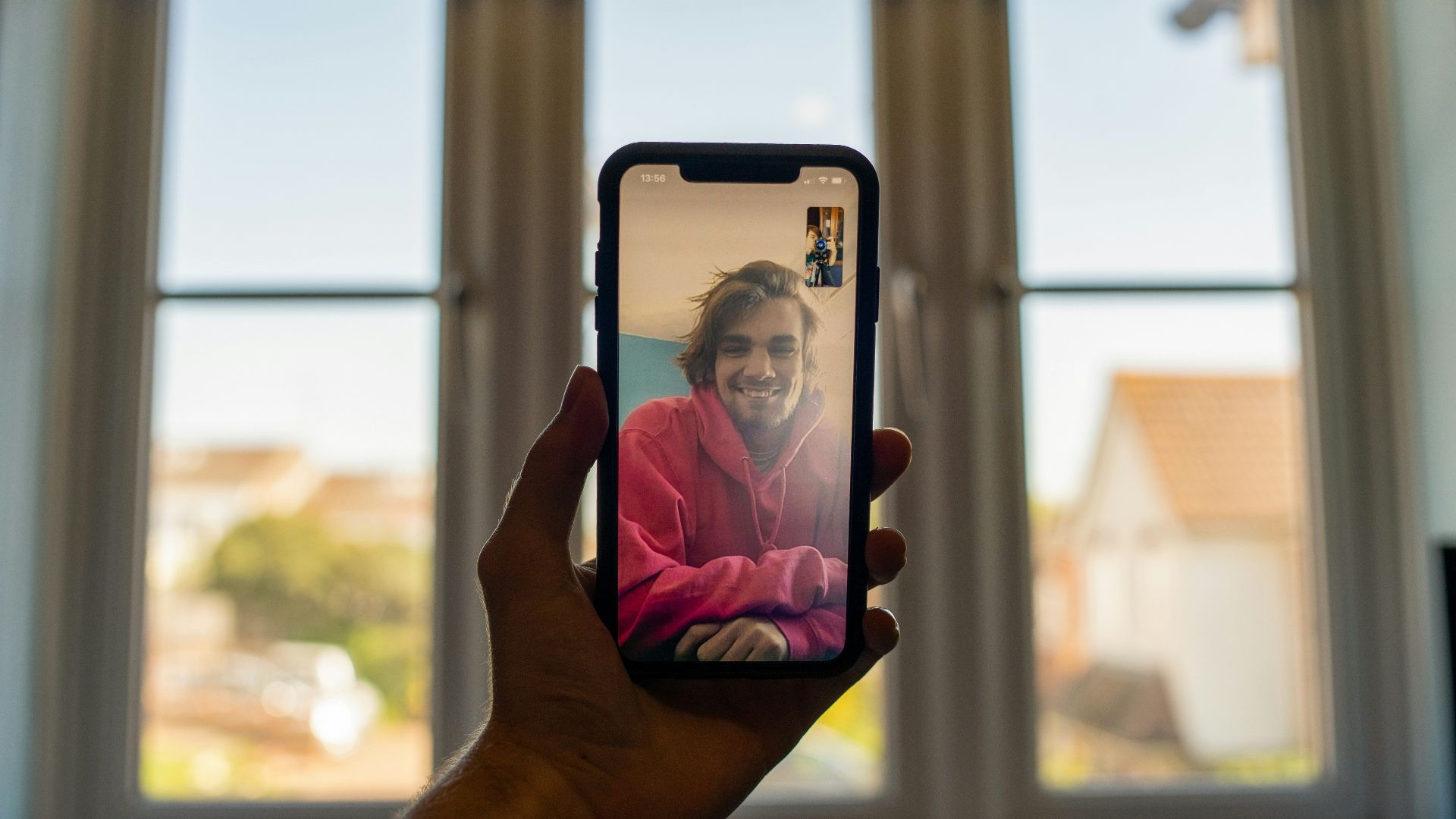
FaceTime is an easy win for families already using iPhones, iPads, or Macs. Grandparents can start audio or video calls with a tap. Group FaceTime supports calls with up to 32 people, which helps when every cousin wants to get on a call.
2. Zoom
Zoom works well when relatives are using different devices. A shared meeting link can handle birthdays, Sunday check-ins, holiday chats, or a grandparent reading “Goodnight Moon.”

3. WhatsApp
WhatsApp keeps texts, voice calls, video calls, photos, and voice notes in one thread. It’s especially handy for families split between countries, since calls and messages run through an internet connection rather than standard SMS.
 Mariia Shalabaieva on Unsplash
4. Messenger
Messenger is practical for grandparents who already use Facebook and don’t want to learn another app. It handles one-on-one chats, group messages, voice calls, video calls, photos, stickers, and quick reactions, so family chatter can stay in a place many people already check.
 Mariia Shalabaieva on Unsplash
5. Messenger Kids
Messenger Kids gives younger children a parent-managed way to call and message approved family members. For grandparents, that can mean easier video chats with six-year-olds, shared stickers, drawings, and quick hellos without giving a child a regular social media account.

6. Instagram
Instagram is useful for grandparents who like keeping up through photos and short videos. Stories, posts, reels, and direct messages can show the small stuff, like a new haircut before picture day, a dance recital clip, or a vacation photo from Myrtle Beach. The app’s new video call feature also makes it easy to video chat with your loved ones.

7. Google Meet
Google Meet is a dependable choice for families already using Gmail, Google Calendar, or Android devices. It supports video calls and scheduled meetings across devices, which makes it helpful for planned Saturday calls, quick after-school chats, or family meetings.

8. GrandPad
GrandPad is made for older adults who want fewer steps and less clutter than a regular tablet. It offers calls, video, photos, music, games, and family contact features in a senior-friendly setup.

9. Kast
Kast is useful when family time involves watching or sharing something on-screen. Grandparents can join a room with video, voice, chat, and screen sharing, which works for a shared movie, a casual game stream, or watching a grandkid show off a Minecraft build.

10. Words With Friends
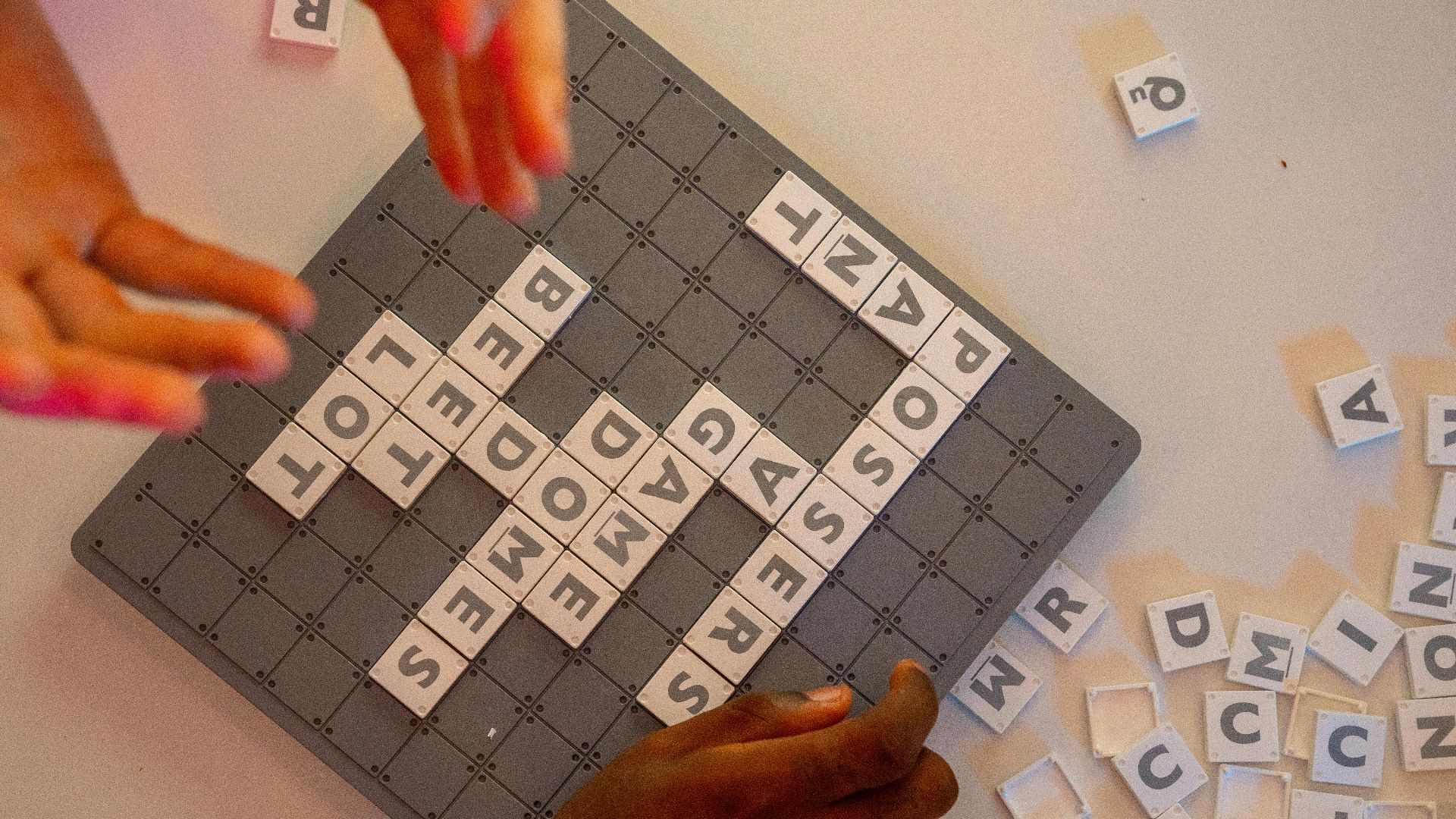
Words With Friends gives grandparents and grandkids a low-pressure reason to keep checking in. The turn-based word game can move slowly over a week if needed, and the in-game chat leaves room for little notes between plays.
11. Snapchat
Snapchat can work for grandparents who enjoy quick photos, short videos, lenses, and casual messages. It’s especially good for playful check-ins, like a grandkid sending a goofy face filter from the bus stop.

12. Teleparty
Teleparty helps families watch shows and movies together from different homes. It syncs playback on supported streaming services and adds group chat, so grandparents can join a Friday night movie without requiring everyone to sync up their TV screens.

13. Caribu
Caribu is built for interactive video calls with kids, especially younger ones who need something to do during a call. Grandparents can read books, draw, play games, solve puzzles, and share activities on-screen, which also gives younger kids a clearer reason to stay on the call.

14. Aura
Aura’s app-connected photo frames are helpful for families who take lots of pictures and forget to send half of them. Relatives can be invited to add photos through the app or a web uploader, so a frame at Grandma’s apartment can keep showing new birthdays, snow days, beach trips, and ordinary kitchen-table moments.

15. Google Calendar
Google Calendar’s shared calendar option can help grandparents remember call times, birthdays, school plays, travel days, doctor appointments, and family dinners without relying on a note stuck to the fridge.
16. SilverSneakers GO
SilverSneakers GO is mainly a fitness and wellness app, so it shouldn’t be treated like a family chat tool. Still, its class finder, virtual classes, guided workouts, activity scheduling, and notifications can give grandparents and relatives something real to talk about, from a first chair-yoga class to a walking goal after dinner.

17. Biograf
Biograf is built around recording and preserving personal stories. Grandparents can capture memories about childhood, first jobs, old family recipes, military service, immigration, road trips, or the neighbor everyone still talks about, and relatives can revisit those stories later instead of wishing they’d asked sooner.

18. Discord
Discord can be useful for gaming families, especially when older grandkids already spend a good portion of their time there. A private family server can include text chats, voice channels, video calls, and screen sharing, so grandparents can watch a game session, listen in during a group chat, or join without needing to understand every controller button.
 Mariia Shalabaieva on Unsplash
19. Marco Polo
Marco Polo works well when live calls keep falling apart because everyone’s schedule is a mess. Grandparents can send video messages whenever they’re free, and family members can reply later, which keeps the exchange personal without making anyone coordinate a time.

20. Life360
Life360 is less about long conversations and more about practical family check-ins. Location sharing, place alerts, crash detection, driving summaries, and SOS features can help some families coordinate teen drivers, road trips, airport pickups, and daily safety updates.