
10 Risky Things You Do That Leak Your Data Online & 10 Ways To Protect Yourself
Why Your Data Keeps Sneaking Out
Most data leaks don’t come from Hollywood-style hacks; they come from everyday habits that quietly expose more about you than you’d ever post on purpose. The good news is that you don’t need to become paranoid or stop using the internet to reduce your risk. The bad news is that you’ve probably done some of the bad stuff without realizing. Don’t worry—you just need to spot the common behaviors that create openings and tighten them up with simple changes! We’re here to break down everything you need to know.

1. Reusing Passwords Across Multiple Accounts
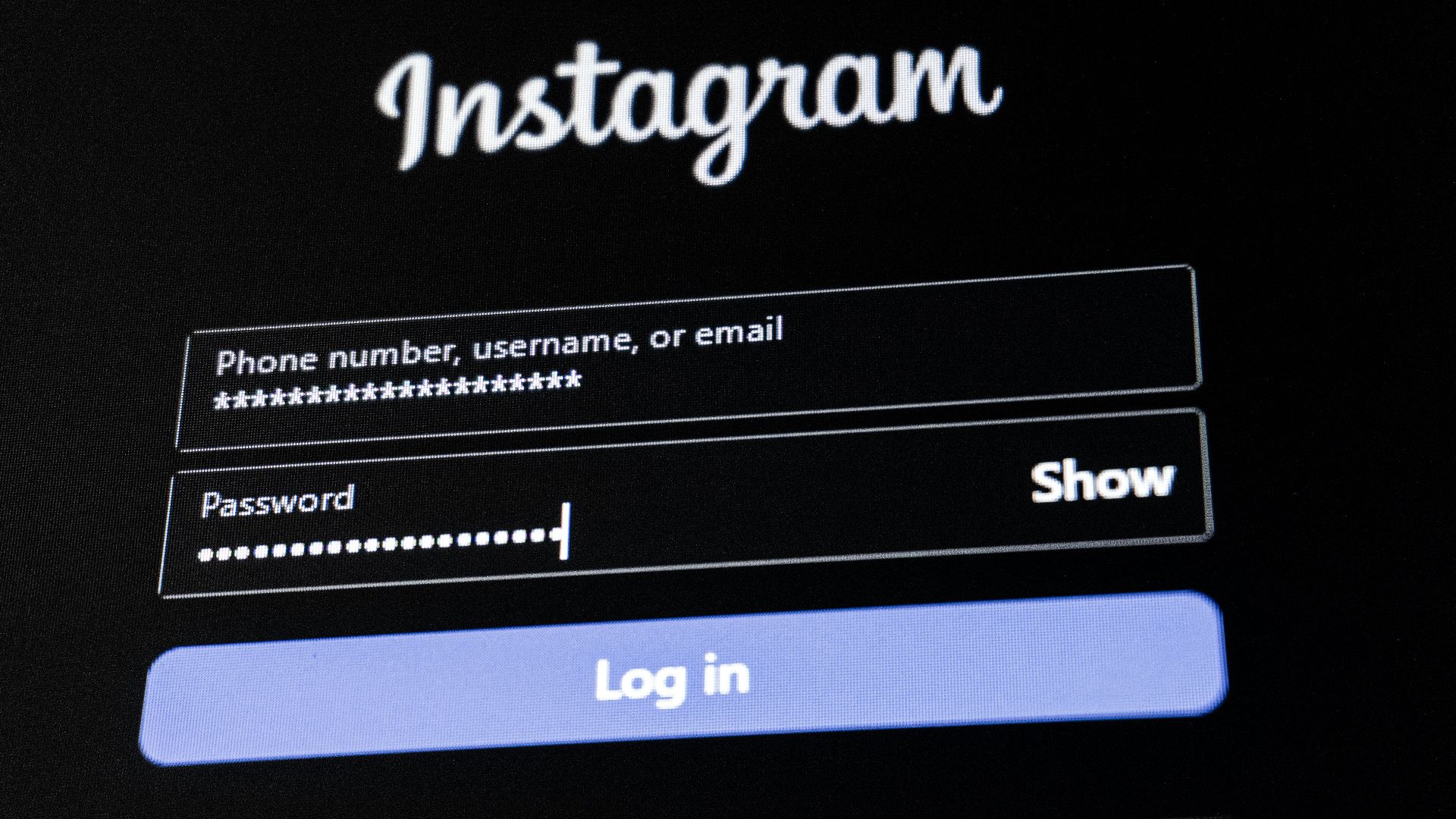
If you reuse a password, you’re basically betting that every site you’ve ever joined will protect it perfectly, and that’s not a bet you’re likely to win. When one service suffers a breach, attackers often try the same email-and-password combination on other popular platforms. Even if you think that password is “unique enough,” automated tools can test thousands of logins in just minutes. The result isn’t just a locked account; it can also be a chain reaction that exposes private messages, saved payment information, and personal files. Using a password manager and unique passwords for important accounts closes off a huge amount of that risk.
2. Skipping Multi-Factor Authentication
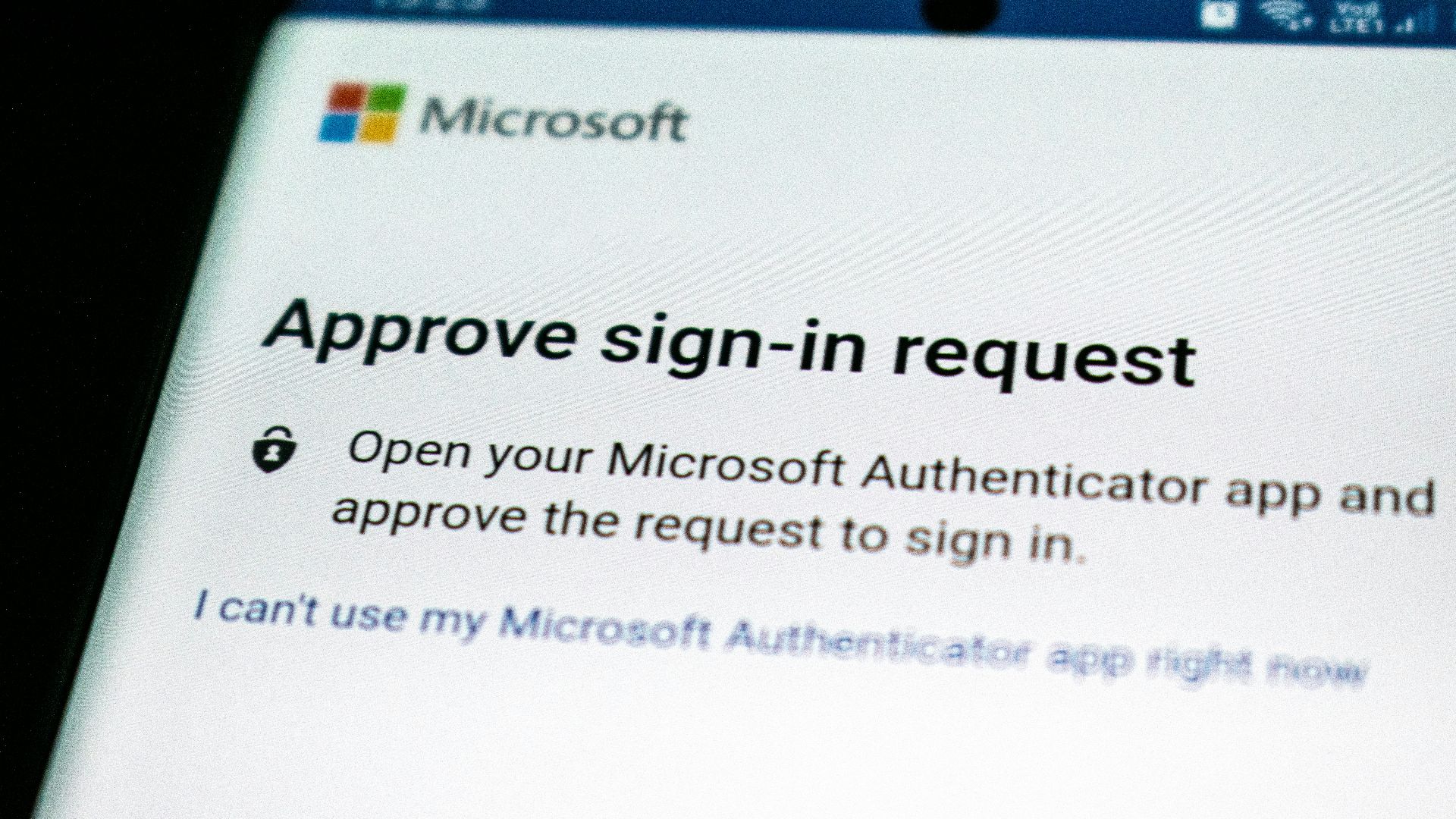
It’s tempting to skip multi-factor authentication when you’re in a hurry, but convenience is exactly what attackers count on before they strike. Passwords get leaked, guessed, or phished, and multi-factor authentication is the extra step that turns a stolen password into a dead end for scammers. When you don’t enable it, all you’re doing is leaving your account protected by a single factor that can be copied and replayed. App-based authenticators and passkeys are usually smoother and safer than SMS codes, too, which can be intercepted or redirected in some cases, so you never really know who can see what.
3. Handing Apps Permission to Everything by Default
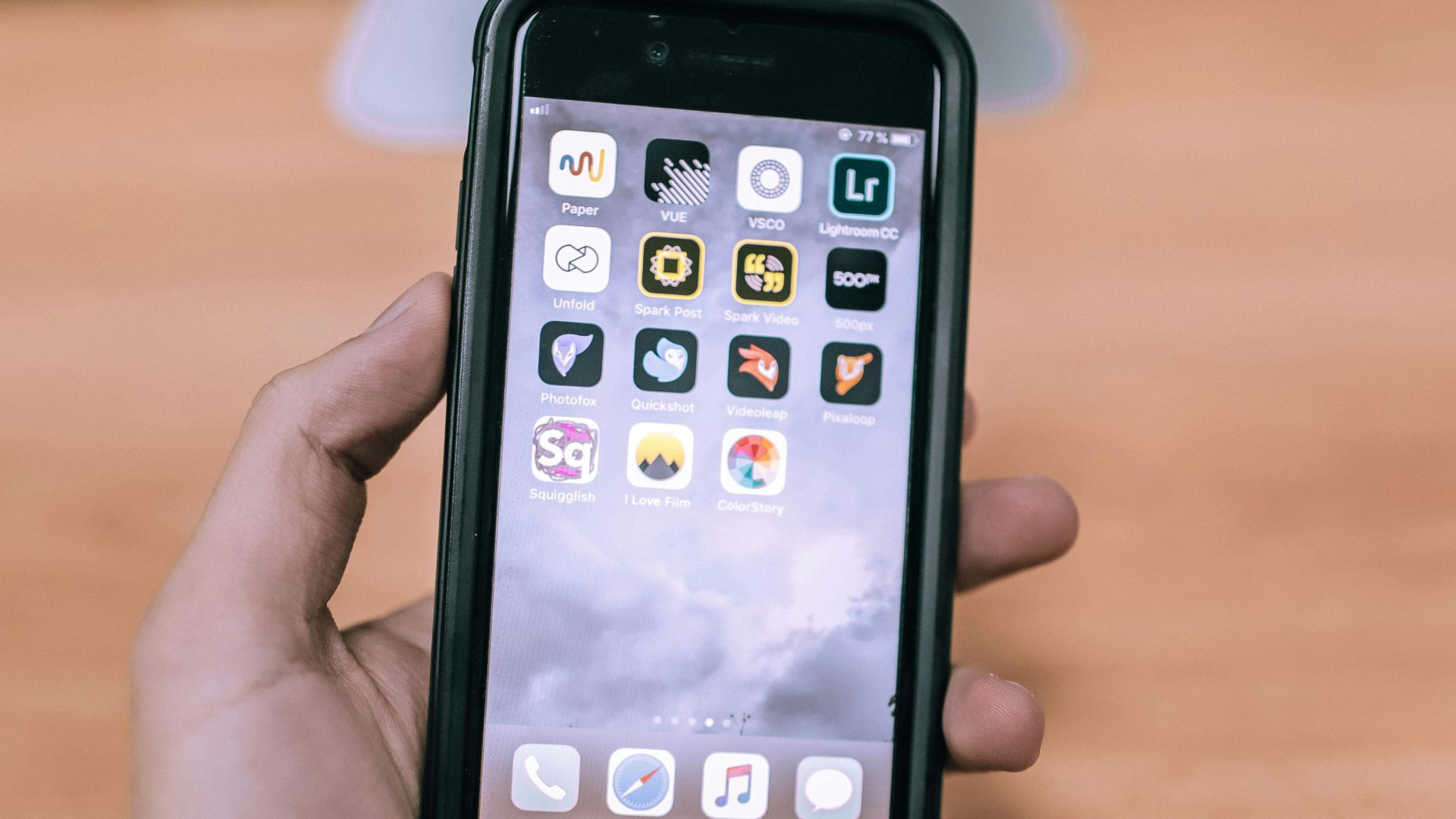
When an app asks for access to your contacts, microphone, photos, location, or Bluetooth, it’s rarely because it truly needs all of that to function. Many apps collect extra data simply because it’s valuable for advertising, analytics, or profiling. If you tap “Allow” without thinking, you might be granting access to information about other people, too, like your address book and call history.
Over time, those permissions build a surprisingly detailed portrait of your life. A better approach is to deny by default, then enable only what’s required for a specific feature you actually use. It’s also smart to review your permissions every few months; apps often add new requests after updates and hope you won’t notice.
4. Using Public Wi-Fi Without Checking What’s Really Protected
There’s a reason everyone hates using public Wi-Fi! Oftentimes, it isn’t automatically dangerous, but it can be risky when you assume every connection is safe and private. On unsecured networks, someone nearby can potentially intercept traffic, especially if you’re visiting sites that don’t enforce modern encryption correctly.
Even on encrypted websites, fake hotspots with convincing names can trick you into connecting to the wrong network in the first place. That’s when login pages, password prompts, and “captive portal” pop-ups become a problem—you can’t be sure who’s on the other end. A trusted VPN helps, but the real win is being selective about what you do on public Wi-Fi in the first place.
5. Leaving Old Accounts and Forgotten Profiles Alive
That forum you joined years ago? The shopping site you used once and then forgot about? Well, that graveyard of apps and logins still has sensitive information, like your email, home address, or even an old payment method on file. Forgotten accounts are a favorite target because you’re not watching them for suspicious activity. So, if an old service gets breached, your data can leak without you noticing until it shows up in spam or account takeover attempts. Some platforms also keep public-facing profiles indexed by search engines, which means information can linger long after you’ve stopped using the service.

6. Oversharing in Posts, Photos, and Profile Details
You don’t have to post anything “sensitive” to leak data; a few harmless details can add up pretty fast. Birthdays, pet names, workplace info, and hometown references are often enough to help someone guess security questions or craft convincing phishing messages to scam you in ways you never expect.
Even photos can reveal addresses, license plates, school names, and patterns in your daily routine. Even if your account is private, friends can share, screenshot, or accidentally expose your content through their own settings. Location tags and “check-ins” make it especially easy to connect your identity to physical places you frequent.
 Timothy Hales Bennett on Unsplash
7. Clicking “Sign in With Google/Apple/Facebook” Everywhere
Single sign-on can be secure and convenient, but it can also spread risk if you use it carelessly. The problem is that when one central account becomes the key to dozens of services, losing access immediately locks you out of everything at once. To make matters worse, some apps also request more profile data than you expect, and you might approve it quickly just to get past the prompt—which is another common slip-up scammers bank on. Over time, you’ll just end up with a long list of connected apps that still have access even if you haven’t used them in months.
8. Ignoring Software Updates Until You’re Forced to Install Them
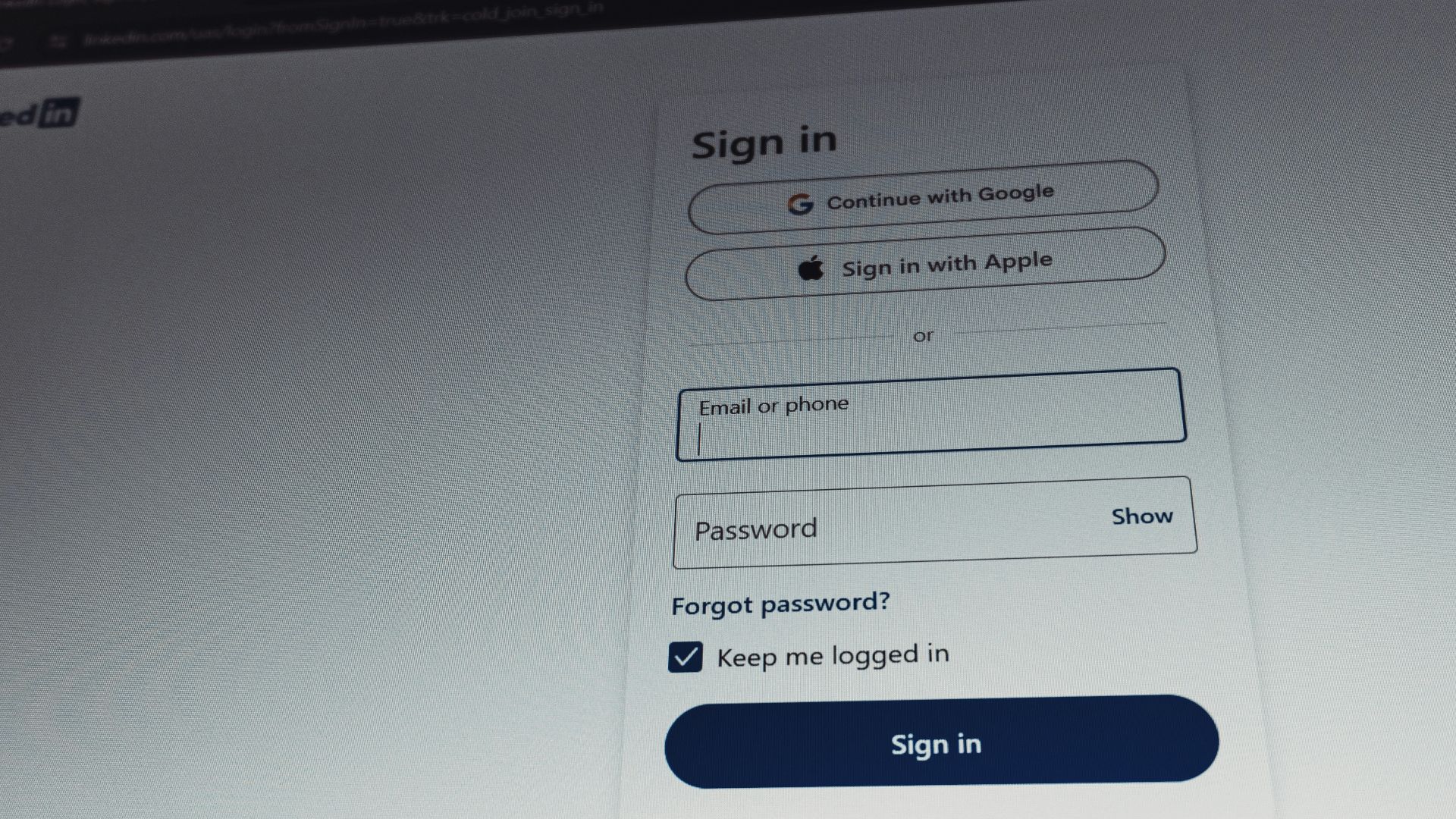
We know, we know. Software updates are incessant and annoying. But outdated software is one of the most reliable ways to get compromised. Security patches often fix known vulnerabilities that attackers actively scan for across the internet, so when you delay, you leave doors open. This applies to anything from phones, laptops, browsers, router firmware, and even smart home devices that quietly run in the background.
The risk isn’t only malware; it can also mean tracking scripts or malicious ads exploiting old browser components to siphon data. Turning on automatic updates wherever possible reduces the burden and shrinks your exposure window.
9. Letting Your Browser Collect More Than You Realize
Your browser knows a lot about you, and extensions know even more if you install them without thinking. Some extensions request permission to “read and change data on all websites,” which gives them access to page content, form entries, and browsing activity. Even legitimate tools can be sold, updated, or compromised, turning a once-safe add-on into a privacy risk.
Meanwhile, third-party cookies and fingerprinting techniques can follow you across sites, building profiles tied to your device. Do yourself a favor and limit the number of extensions you use; aim to stick with what you truly need, and make sure you read the fine print.
10. Sharing Sensitive Files the Easy Way and Forgetting the Link Exists
Cloud sharing sure is convenient, but “anyone with the link” can also be a quiet data leak just waiting to happen. Links get forwarded, copied into group chats, indexed by internal tools, or left open in old emails that can be compromised later. Even if the document itself is private, metadata like file names and folder structures can reveal more than you intended.
People also forget that permissions can persist indefinitely, meaning a temporary share turns into long-term exposure. A safer approach is to share with specific accounts, set expiration dates, and use view-only access unless edits are truly needed.
 Stephen Phillips - Hostreviews.co.uk on Unsplash
We know it sounds like an uphill battle to protect your data, especially nowadays—but it doesn’t have to be. Small choices make a bigger difference than a one-time “security overhaul” that you’ll forget next month. Let’s explore ten realistic ways to tighten things up without turning your life into a full-time IT project.
1. Use a Password Manager and Make Every Password Unique
Start by removing the temptation to reuse passwords; reuse is what turns one breach into ten problems. A password manager can generate long, random passwords and store them securely so you don’t have to memorize anything except one strong master password (which you can also write down and store somewhere safe).
When your passwords are unique, credential-stuffing attacks also lose their power because a stolen login won’t work anywhere else. If you’re worried about switching, begin with your email and financial accounts, then work outward from there. Before long, you’ll wonder why you ever tried to keep it all in your head!
2. Turn On Multi-Factor Authentication for Your Most Important Accounts
Multi-factor authentication adds a second layer of protection that stops many takeovers even when a password gets exposed. We know it’s annoying, but prioritize accounts that can reset other accounts, like your primary email—that’s often the real master key. App-based authenticators or passkeys are also usually stronger than text messages, and they’re often faster once you’re used to them.
You can also go further and set up backup options, like recovery codes stored somewhere safe, so you don’t lock yourself out during a phone upgrade. This is one of those security steps that pays off quietly because it prevents problems you’ll never see.

3. Keep Your Devices and Apps Updated Automatically
Updates don’t just bring you new features or better ways to store photos; they also repair security weaknesses that have already been discovered. Like it or not, turning on automatic updates reduces the chance you’ll postpone a patch until it’s convenient, which is usually never.
There are a few simple ways to keep yourself protected. For example, focus on your operating system, browser, and messaging apps first. Don’t forget your router and smart devices (they’re still computers even if they look harmless on a shelf). And if you manage multiple devices, schedule a monthly check-in to confirm everything is still updating as expected.
4. Lock Down Your Privacy Settings Before You Start Sharing
Most platforms default to more sharing than you’d choose. However, when you slow down and look closely, you’ll spot the subtle changes. Take a few minutes to adjust visibility settings for your profile details and contact info so only the right people can see them. Disable location sharing unless you truly need it, and review what’s public from your social media profiles when you’re logged out. It’s also worth restricting who can tag you, mention you, or find you via phone number and email. Once you’ve set a privacy baseline, it’s easier to keep things tidy as you use the app.

5. Be Selective About App Permissions
Permissions are one of the easiest places to leak data because apps request a lot and explain very little. (And no one reads all the fine print!) So, make it a habit to deny access by default, then enable specific permissions only when a feature requires it. For example, a flashlight app has no business asking for your contacts, and a casual game rarely needs microphone access.
Many phones let you grant “only while using the app,” which is a good compromise, too. Remember to review permissions periodically, too; updates can introduce new requests, and old apps can quietly expand what they collect.
6. Use Secure Connections on Public Wi-Fi
If you’re going to use public Wi-Fi, assume the network is shared space and act accordingly. A trustworthy VPN can add protection by encrypting traffic, but it doesn’t replace good judgment about what you do on that connection.
Be smart about it. Save banking, password changes, and account recovery for a safer network, such as your phone’s hotspot. Verify the network name with staff when you’re in a café or hotel, too, since fake hotspots can look weirdly convincing. Don’t scare yourself out of using public Wi-Fi, just treat it for what it is: a convenience and not a vault.
7. Clean Up Old Accounts and Remove What You Don’t Use
Account hygiene isn’t glamorous, but it’s one of the most effective ways to shrink your overall risk. Every account you don’t use is still a landmine in waiting; it’s a place where your data can sit, age, and eventually get exposed. Do a quarterly sweep of services you’ve forgotten, especially shopping sites, forums, and apps you tried once and abandoned. Delete accounts where possible, and if you can’t delete them, strip out personal details and stored payment methods. You should also check for connected third-party apps and revoke access you don’t recognize. Update passwords on any account you decide to keep.
 Gabrielle Henderson on Unsplash
8. Watch for Phishing and Confirm Requests Before You Click
Phishing works because it targets attention, not intelligence, and everyone gets distracted more than they realize. They also panic when their information is on the line! Try to slow down when you see messages that create urgency, ask for login details, or push you to open an attachment you weren’t expecting. Instead of clicking links in emails or texts, navigate directly to the site or app you trust and check notifications there. Look closely at sender addresses, domain names, and subtle misspellings, too. Even if someone claims to be support, verify through official channels before sharing anything or approving a login prompt.
9. Use Encrypted Messaging and Think About What You Share in Chats
Messages often contain passwords, addresses, private photos, and sensitive documents, so it’s worth choosing platforms that offer strong encryption. End-to-end encryption ensures that only you and the recipient can read the content, not the service provider or intermediaries.
That said, privacy doesn’t stop at encryption; recipients can screenshot, forward, or store what you send. That means you should avoid sending one-time codes, account recovery links, or financial details through casual chat, especially when safer options exist. To be honest, the best protection is sending less sensitive content in the first place and using secure methods when you do have to share it.
10. Back Up Your Data and Secure the Backups
A solid backup plan protects you from data loss and gives you leverage when something goes wrong, including ransomware or account lockouts. Try to use the “3-2-1” mindset: multiple copies, different storage types, and at least one backup that’s offline or separated from your main system.
You should also encrypt backups when possible, especially if they include personal documents or financial records. Additionally, keep backup accounts protected with strong authentication, since attackers love targeting cloud storage. Remember that when your backups are reliable and secure, you’ll handle incidents with far less stress and far fewer compromises—even if the process is a little tedious.