
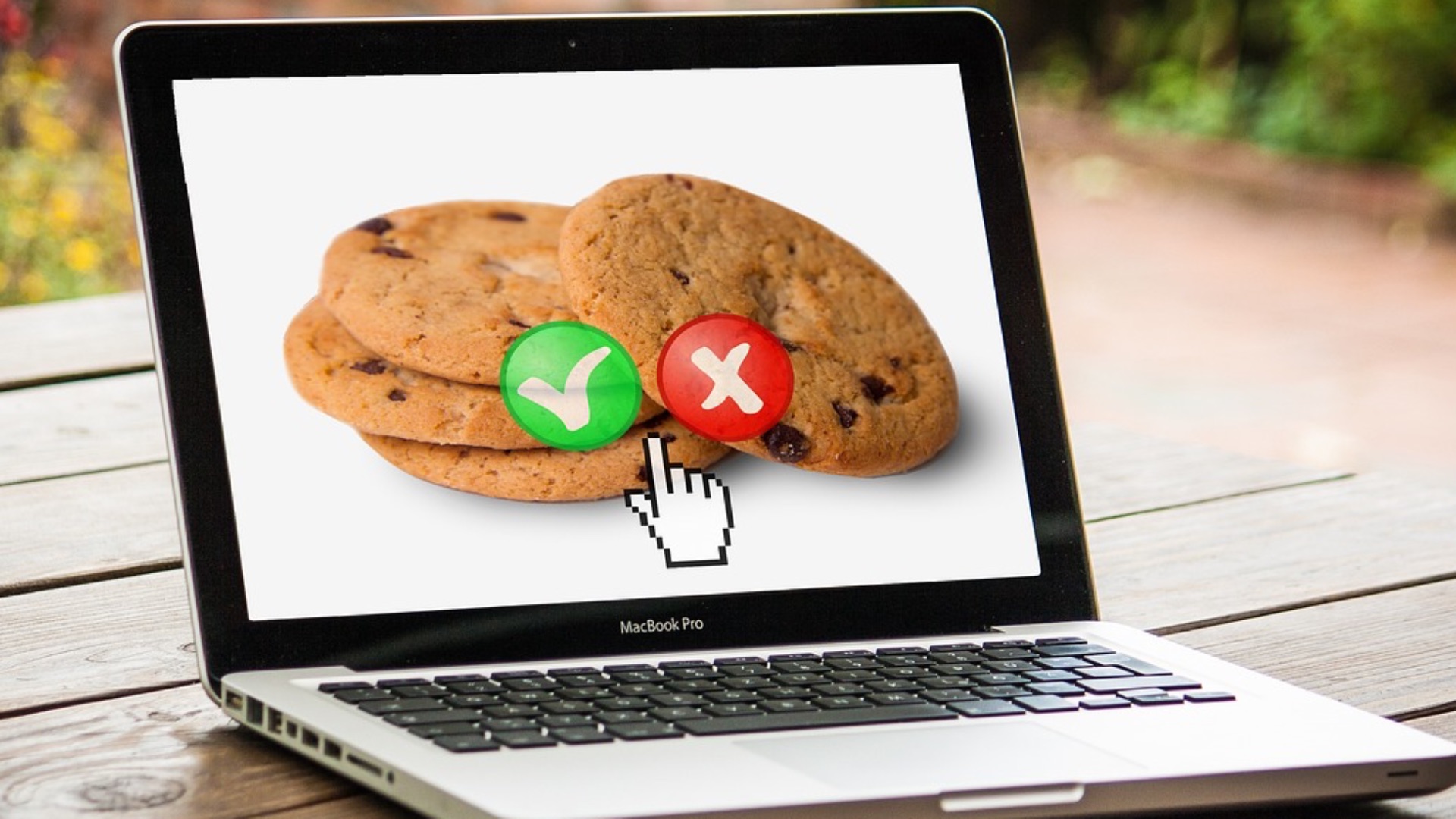
If you've ever visited a website and been greeted with a pop-up asking whether you accept cookies, you've probably wondered what that actually means. It's one of those digital terms that gets thrown around constantly, yet most people don't have a clear picture of what's actually happening behind the scenes when they click "Accept All."
Internet cookies are small text files that websites store on your device when you browse online. They were designed to make your online experience smoother and more personalized, but they've also become a significant talking point in conversations about privacy, data security, and digital rights. Understanding what cookies are, how they work, and why they matter can help you make more informed decisions about your online activity.
The Basics: What Cookies Actually Are
At their core, internet cookies are tiny pieces of data that a website sends to your browser, which then stores them on your device for later use. When you return to that site, your browser sends the stored cookie back to the server, letting the website recognize you and recall information about your previous visit. They're not programs or apps; they can't run on their own or carry viruses.
The concept was introduced in 1994 by Lou Montulli, a programmer at Netscape, who created cookies as a way to solve a practical problem: websites had no memory between sessions, so every visit felt like a first visit. Cookies gave websites a way to remember users without storing everything on the server itself. It was a relatively simple solution that ended up shaping how the entire internet functions today.
There are different types of cookies, and they don't all serve the same purpose. Session cookies are temporary and disappear once you close your browser, while persistent cookies stick around for a set period of time even after you've left the site. First-party cookies come directly from the website you're visiting, whereas third-party cookies are placed by external services (like advertisers) that have code embedded on that page.
What Cookies Are Used For
One of the most common and practical uses of cookies is keeping you logged in to websites. Without them, you'd have to re-enter your username and password every time you navigated to a new page within the same site. They also remember things like your shopping cart contents, language preferences, and display settings, which saves you from having to set everything up from scratch on each visit.
Beyond convenience, cookies play a major role in analytics. Website owners use them to track how visitors interact with their pages: which links get clicked, how long someone stays on a given article, and where users tend to drop off. This kind of data helps businesses understand their audience and improve the overall experience of their site; it's less about spying and more about measuring performance.
Advertising is where cookies get a bit more contentious. Third-party tracking cookies follow your activity across multiple websites to build a profile of your interests, which is then used to serve you targeted ads. If you've ever searched for something online and then seen ads for it across completely different websites, you've experienced this firsthand. According to Pew Research, a large majority of Americans feel they have little control over how their personal data is collected and used online, and tracking cookies are a big part of that concern.
Privacy, Regulations, and Your Rights
Growing awareness of how cookies can be used for surveillance-style data collection has prompted governments around the world to step in with legislation. The European Union's General Data Protection Regulation (GDPR), which came into effect in 2018, requires websites to obtain informed consent before placing non-essential cookies on a user's device. That's largely why you see those cookie consent banners every time you visit a site based in or serving users in Europe.
In the United States, privacy law around cookies is more fragmented, with states like California leading the charge through the California Consumer Privacy Act (CCPA). This legislation gives California residents the right to know what personal data is being collected about them and to opt out of its sale to third parties. Other states have followed with their own versions of consumer privacy laws, though there's still no single federal standard in place.
You do have options when it comes to managing cookies on your own terms. Most browsers allow you to view, delete, or block cookies through their settings menus, giving you a reasonable degree of control over what gets stored on your device. Opting out of non-essential cookies through a website's consent banner is another straightforward step, even if it occasionally means some features won't work as smoothly. Thankfully, being aware of these tools doesn't require technical expertise; you just need to know they exist and dedicate a few minutes to exploring your browser's privacy settings.