Untapped Potential
Most of us use our smartphones for the same handful of things every day: texting, scrolling, taking photos, checking email, and browsing the web. Yet both iPhones and Android devices include plenty of surprisingly useful tools that simplify everyday tasks, reduce clutter, and even dial 911 in an emergency, sometimes without even needing to unlock your phone. Depending on your phone model and operating system, you may already have many of these useful features available without downloading anything extra. Here are 20 ways to start making better use of your thousand-dollar device.
1. Identify Songs Playing Around You
Your phone can recognize music playing in a restaurant, store, television show, or almost anywhere else. On many devices, you can ask the built-in assistant to identify a song, while some phones also offer dedicated music-recognition controls. Certain Android models can even display recognized songs automatically on the lock screen. It's an easy way to find a track without trying to remember a lyric or search for it later.
2. Turn the Back of Your Phone Into a Shortcut Button
Some smartphones let you trigger an action simply by tapping the back of the device two or three times. Depending on your settings, that gesture might take a screenshot, open an app, activate the flashlight, or run another shortcut. You can usually customize the action so it handles something you use regularly. It's especially useful when the feature you want would otherwise require several taps through menus.
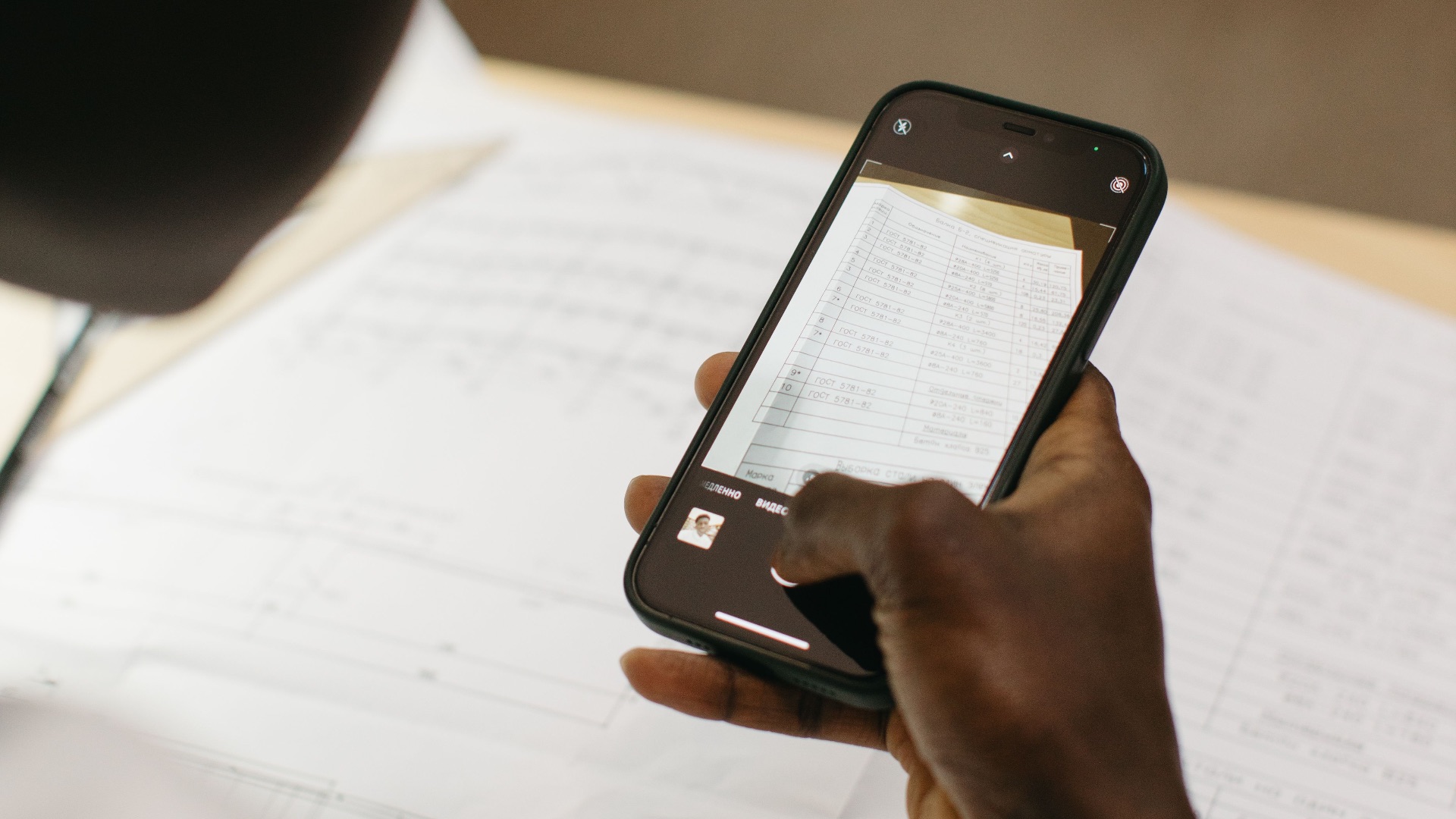
3. Scan Documents Without a Separate Scanner
You don't necessarily need a printer or dedicated scanning app to create a clean digital copy of paperwork. Many phones can scan documents through built-in notes, file-management, or camera features and automatically detect the edges of the page. The resulting image can often be saved as a PDF, shared, or stored with your other files. This works well for receipts, signed forms, handwritten notes, and other documents you don't want to photograph manually.
4. Copy Text Straight from a Photo
Modern smartphones can recognize printed and handwritten text inside photographs. That means you can photograph a phone number, address, menu, sign, or document and then select the words as though they were regular digital text. From there, you may be able to copy, search, translate, call, or share what you've selected. It can save a surprising amount of typing when you're working with information that exists only on paper.
5. Measure Objects with the Camera
Depending on your device, the camera can double as a basic measuring tool. Augmented-reality features can estimate the length, width, or height of objects by using your phone's sensors and camera. It's not a replacement for precise professional measurements, but it can be useful when you need a quick estimate for furniture, wall space, or another household item. Some phones can also automatically detect rectangular objects and calculate their approximate dimensions.
6. Create Custom Vibrations for Certain Contacts
You don't always need to look at the screen to know who's trying to reach you. Some phones allow you to assign unique vibration patterns to individual contacts or types of alerts. Once you learn the pattern, you can recognize an important call or message while the phone is still in your pocket. This is particularly handy when you're somewhere that requires your device to remain silent.
7. Share Your Wi-Fi Without Reading Out the Password
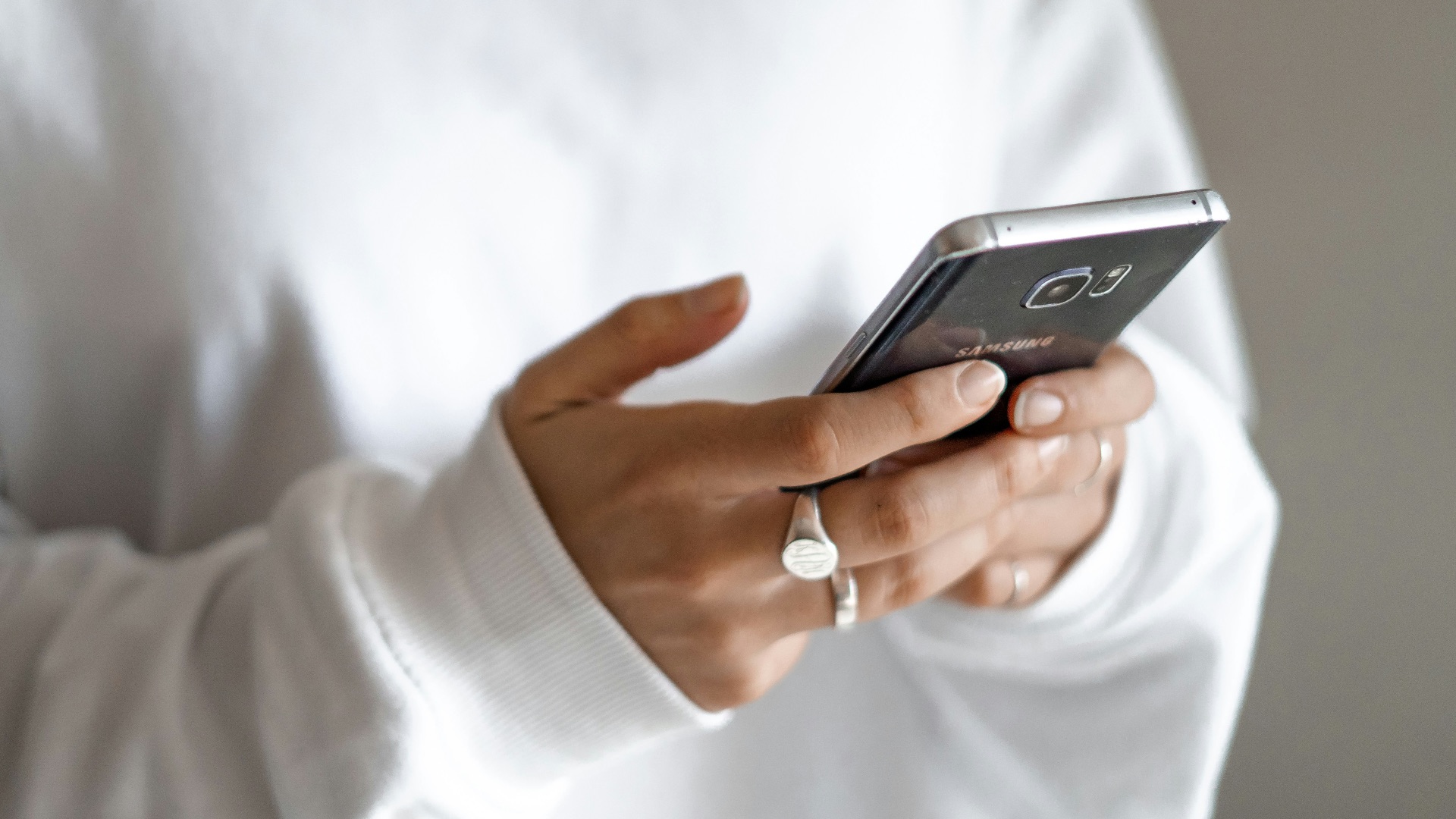
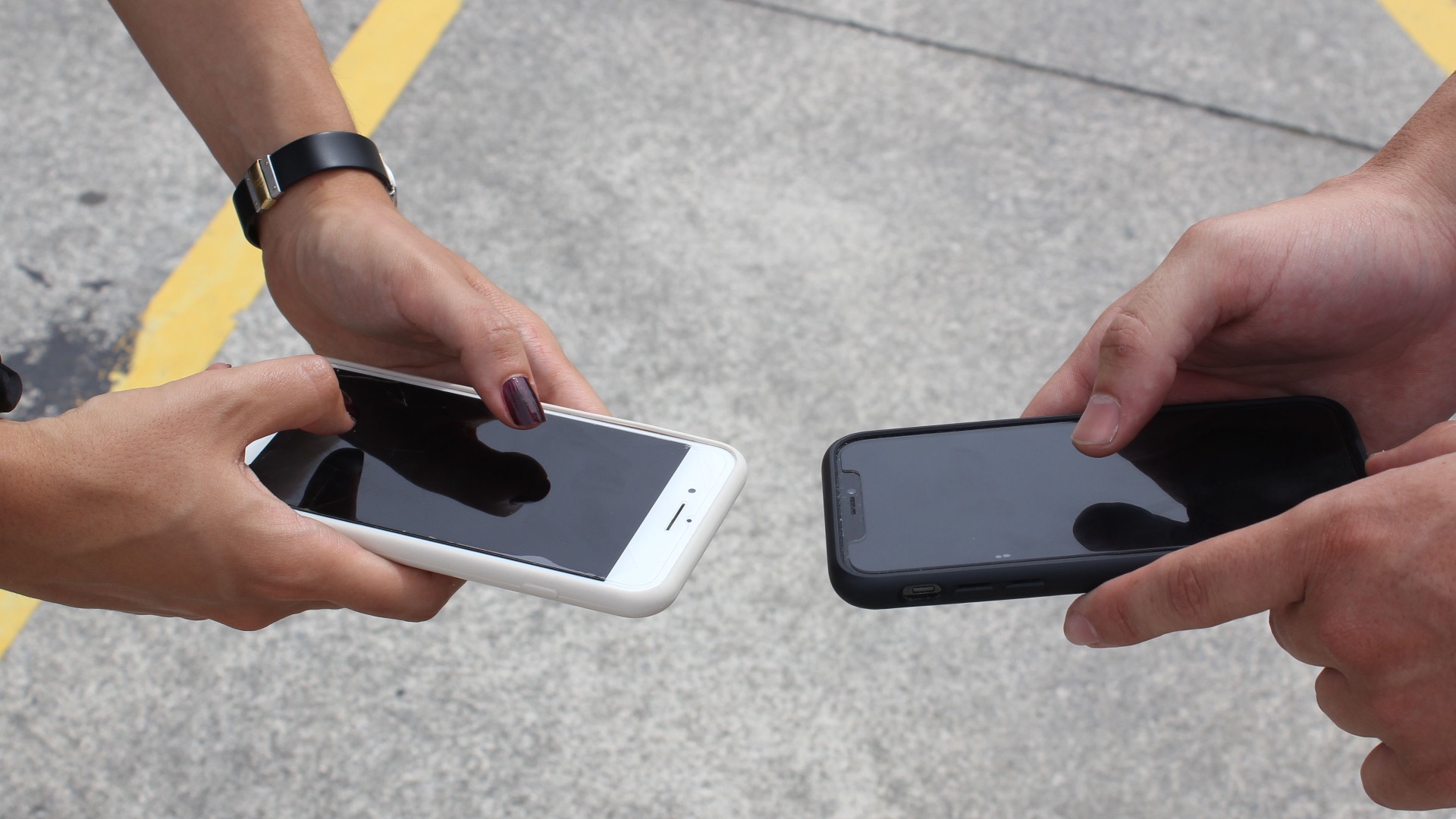
Long Wi-Fi passwords become much less frustrating when your phone handles the sharing for you. Depending on the devices involved, you may be able to send network credentials directly to someone nearby or display a QR code they can scan. The other person can then connect without manually entering every character. It also lets you provide access without repeatedly saying or typing the password.
8. Use Your Phone as a Level
The sensors that help your screen understand its orientation can sometimes serve another purpose around the house. Many smartphones include or support a digital level that can tell you whether a shelf, picture frame, table, or other surface is straight. Place the phone against the object, and the display will show how far it's tilted. For small everyday jobs, it can save you from searching for a physical level.
 Emojisprout emojisprout.com on Unsplash
9. Automatically Silence Calls from Unknown Numbers
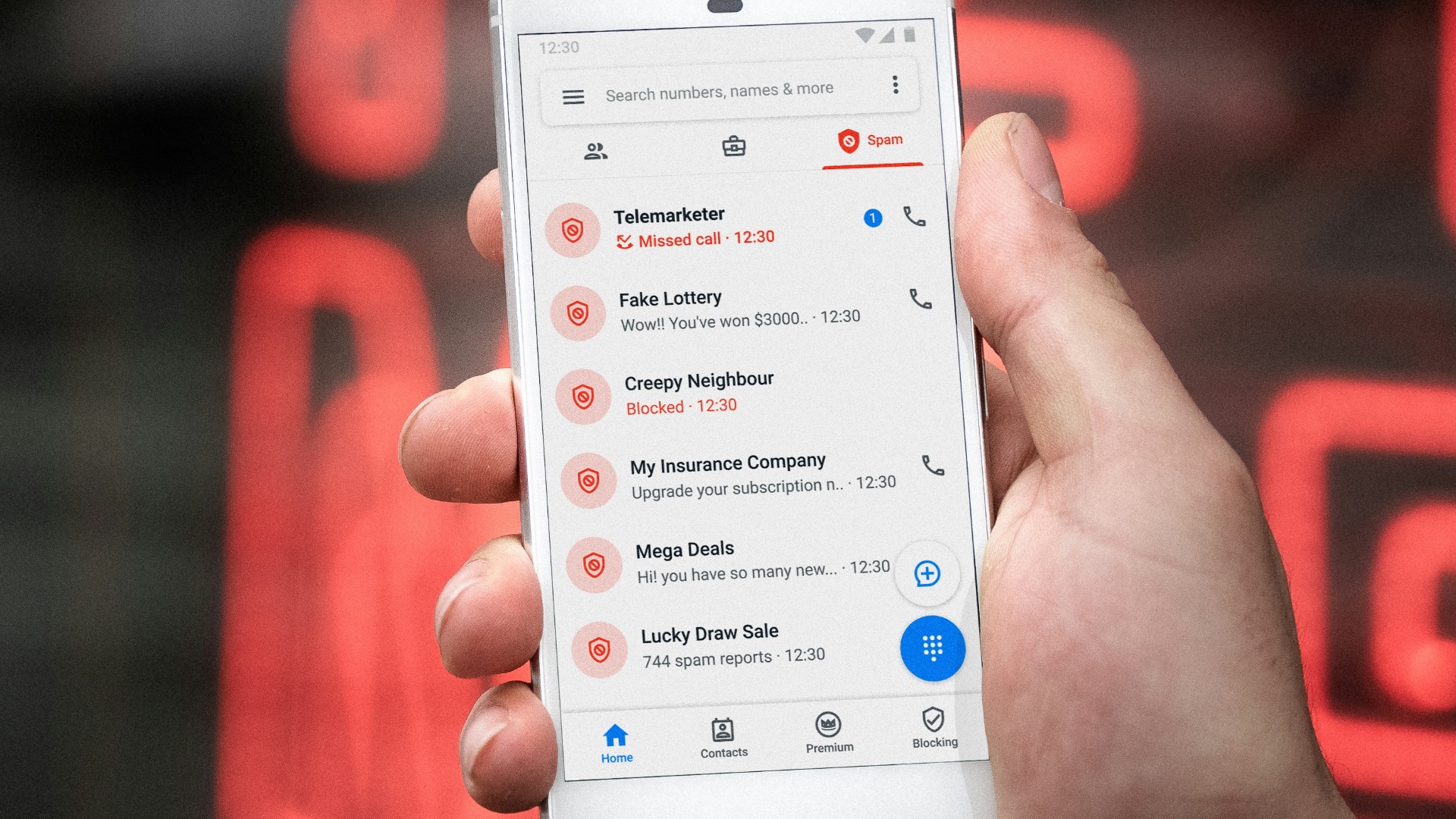
Spam calls can become much less disruptive when you use your phone's built-in call-screening options. Depending on the operating system and device, unknown callers can be silenced, filtered, screened, or sent directly to voicemail while recognized contacts continue to ring normally. Some phones also identify suspected spam before you answer. The exact options differ by manufacturer and carrier, so it's worth checking the phone settings to see what's available.
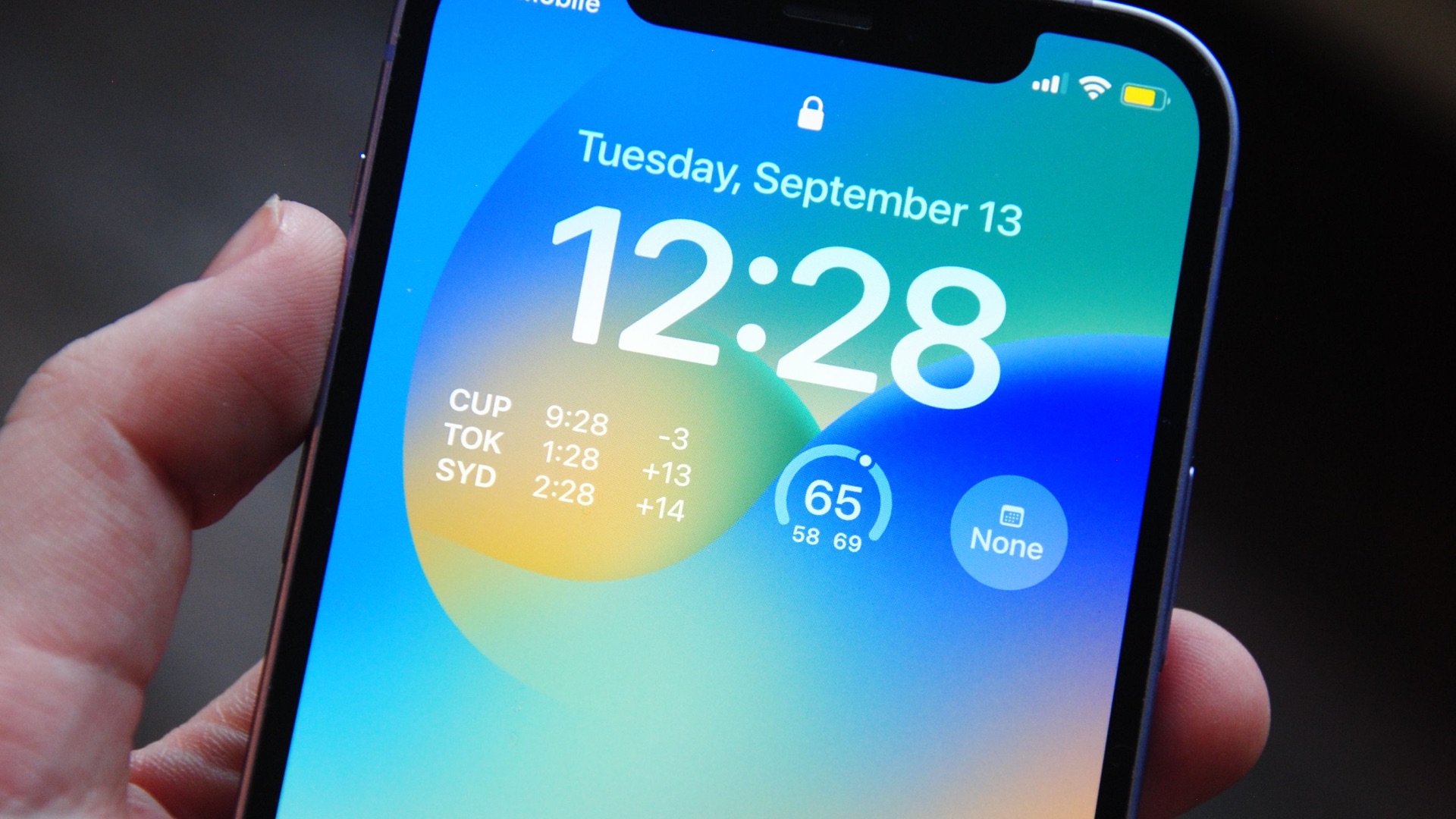
10. Pin Important Information to Your Lock Screen
Your lock screen can display more than the time and notifications. Some devices let you add contact details, medical information, or a short personal message that remains visible even when the phone is locked. That can be useful if you lose the device because someone who finds it may have a way to contact you. Emergency information can also give first responders access to details you've chosen to make available without unlocking the phone.
11. Replace Typing with Built-In Text Expansion
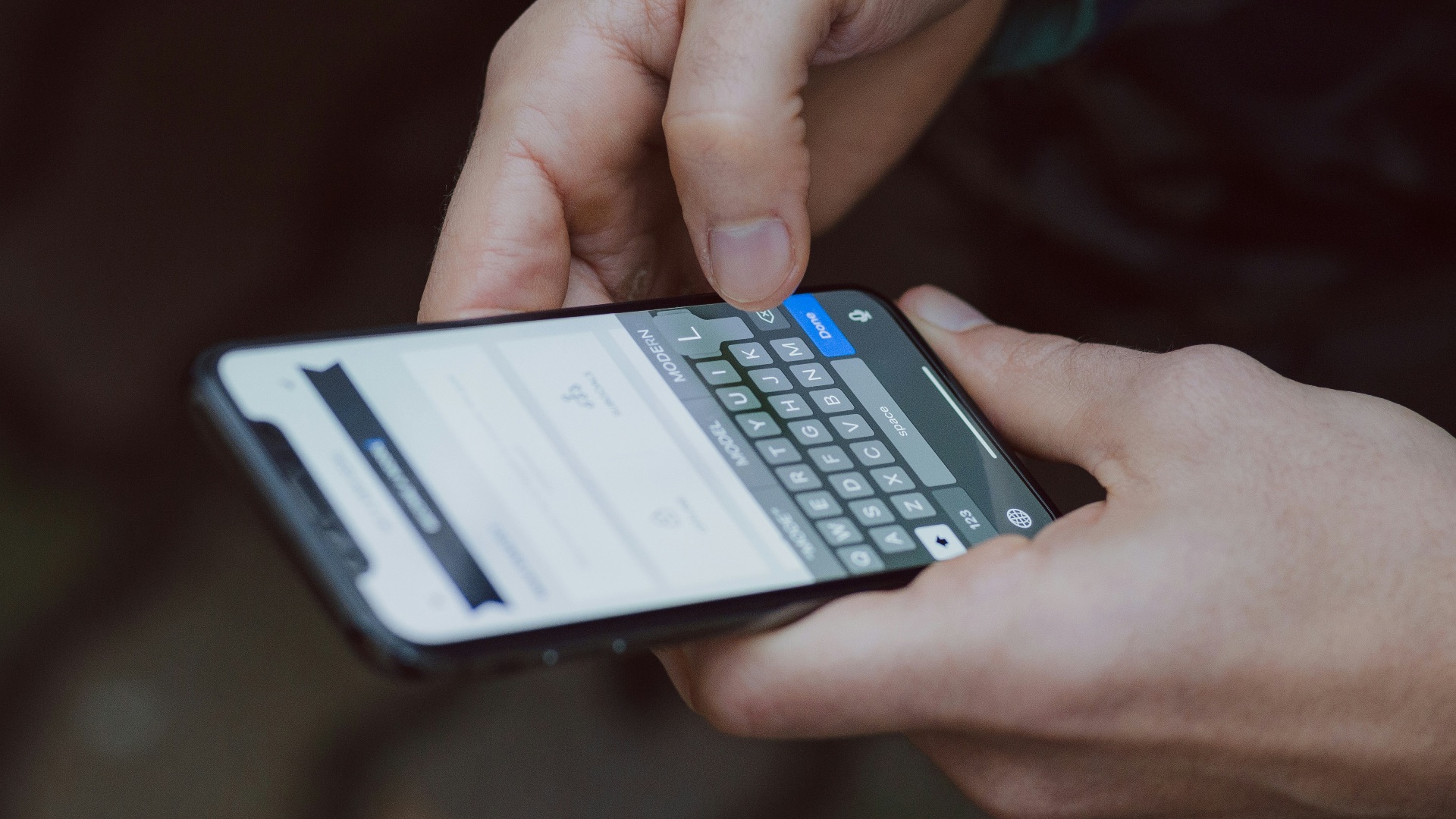
If you repeatedly type the same phrases, addresses, email signatures, or other information, your phone may be able to do most of the work for you. Text-replacement features let you create a short abbreviation that automatically expands into a longer phrase when entered. For example, a few letters could produce your full mailing address or a sentence you use frequently. Once you've created several useful shortcuts, routine typing becomes noticeably faster.
12. Translate Text Through the Camera
You don't always have to type unfamiliar words into a translation service one line at a time. Many phones can recognize text through the camera and translate what they see directly on the screen. This can be useful for menus, signs, instructions, packaging, and other printed material when traveling or reading another language. Some devices also allow translation from photographs you've already taken.

13. Control the Phone with Your Voice
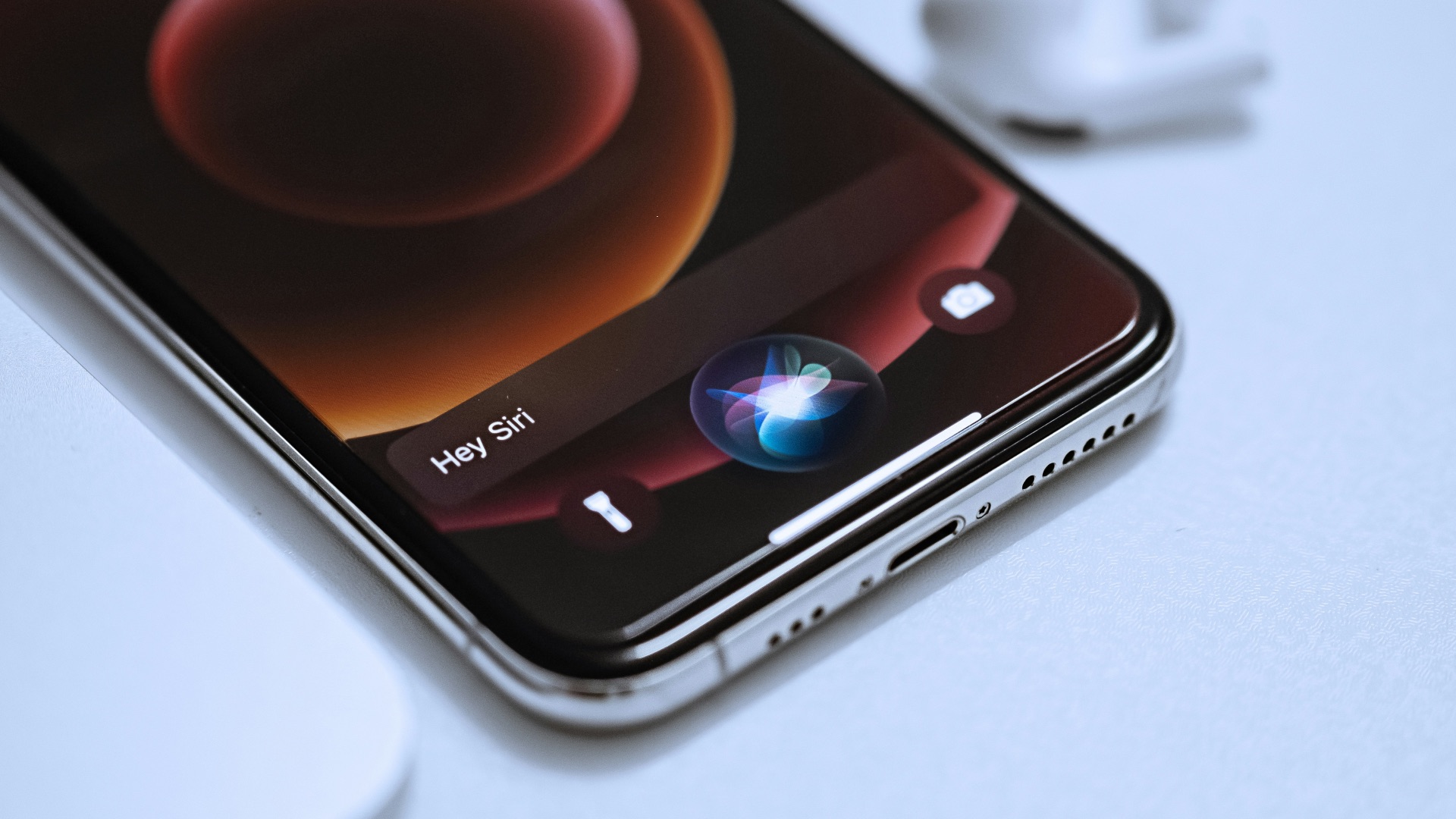
Voice assistants can do much more than answer basic questions or set timers. Depending on your phone, accessibility features may let you navigate menus, open apps, tap on-screen controls, compose messages, scroll through pages, and perform other actions using spoken commands. These controls were designed in part to make smartphones easier to use for people with different accessibility needs, but they're available to many users. They can also be convenient when your hands are occupied.
14. Remove Location Information Before Sharing a Photo
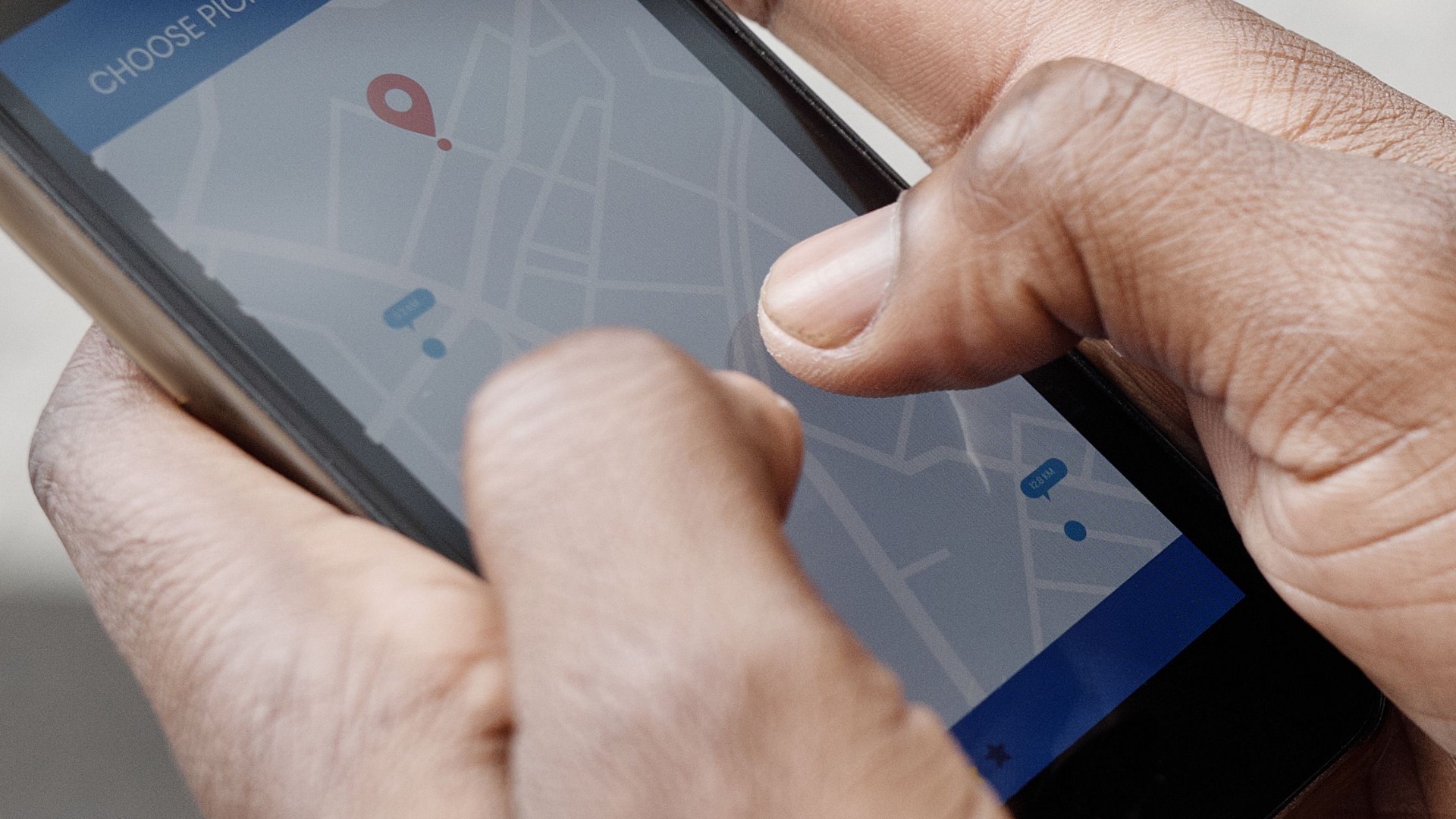
A photo can contain information beyond what you see in the image itself. If location services were active when the picture was taken, the file may include data showing where it was captured. Many phones now let you remove or exclude location details before sending a photograph to someone else. Checking those sharing options gives you greater control over how much information accompanies the image.
15. Turn Your Camera Flash Into a Notification Light
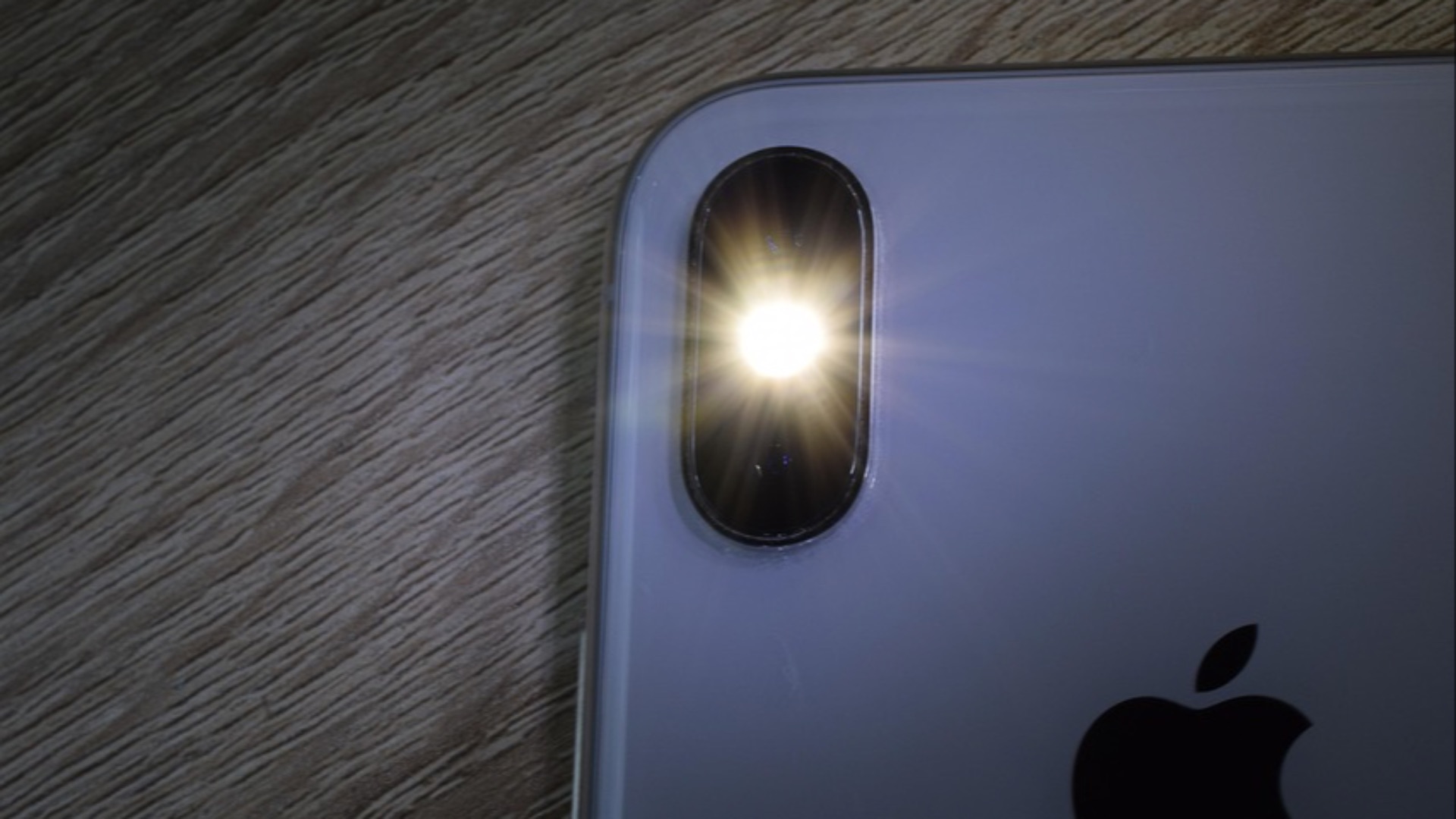
If you frequently miss calls or alerts, your camera flash may be able to help. Accessibility settings on many smartphones allow the LED flash to blink when certain notifications arrive. This visual alert can be useful when the phone is lying face down, you're in a noisy environment, or you aren't relying on sound. You can usually turn the feature off again whenever flashing notifications become unnecessary.
16. Find Photos by Searching for What's in Them
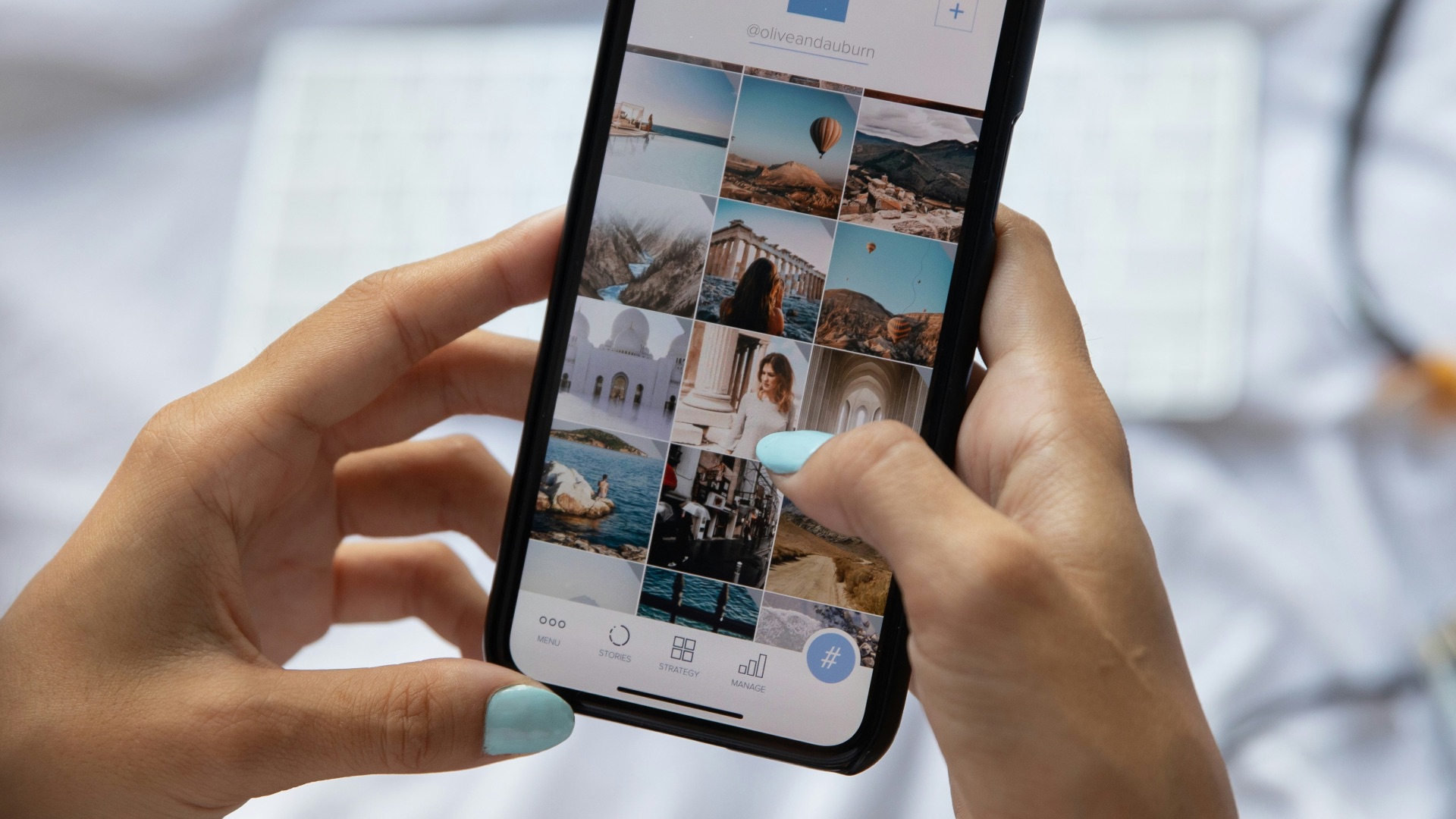
Scrolling through several years of photos isn't always the fastest way to locate one specific picture. Smartphone photo apps can often recognize objects, places, animals, text, dates, and other details within your image library. Searching terms such as "dog," "beach," "receipt," or "birthday" may bring up relevant photographs even if you never labeled them yourself. Results aren't always perfect, but the feature can dramatically narrow a large collection.
17. Set Apps to Stop Distracting You Temporarily
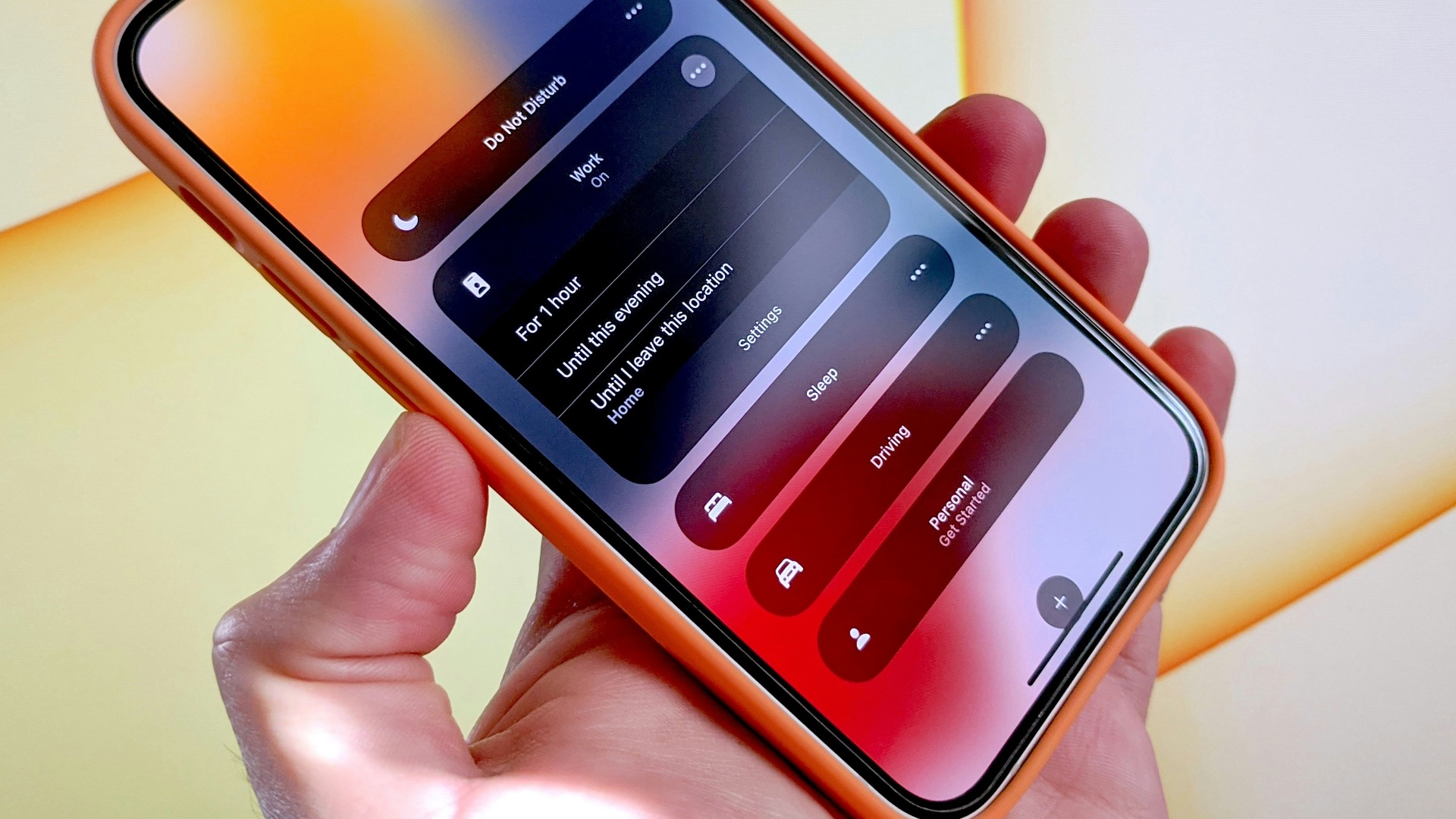
Screen-time tools aren't limited to showing you how many hours you've spent on your phone. Most current smartphones include settings that can limit specific apps, reduce notifications, schedule periods with fewer interruptions, or make certain programs unavailable after you've reached a chosen limit. You can adjust these controls around work, study, sleep, or any other part of your schedule. Even if you don't want strict restrictions, temporary limits can make it easier to control when particular apps demand your attention.
18. Use Emergency SOS Without Unlocking the Phone
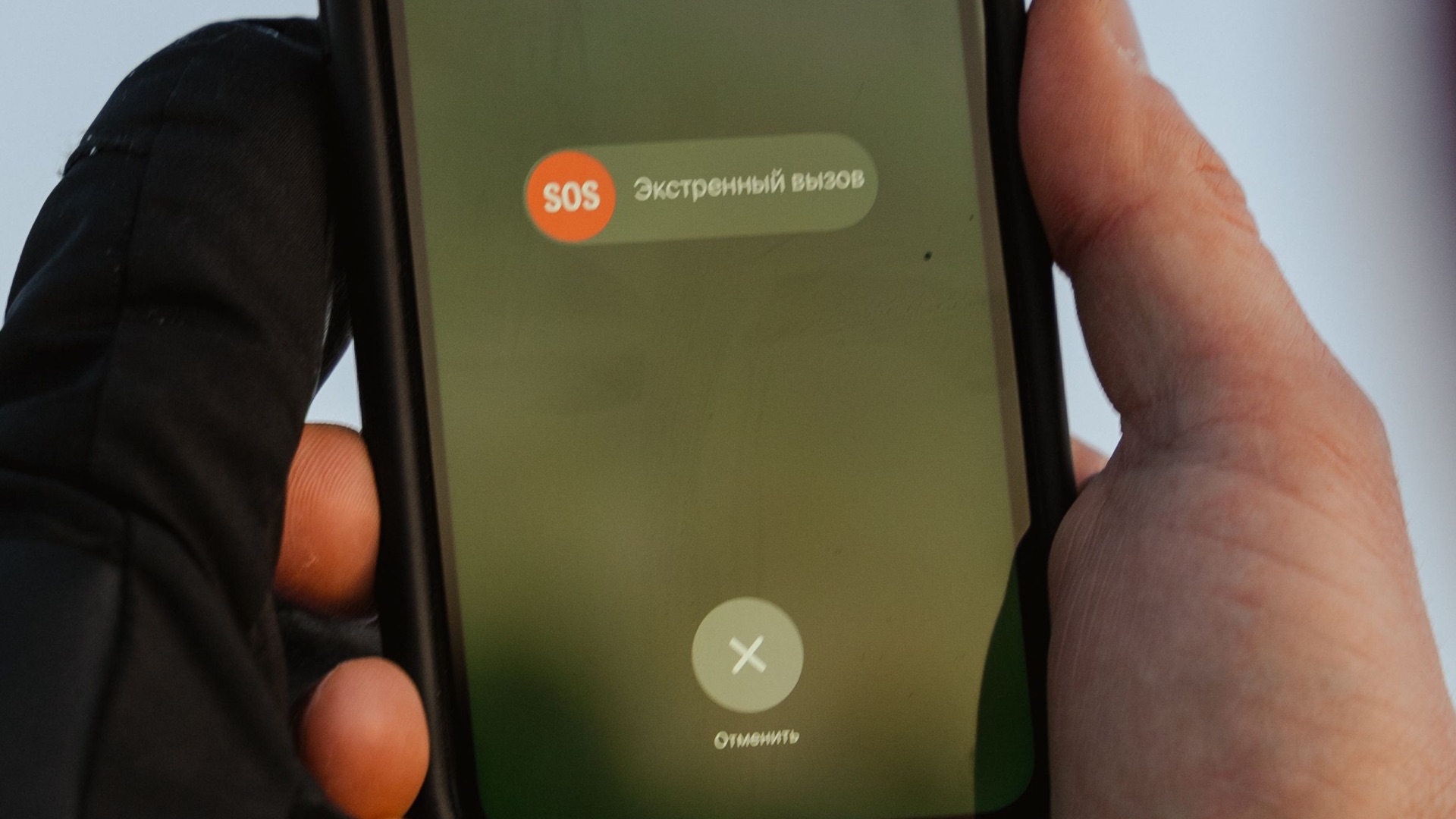
Smartphones commonly include emergency features that can be activated quickly without navigating through the usual menus. Depending on the device and region, a sequence of button presses may call emergency services, notify selected contacts, or share your location. Some phones also support additional safety functions tied to crashes, satellite communication, or scheduled check-ins, although availability varies by model and country. It's worth learning how your own device's emergency controls work before you ever need them.
19. Automatically Delete Sensitive Clipboard Information
Anything you copy on a phone temporarily enters its clipboard, including passwords, addresses, account numbers, and other information you may not want sitting there indefinitely. Modern mobile operating systems increasingly place restrictions on how apps can access clipboard contents, and some keyboards or password managers can clear copied information automatically after a short period. You can also manually overwrite the clipboard by copying something harmless after you've finished. Paying attention to copied data is a simple way to reduce unnecessary exposure of sensitive information.
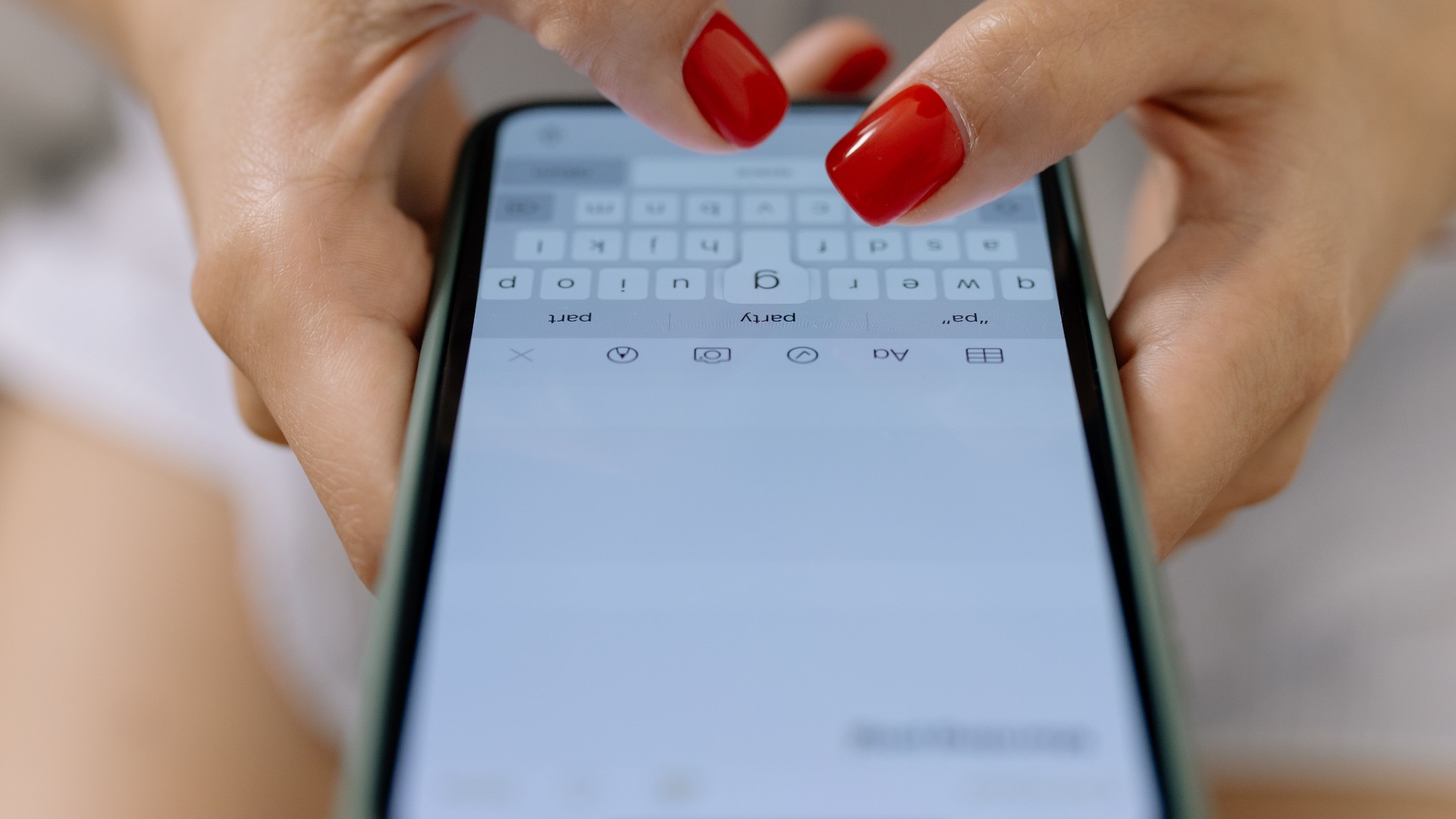
20. Create Automated Routines for Repetitive Tasks
Your smartphone can handle certain repeated actions automatically instead of waiting for you to perform them every time. Built-in automation tools can change settings, launch apps, send predetermined information, start navigation, activate focus modes, or perform several actions together when a particular time, location, or trigger is detected. You could create a routine for arriving at work, getting into the car, going to bed, or starting a workout. Once configured, these automations can eliminate several small steps you would otherwise repeat every day.