Not Shutting Down Your Laptop? That's a Bad Call
Are you a good laptop owner? Well, if you're always keeping it in sleep mode instead of fully shutting it down at the end of the day, that's already telling enough. If your laptop is running slower than it was, looking beat-up around the edges, and caked with years-old stains and grime, your bad habits could be cutting your device's lifespan short. Which ones in this list are you guilty of doing?

1. Blocking Air Vents
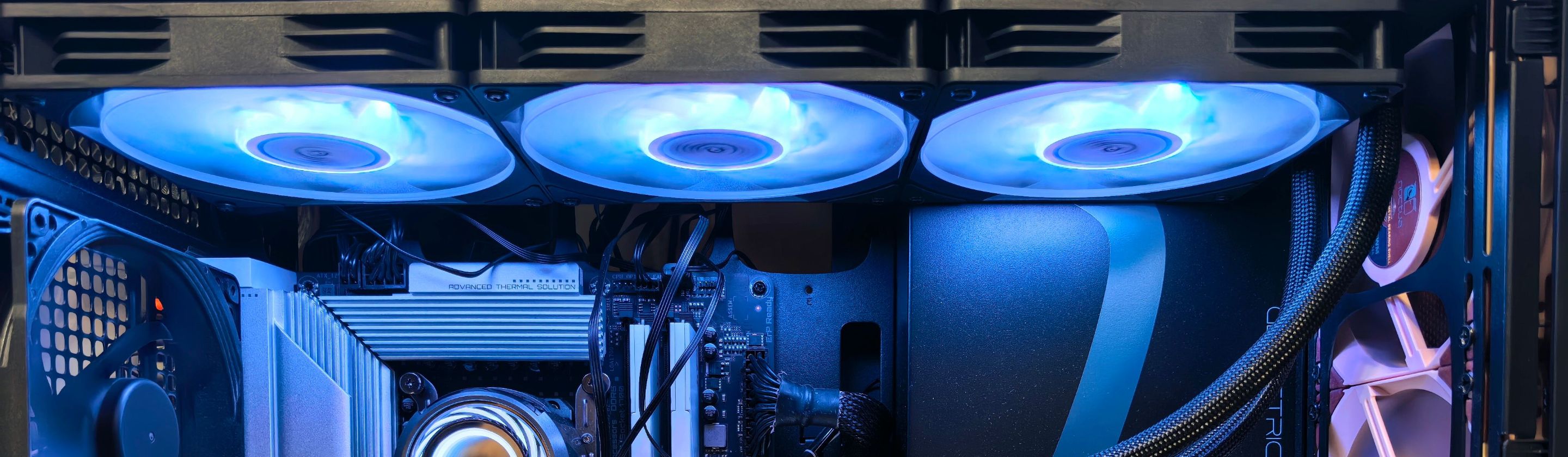
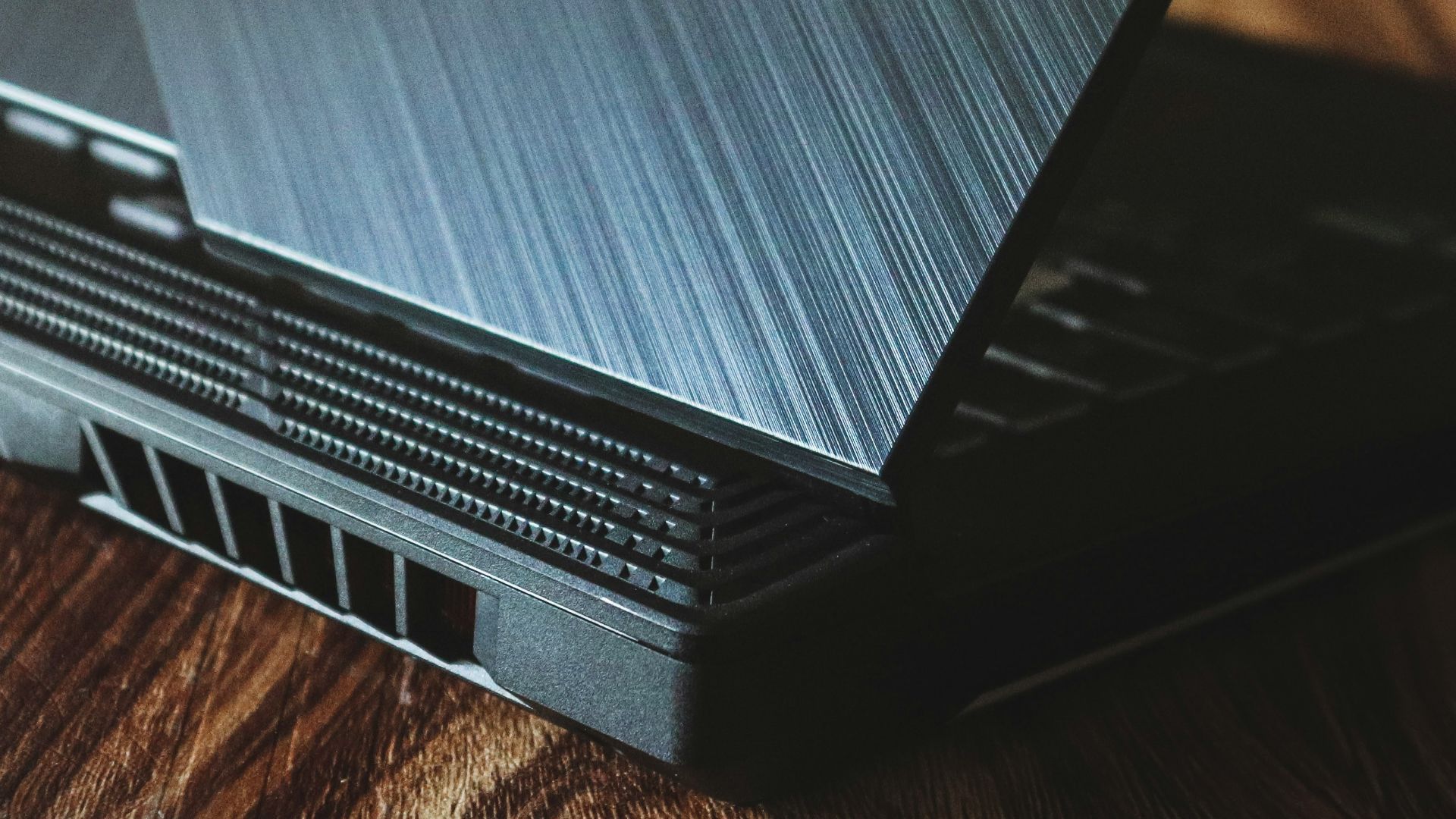
Your laptop needs to breathe, and if you're blocking the vents where the fans are, it'll only make it easier for your device to overheat and cause problems in the long run. Don't place your laptop over a cloth or leave it resting on sofa arms, and instead lay it at an angle where it can stay cool.
2. Eating or Drinking Around It
Eating or drinking around your laptop is risky. No matter how careful you are, at best you end up staining it, and at worst you spill your entire mug of coffee on it. Always keep your laptop placed away from you or on a separate table when you eat or drink.

3. Keeping it Plugged In
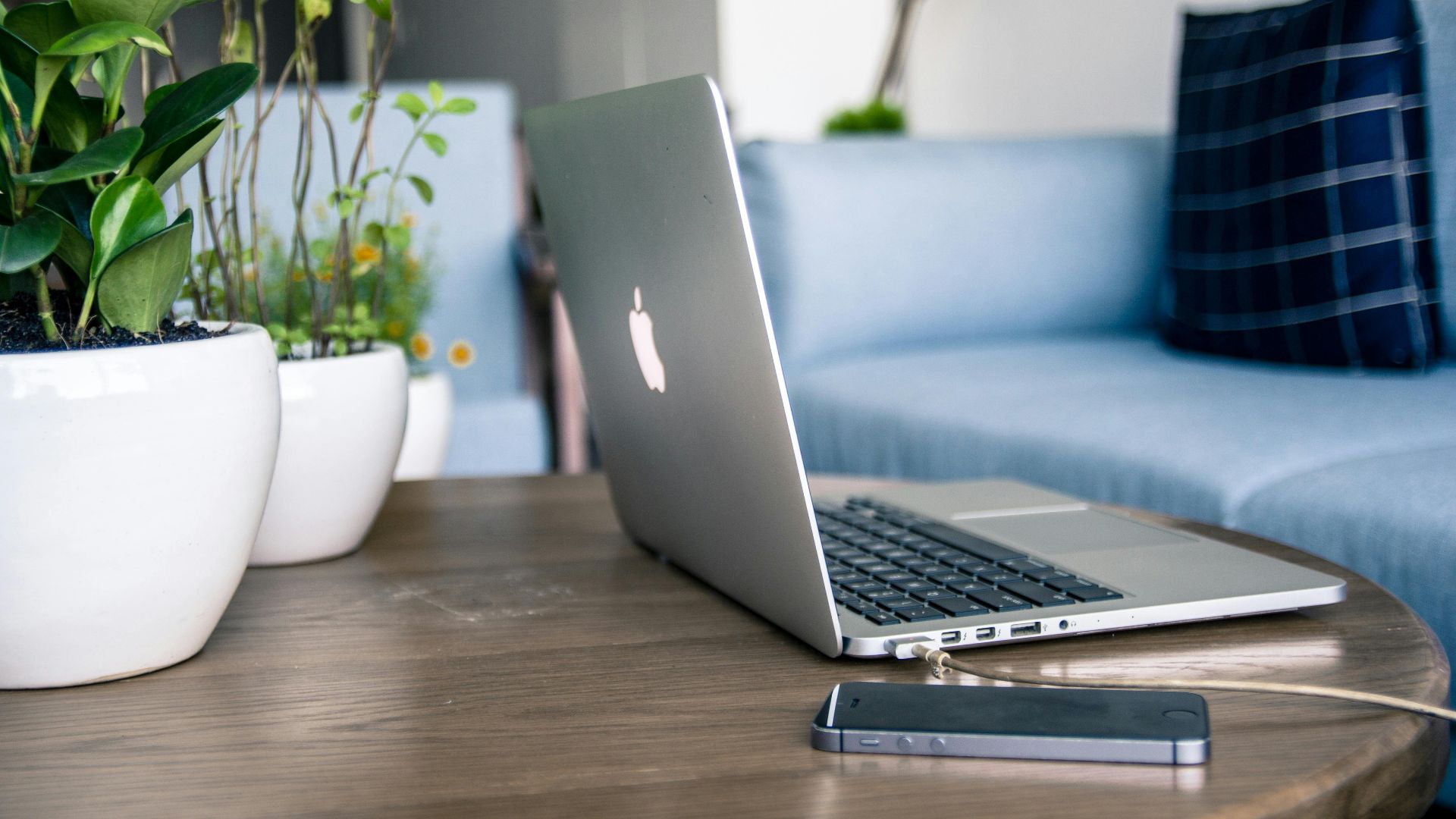
You might think keeping your laptop charged all the time means it'll never go through complete cycles, thus reducing wear and tear on your battery. However, even on newer models, this can shorten your laptop's lifespan. After all, keeping it plugged in all the time exposes it to excessive heat—and too much voltage.
4. Not Cleaning It Occasionally
Your laptop needs a little bath every so often, which usually means taking a microfiber cloth to wipe fingerprints and marks off the screen and blowing dust from your keyboard. If you don't get into the habit of this, you might end up with so much grime and dirt that it gets stuck underneath your keys.
 Photo By: Kaboompics.com on Pexels
5. Leaving It Out in the Summer
If you're taking your laptop with you to work or to a cafe, avoid leaving it in the car for long periods of time unattended. In fact, treat it like a pet. Just as you wouldn't leave your pooch in a sweltering car, you don't want your laptop to overheat in the backseat, either.

6. Leaving It Out in the Winter
Temperatures in the opposite extreme are also bad. Exposing your laptop to freezing weather, whether in a cold room, an unattended car, or anywhere else, can damage its internals. The best is to leave it at room temperature—not too cold, not too hot.

7. Not Shutting It Down
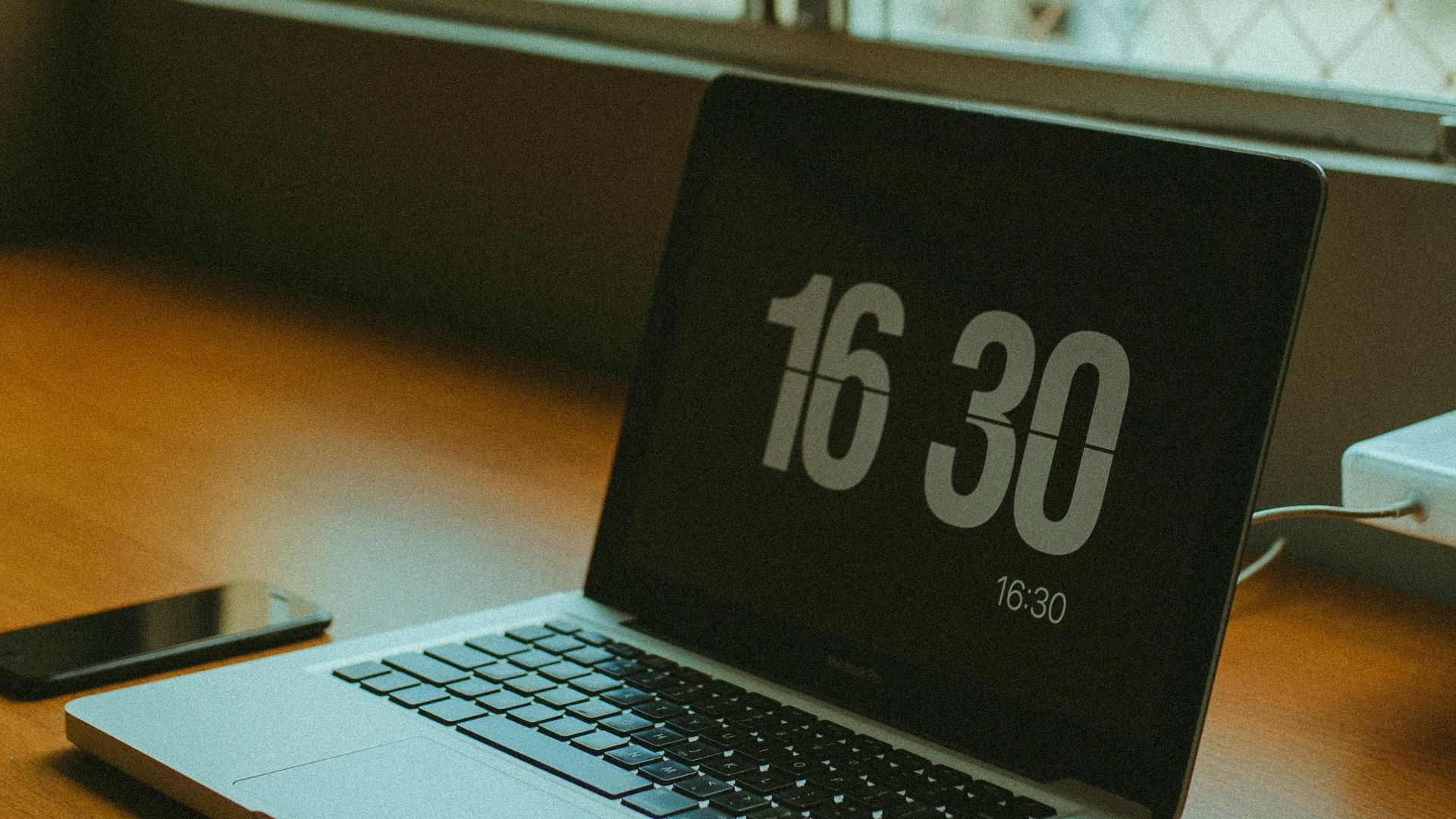
Are you guilty of just closing your laptop lid at the end of the day instead of completely shutting it down? While you don't need to shut down your laptop every day, you should still do it at least once a week. This helps your laptop "reset" in a sense, preventing excessive wear and tear by clearing out its working memory, allowing it to run more smoothly the next time you power it on.
8. Not Installing Updates
When a new update is available for your laptop, install it as soon as you can. Like your phone, these updates often provide not only new features for your device, but also fixes lingering bugs and security issues. Not installing them means you might only encounter more issues in the long run.
 Glenn Carstens-Peters on Unsplash
9. Not Using Adblockers or Anti-Virus Software
Whether you own a PC (personal computer) or a MacBook, you'll want to download either an anti-virus program or an adblocker browser extension. This ensures you don't run into any malicious links or viruses hidden in the sites you visit, which can disrupt your laptop's entire system.

10. Installing Sketchy Software
Sometimes, it's not that you clicked on a sketchy link, but you ended up downloading a sketchy software program. If you're not verifying links and websites before you install them, you risk damaging your laptop and having your data and personal information stolen.

11. Using Third-Party Chargers, Adapters, & Cables
Believe it or not, that cheap knock-off charger you bought on some obscure site on the internet might actually hurt your laptop. This is especially the case if they're of poor quality (hence their low price), which can not only damage your device but may also cause it to overheat.
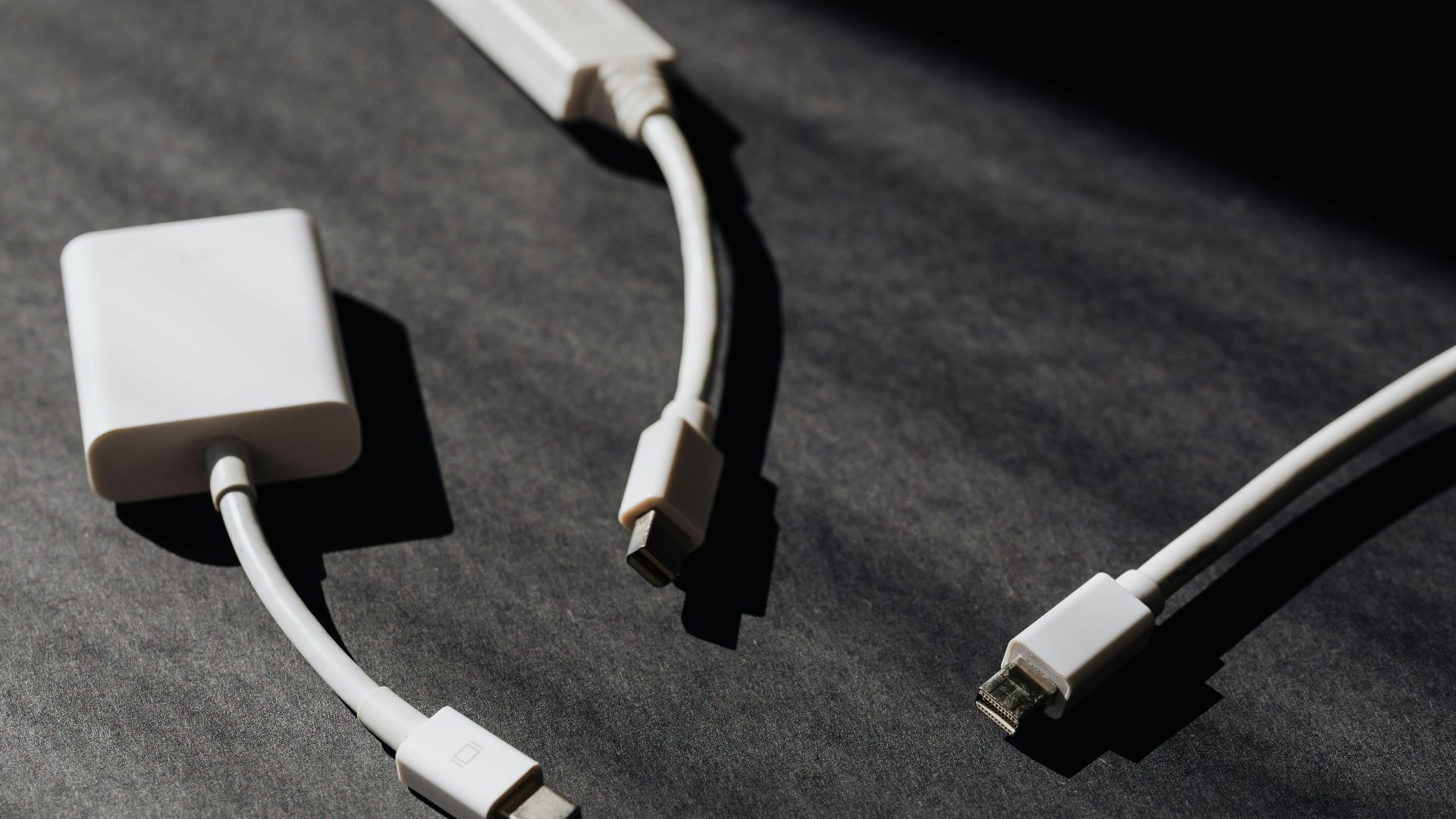 Photo By: Kaboompics.com on Pexels
12. Not Using a VPN
While a VPN (virtual private network) isn't always necessary for everyone, it's still better to use one to protect your privacy and information, especially when you're using public WiFi. Without a VPN, your ISP (internet service provider) can see the sites you visit and how long you're on each one.

13. Draining the Battery
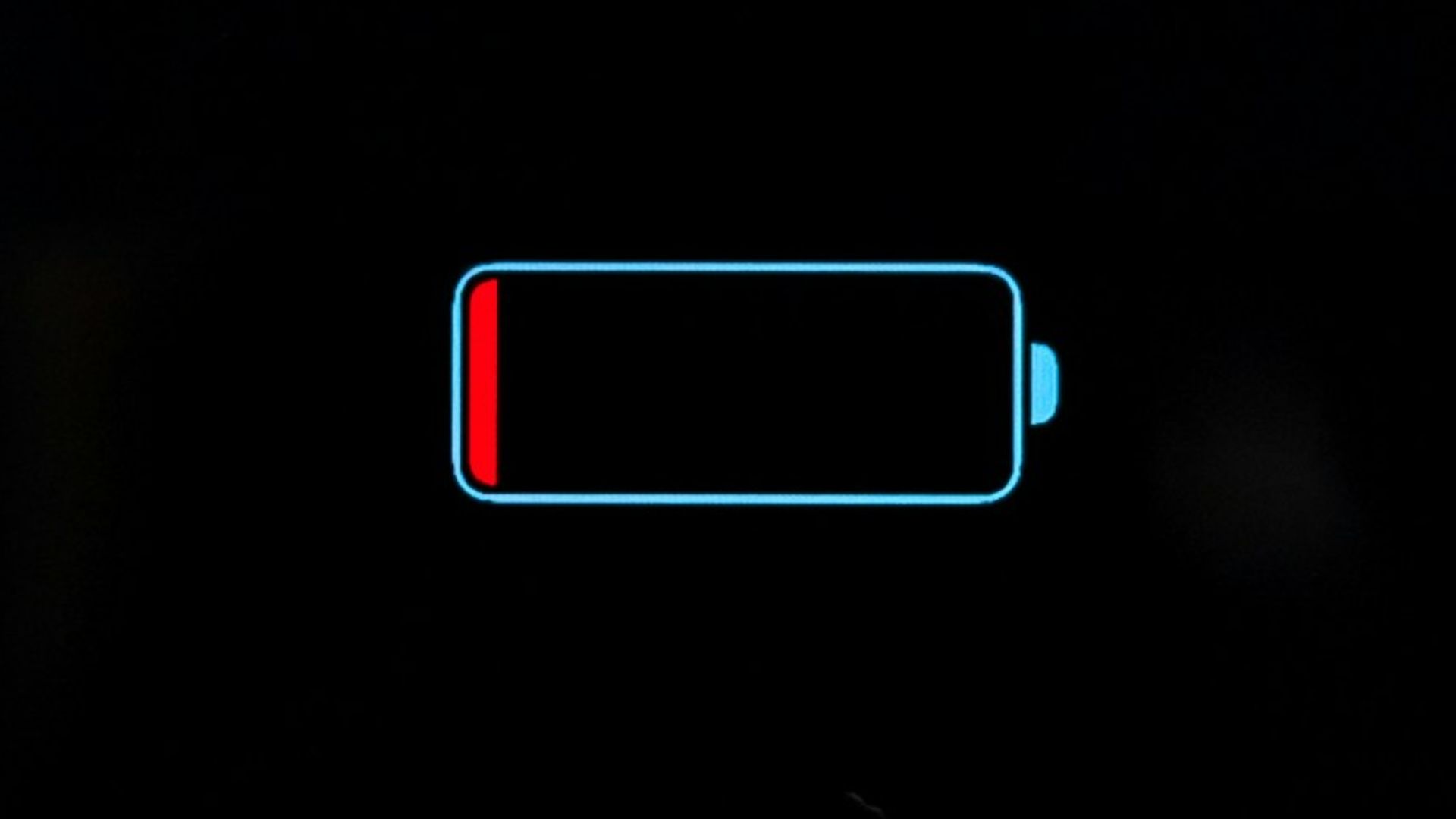
Just as you shouldn't keep your laptop plugged in all the time, you also shouldn't drain your power completely before finally charging it. Doing so strains your battery, and this excessive wear and tear can severely shorten its lifespan.
14. Opening Too Many Applications or Tabs
Whether you have a research paper to write or you're just too lazy to close out windows you don't need, having too many tabs running in the background slows your laptop. This makes it work harder as all those tabs take up space in your computer's memory, which negatively affects its overall performance.
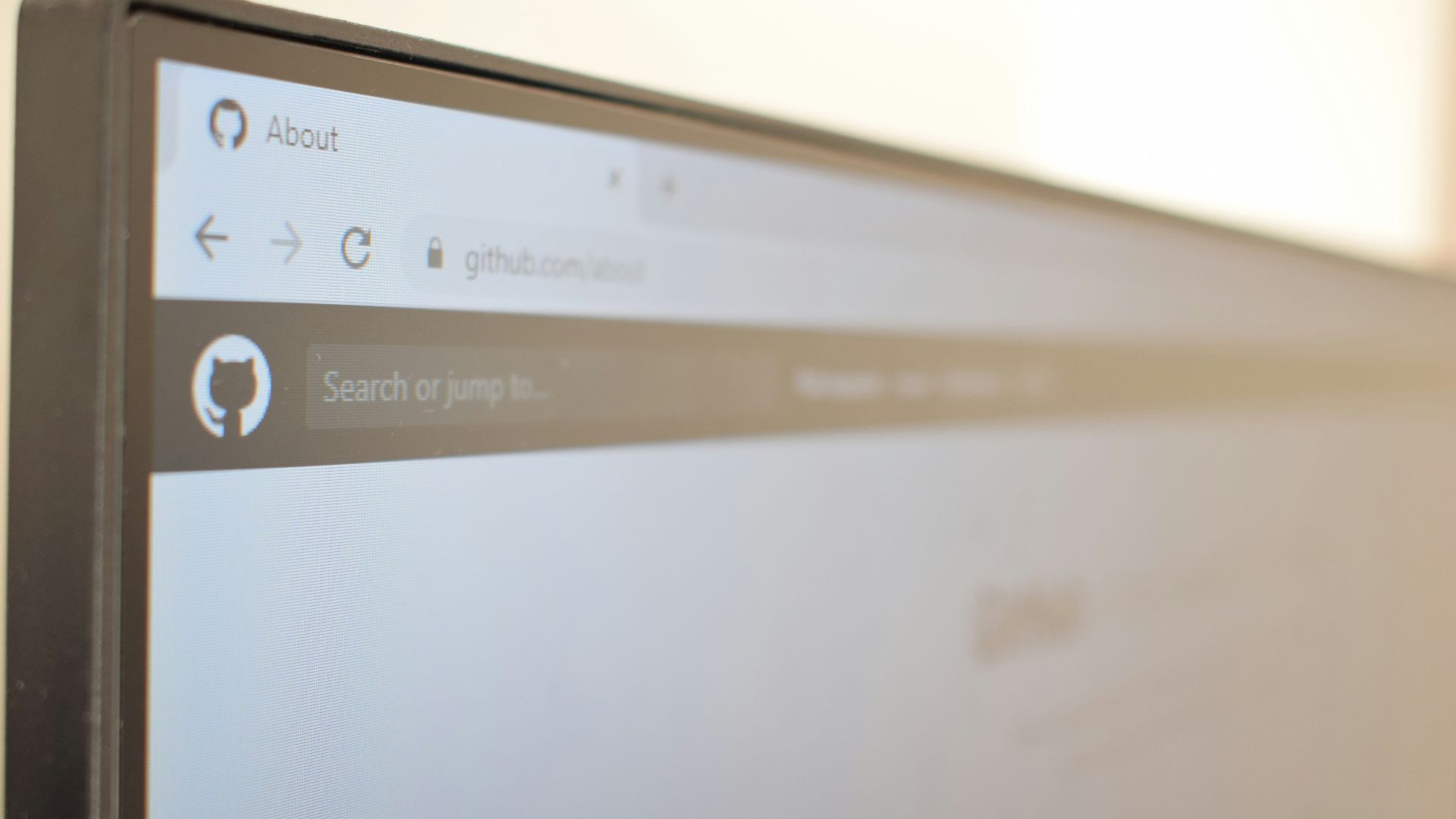
15. Using It to Game
Unless you're playing a small web-based game, you probably shouldn't use your non-gaming laptop to handle graphic-heavy programs. This will not only cause significant lags—which makes gameplay dull, anyway—but will also cause your laptop to overheat, damaging its internal systems.
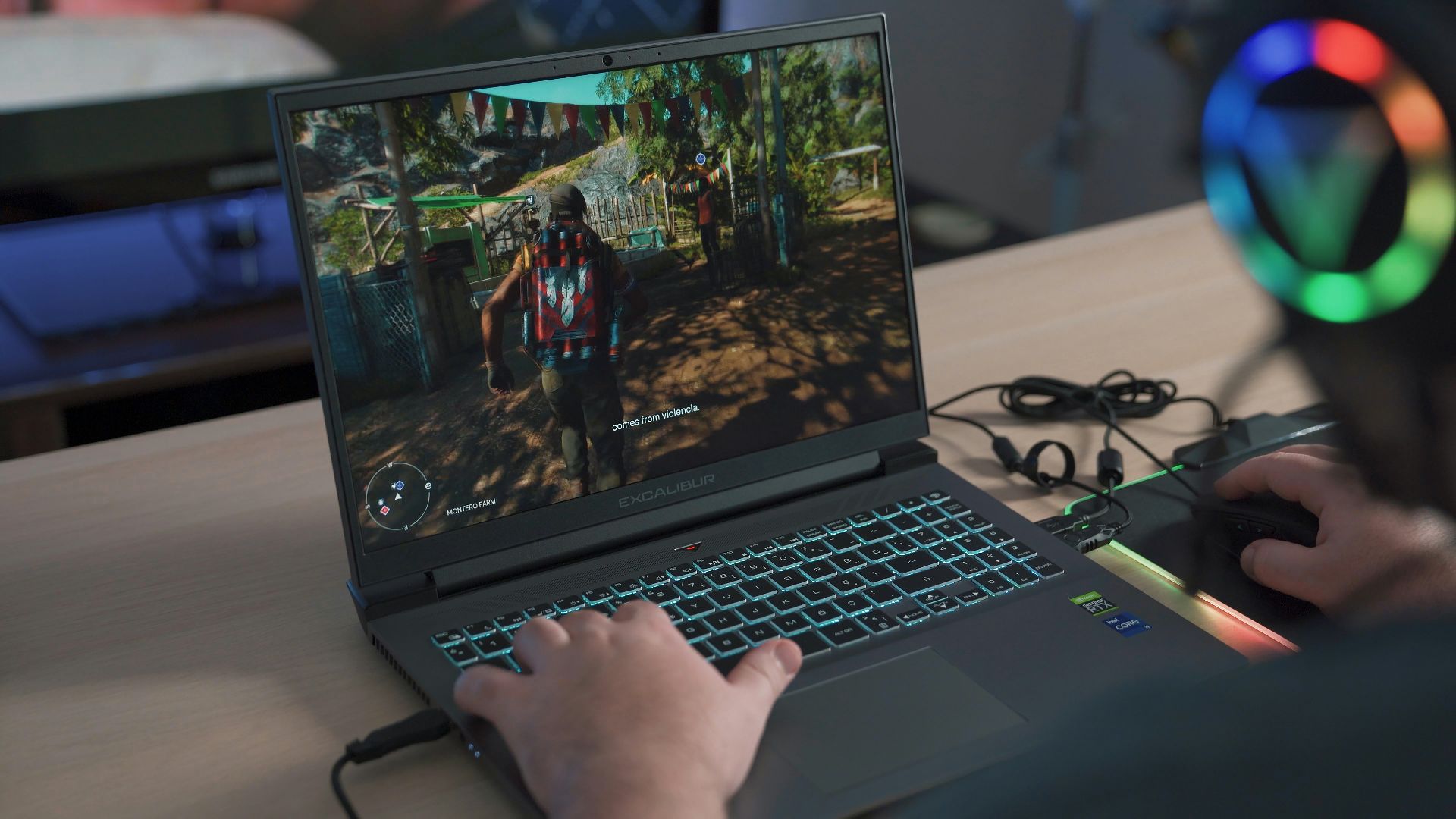
16. Connecting to Unprotected WiFi Networks
We get it—sometimes, you want to bring your laptop to do some work at a cafe. But every time you connect to a public WiFi, especially one that's unprotected or doesn't require a password, you risk having your personal information stolen. It's best to use an individual hotspot or refrain from bringing your personal laptop.
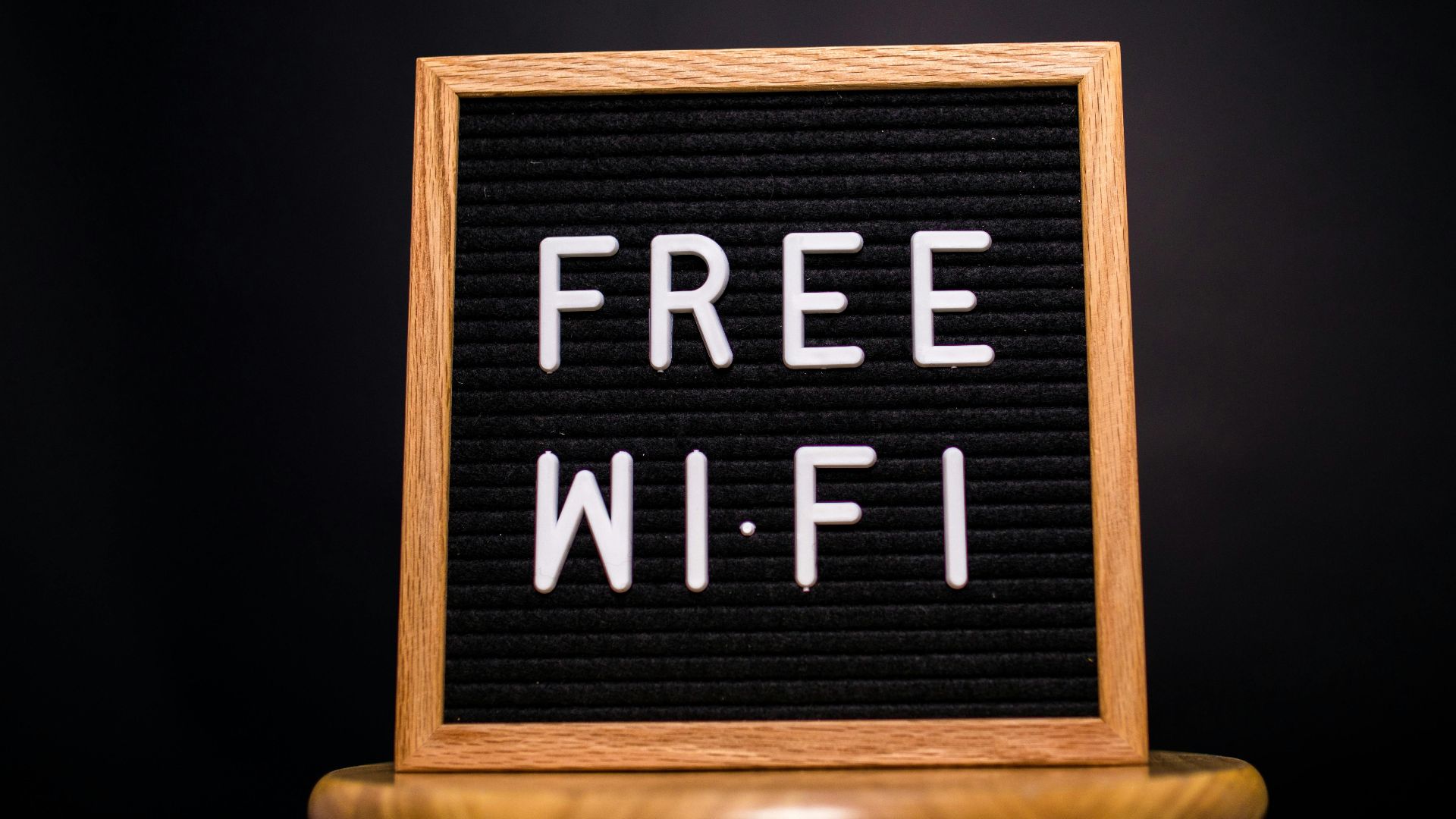
17. Holding It By the Screen
Treat your laptop gently. If you're heavy-handed with it and tend to grab it by its screen, you could leave permanent marks and scratches on the glass (and you might hurt its feelings). Handle it with care using clean hands, and place it in a clutter-free environment to avoid damaging its parts.

18. Cleaning Your Laptop with a Damp Cloth
Remember when we mentioned you should be cleaning your laptop occasionally to ensure there's no leftover grime and dirt? When following this advice, do so with a microfiber cloth, not a regular cloth that's been soaked in water. The latter method will absolutely destroy your laptop.
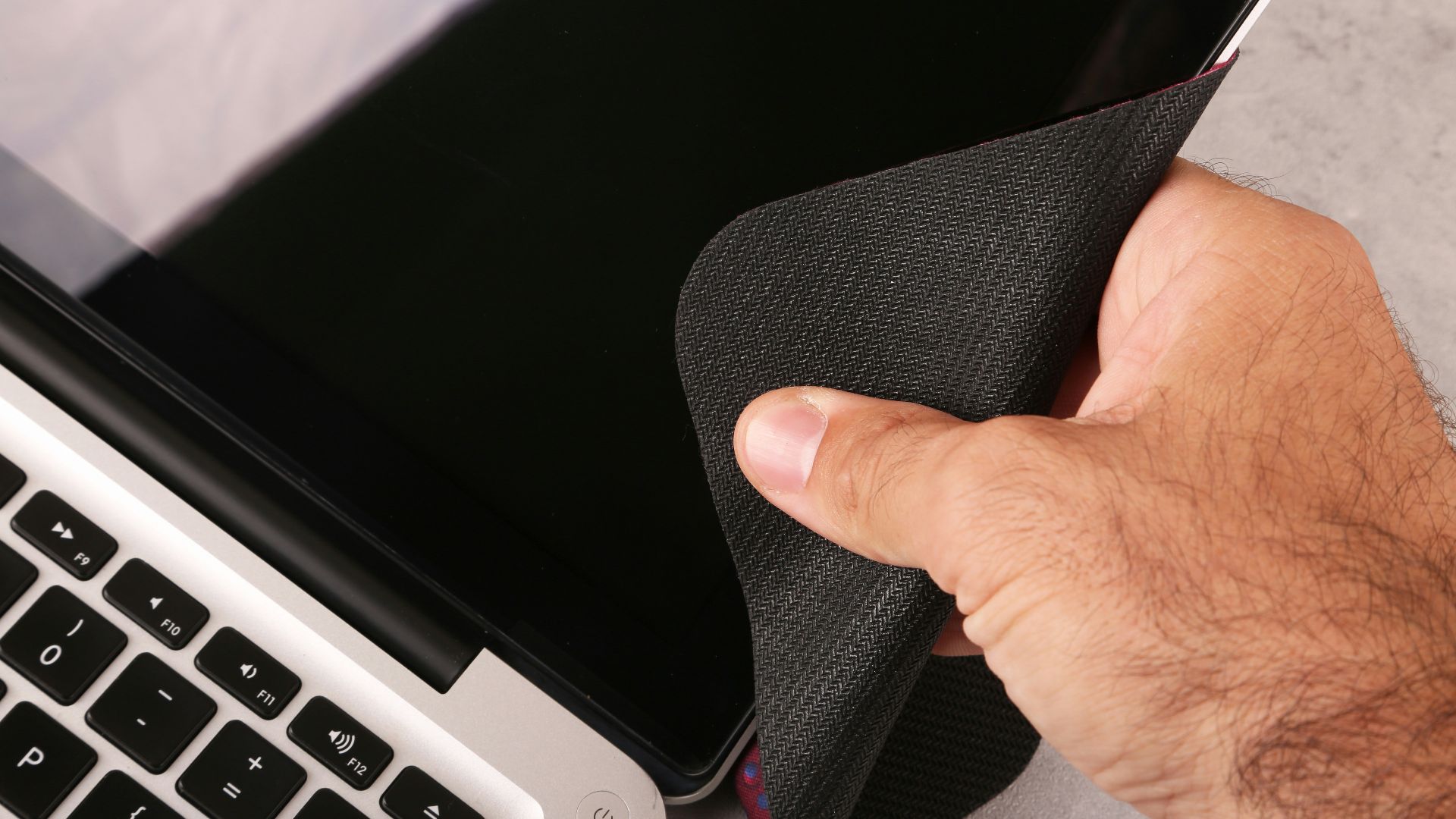
19. Carrying Your Laptop Without a Case or Screen Protector
While you might like the sleek feel of your laptop without a skin, case, or protector, having these accessories keeps your laptop looking brand new for longer. Without them, you might end up with dents, scratches, and permanent stains.

20. Disabling Sleep Mode
Use your laptop's sleep mode. This puts it in a low-power state that saves energy, while keeping everything you need still ready for you when you boot it back up. Disabling this mode, on the other hand, keeps your laptop running hot and on full power all the time—two things that could definitely ruin your device's performance in the long run.