10 Telltale Signs You're Looking at a Deepfake & 10 Tips to Help You Avoid Getting Tricked
10 Telltale Signs You're Looking at a Deepfake & 10 Tips to Help You Avoid Getting Tricked
Seeing Isn’t Believing
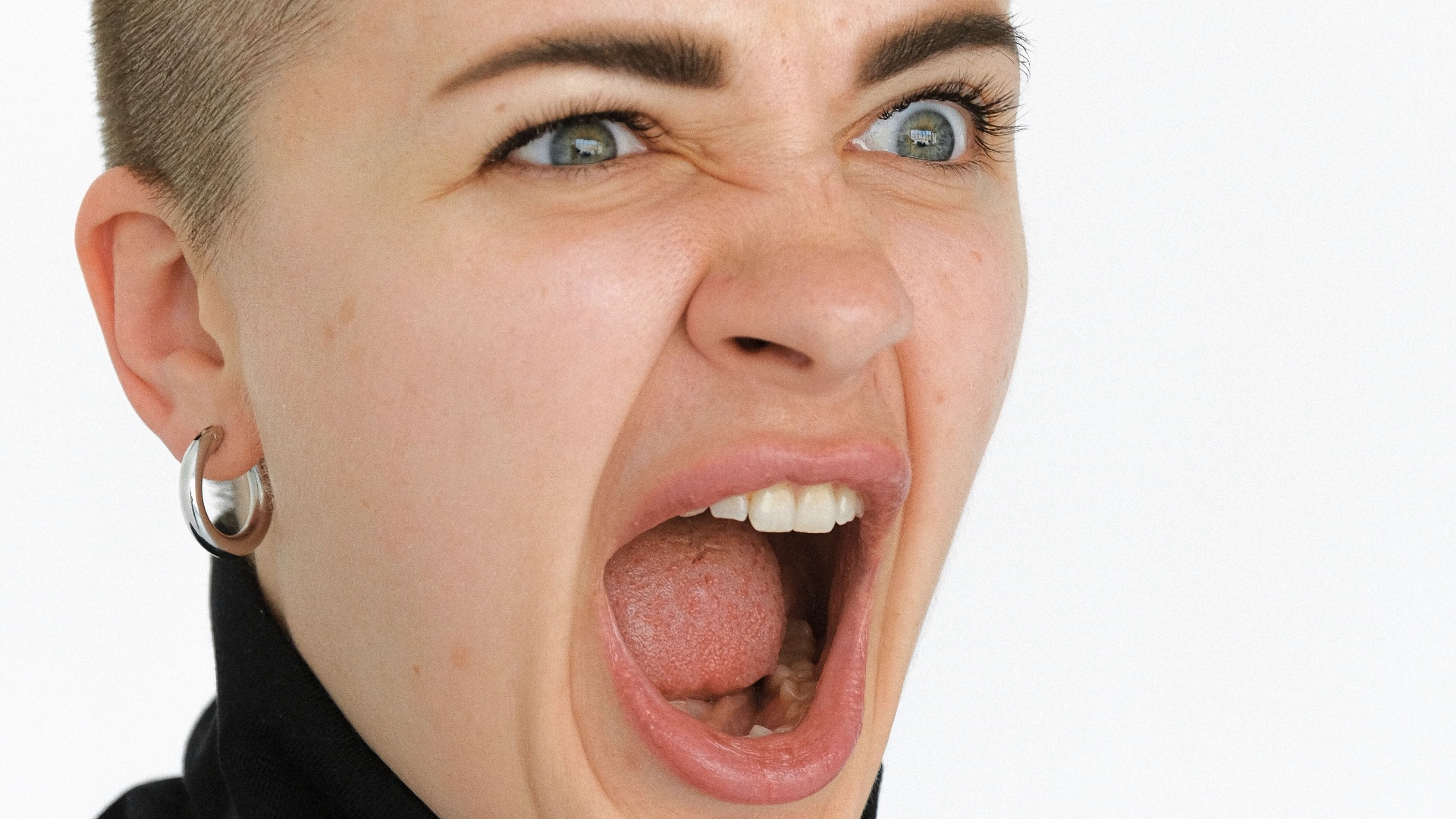
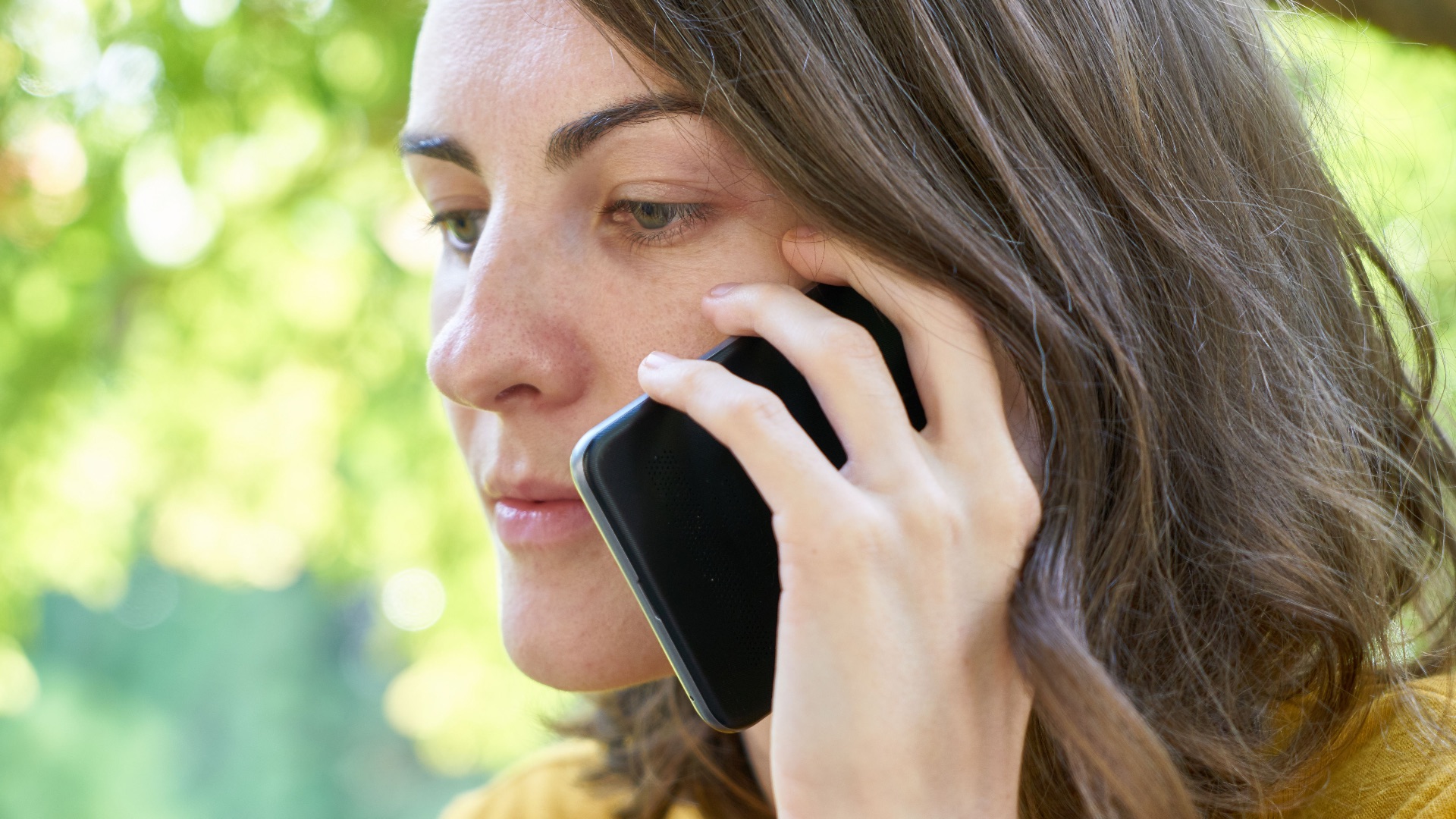
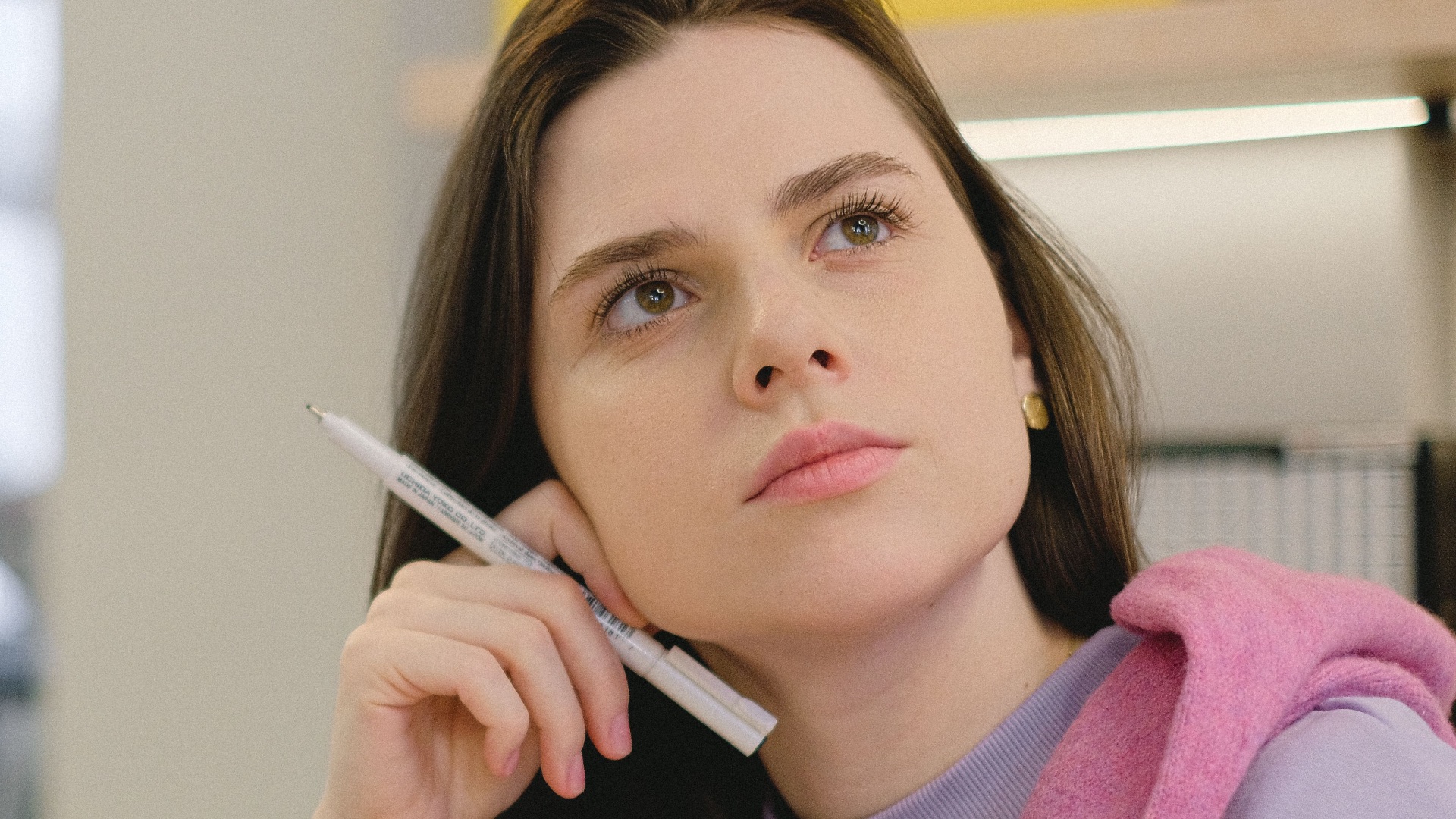
You're scrolling through social media when you come across a strange video. In it, a well-known celebrity says something odd; something you would never expect them to say in public, and certainly not on national TV. Immediately, your alarm bells might ring: would this celebrity really say or do such a thing? Or, despite how realistic the video looks, could it be a deepfake, fabricated entirely by generative AI? What about your friends and family? How can you be sure that who you're talking to over the phone is actually the person you think it is? Unfortunately, as AI gets more and more advanced and accurate, you'll need to stay on your toes. Here are 10 telltale signs that what you're looking at isn't real but generated by AI, and 10 tips to help you avoid being tricked online. Another question for you: Are the photos of the two people in this article's thumbnail real? Or are they deepfakes?

1. The Lips Don’t Quite Match the Words
Watch the speaker’s mouth closely and compare its movements with the sounds you’re hearing. In some deepfakes, the lips appear to form the wrong shapes, move a fraction too late, or continue moving after a word has ended. These flaws may be easier to notice when the person speaks quickly, turns their head, or pronounces words with strong consonant sounds.
2. The Blinking Looks Unnatural
People blink irregularly, especially when they’re talking, thinking, or reacting to someone else. A manipulated face may blink too rarely, too frequently, or at strangely even intervals because the system hasn’t reproduced this behavior naturally. You might also notice that the eyelids don’t close fully or that one eye moves differently from the other.

3. The Face Has Oddly Smooth Skin
AI-generated faces can look unusually polished, even in poor lighting or low-quality footage. Wrinkles, pores, scars, and other small details may disappear whenever the subject moves, leaving the skin with an artificial, airbrushed appearance. Pay particular attention to the cheeks and forehead, where texture can shift suddenly between frames.

4. The Lighting Doesn’t Match
A person’s face should be illuminated in a way that makes sense for the environment around them. When the background suggests that light is coming from one direction but the face is lit from another, the footage may have been manipulated. Shadows under the chin, around the nose, or beside the eyes can also change without any visible movement from a light source.

5. The Edges of the Face Flicker
Deepfake technology often has trouble blending an inserted face seamlessly with the original head and body. Look near the hairline, ears, jaw, and neck for flickering pixels, blurred borders, or sections that appear to wobble. The effect may only last for a frame or two, so slowing the video can make it much easier to spot.
6. Facial Expressions Feel Disconnected
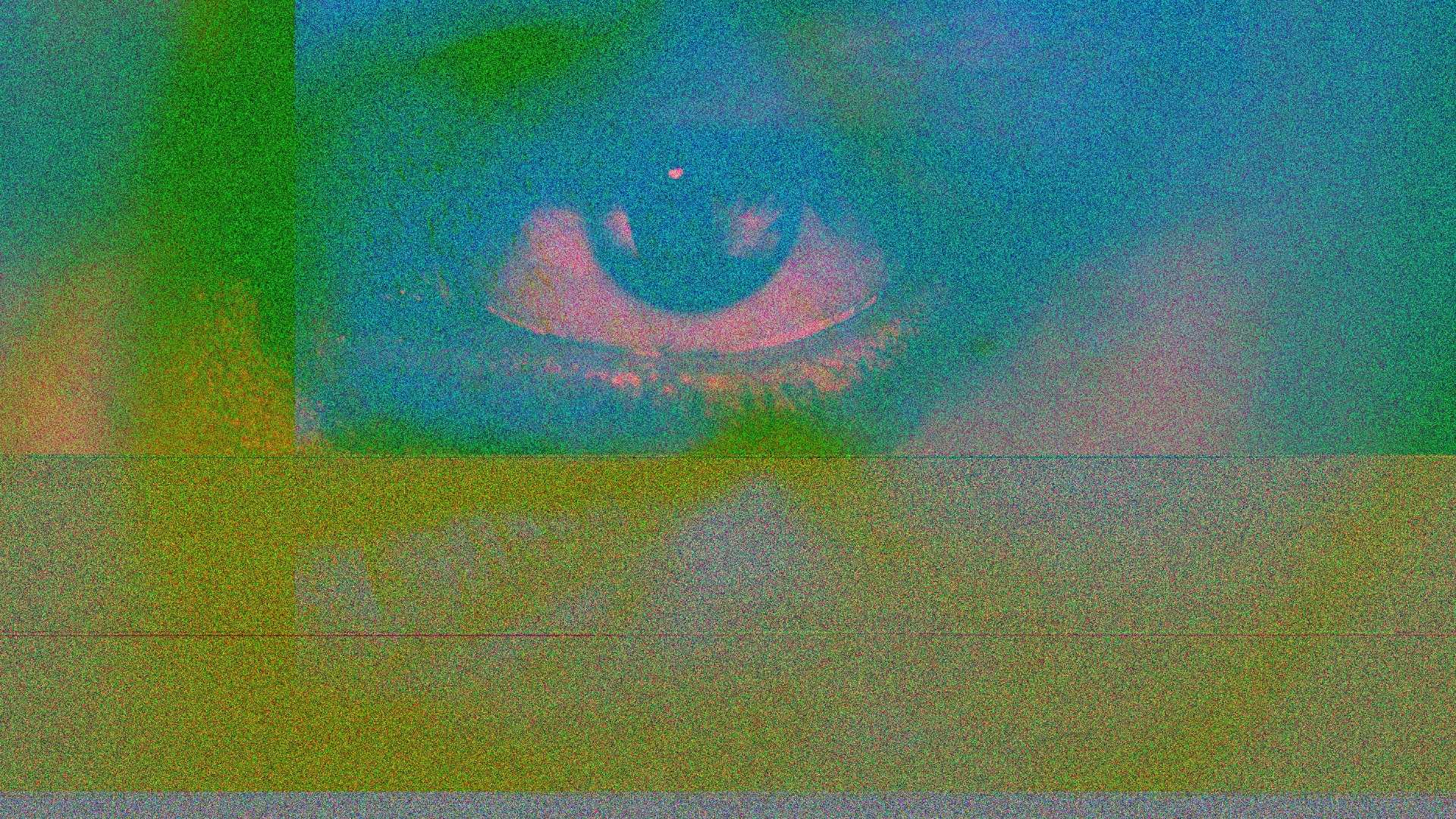
The individual may be smiling, frowning, or appearing distressed, yet the rest of the face doesn’t fully participate in the expression. For instance, the mouth might form a smile while the eyes and cheeks remain unusually still. This emotional mismatch can make the performance feel slightly unnatural even when you can’t immediately identify what’s wrong.

7. The Hair and Teeth Look Distorted
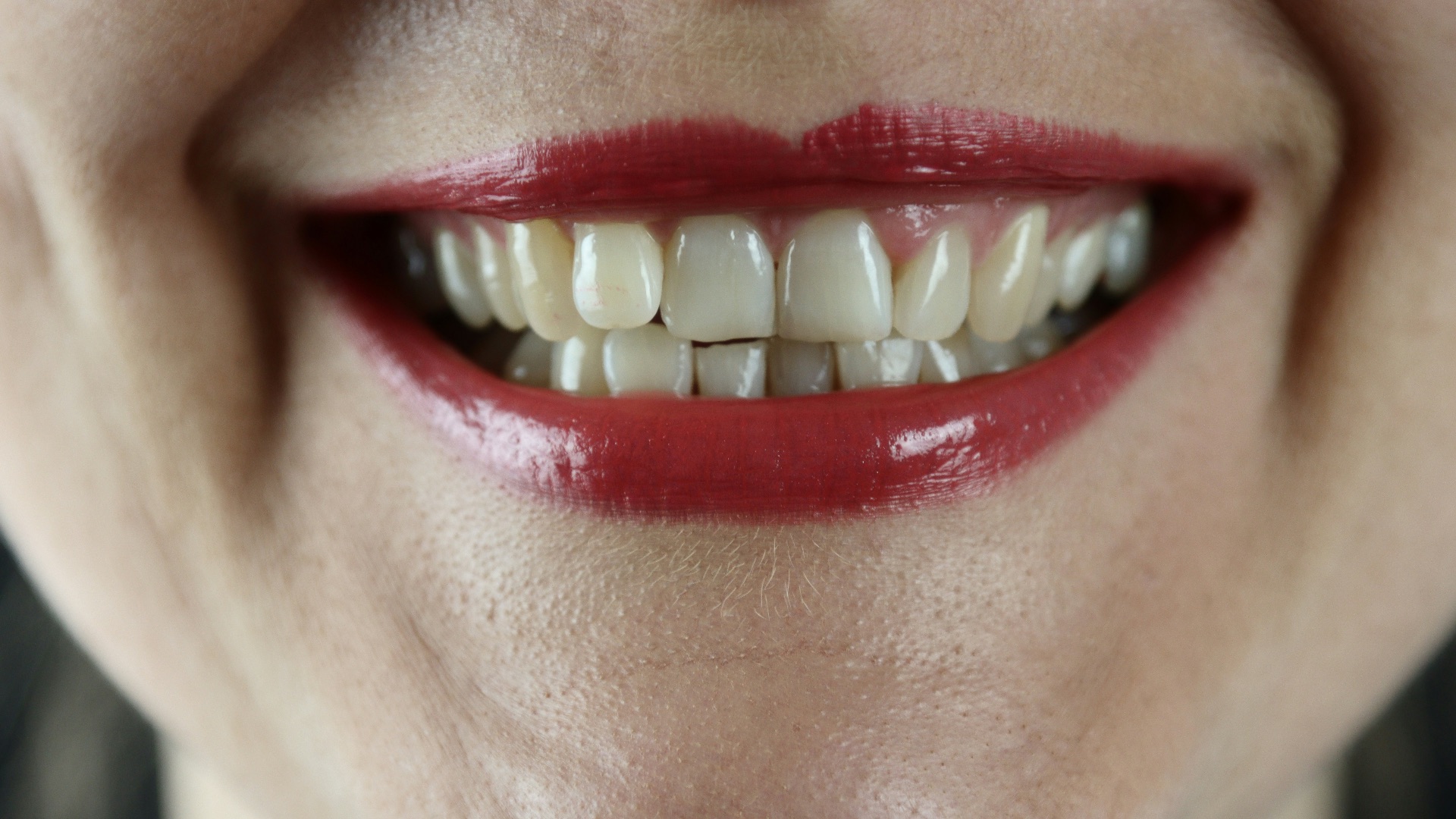
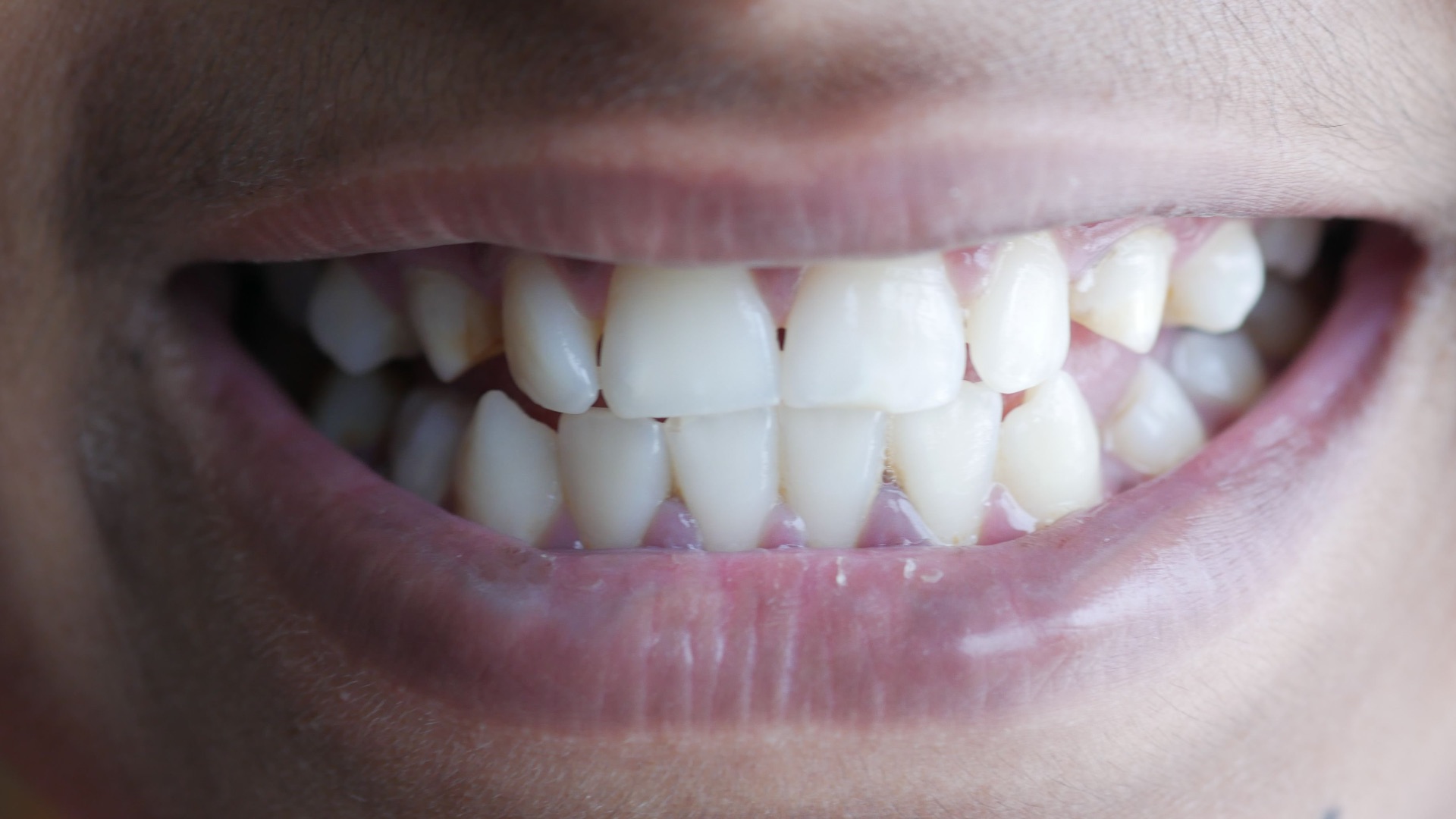
Fine details such as individual hairs and the spaces between teeth remain challenging for some generative systems. Hair may blend into the background, change shape during movement, or remain oddly fixed while the person turns. Teeth can appear as a single bright surface, shift in number, or lose their definition from one moment to the next.
8. The Voice Has Strange Changes
Voice clones can sound highly convincing, but they may still contain unusual pacing, misplaced emphasis, or abrupt differences in pitch. Listen for breaths that don’t match the length of a sentence, emotional reactions that seem delayed, or words that sound pasted together. Background noise may also disappear whenever the artificial voice begins speaking and return during pauses.
9. The Body and Face Move Differently
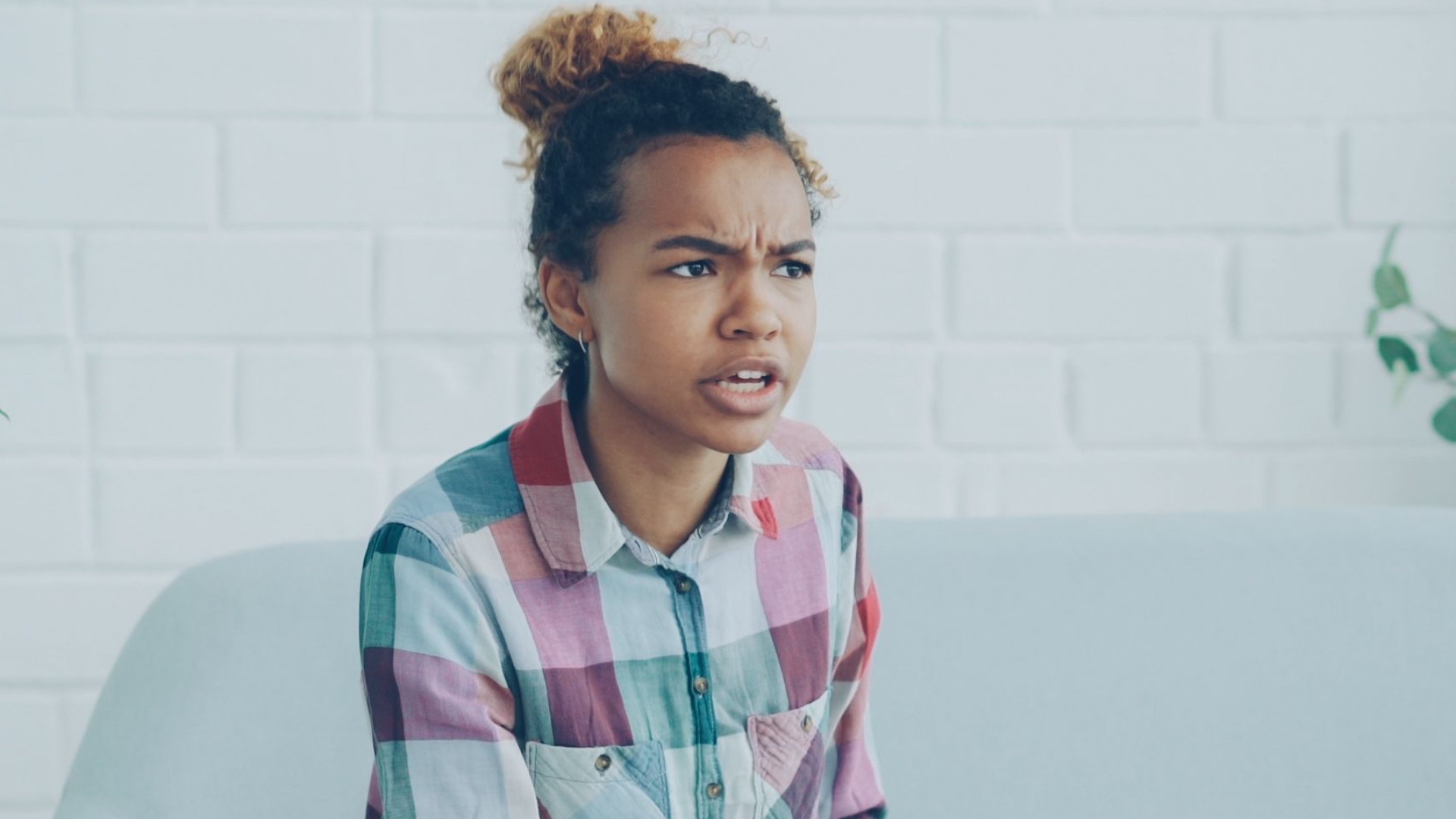
A deepfake may reproduce someone’s face without accurately copying the way that person normally carries themselves. The head might turn while the shoulders remain rigid, or the facial expression could change faster than the body’s reaction. Hand gestures, posture, and overall timing can reveal a disconnect between the impersonated person and the original performer.

10. The Content Seems Completely Out of Character
Technical flaws aren’t the only warning signs, especially now that high-quality deepfakes can look nearly perfect. Be skeptical when a familiar person suddenly makes an extreme statement, promotes an unexpected investment, confesses to something shocking, or asks viewers to act immediately. A recording that contradicts everything else known about the person deserves verification, even if nothing about the image looks suspicious.
Visual inspection can give you useful clues, but it shouldn’t be your only defense. As deepfake technology improves, checking the origin and purpose of a recording is often more reliable than trying to identify a stray pixel or awkward blink.
1. Find the Original Upload
Reposted clips are often cropped, compressed, or stripped of the information that could establish where they came from. Search for the earliest available version and determine who originally published it. A recording shared by an anonymous account deserves more caution than one posted through a person’s confirmed official channel.
 LinkedIn Sales Solutions on Unsplash
2. Check Several Credible Sources
A major announcement, scandal, or public incident will rarely exist in only one suspicious video. Look for coverage from multiple established outlets, official organizations, or people who were directly involved. When every post traces back to the same unverified account, there may be no independent evidence supporting the claim. You should also know to differentiate between which sources are considered "credible."
3. Read Beyond the Caption
Captions can misrepresent authentic footage just as easily as AI can create false footage. Watch the complete recording when possible, read the accompanying article, and check whether the clip has been removed from a longer conversation. A real video presented with a false date, location, or explanation can be just as misleading as a fully generated one.
4. Slow the Video Down
Deepfakes often look most convincing when they’re watched once at normal speed on a small screen. Reduce the playback speed and examine moments when the person turns, speaks rapidly, covers part of their face, or passes through changing light. Pausing at several points may reveal shifting features, inconsistent shadows, or blending errors that weren’t noticeable before.
5. Search for Earlier Versions
A reverse image search or a search using screenshots from the video may uncover where the footage first appeared. You could discover that an older recording has been altered, dubbed, or paired with a new caption. Comparing different copies can also reveal whether the face, voice, background, or spoken message was added later.
6. Contact the Person Another Way
When a voice message or video call includes a request for money, passwords, financial details, or confidential information, end the interaction and verify it separately. Call the person using a number you already have rather than one supplied in the message. Even a familiar face or voice shouldn’t override basic security habits when the request is unexpected.
7. Ask a Personal Verification Question
Families, friends, and workplaces can agree on a detail or code word that an impersonator would be unlikely to know. During a suspicious call, ask about a shared experience or another fact that can’t easily be found on social media. Avoid questions with answers that can be guessed, researched, or extracted from public posts.

8. Treat Urgency as a Warning
Deepfake scams often pressure targets to respond before they have time to investigate. The caller may describe an accident, legal emergency, financial deadline, or private business problem that supposedly requires immediate payment or secrecy. Pausing the conversation gives you the chance to verify the situation before making an irreversible decision.
9. Don’t Depend Entirely on Detection Tools
Online deepfake detectors can provide useful information, but their results aren’t always definitive. A detector may miss advanced manipulation, incorrectly flag authentic media, or struggle with a heavily compressed clip. Use the result as one piece of evidence alongside source checks, contextual research, and direct confirmation.

10. Wait Before Sharing
False content spreads faster when people repost it immediately out of fear, anger, amusement, or surprise. Before forwarding a dramatic recording, take a few minutes to see whether anyone has verified, corrected, or challenged it. Refusing to share uncertain material protects your contacts and prevents a possible deepfake from gaining additional credibility.