It’s Great, But Not for Everyone
The Steam Deck is a strong handheld, but it’s not an automatic win for every kind of gamer. Some people want a device that behaves like a traditional console all the time, while others need specific games, services, or accessories that the Deck doesn’t always handle smoothly. If you’re on the fence, read about the good, the bad, and the downright pricey aspects of gaming’s newest console competitor.
1. Your Steam Library
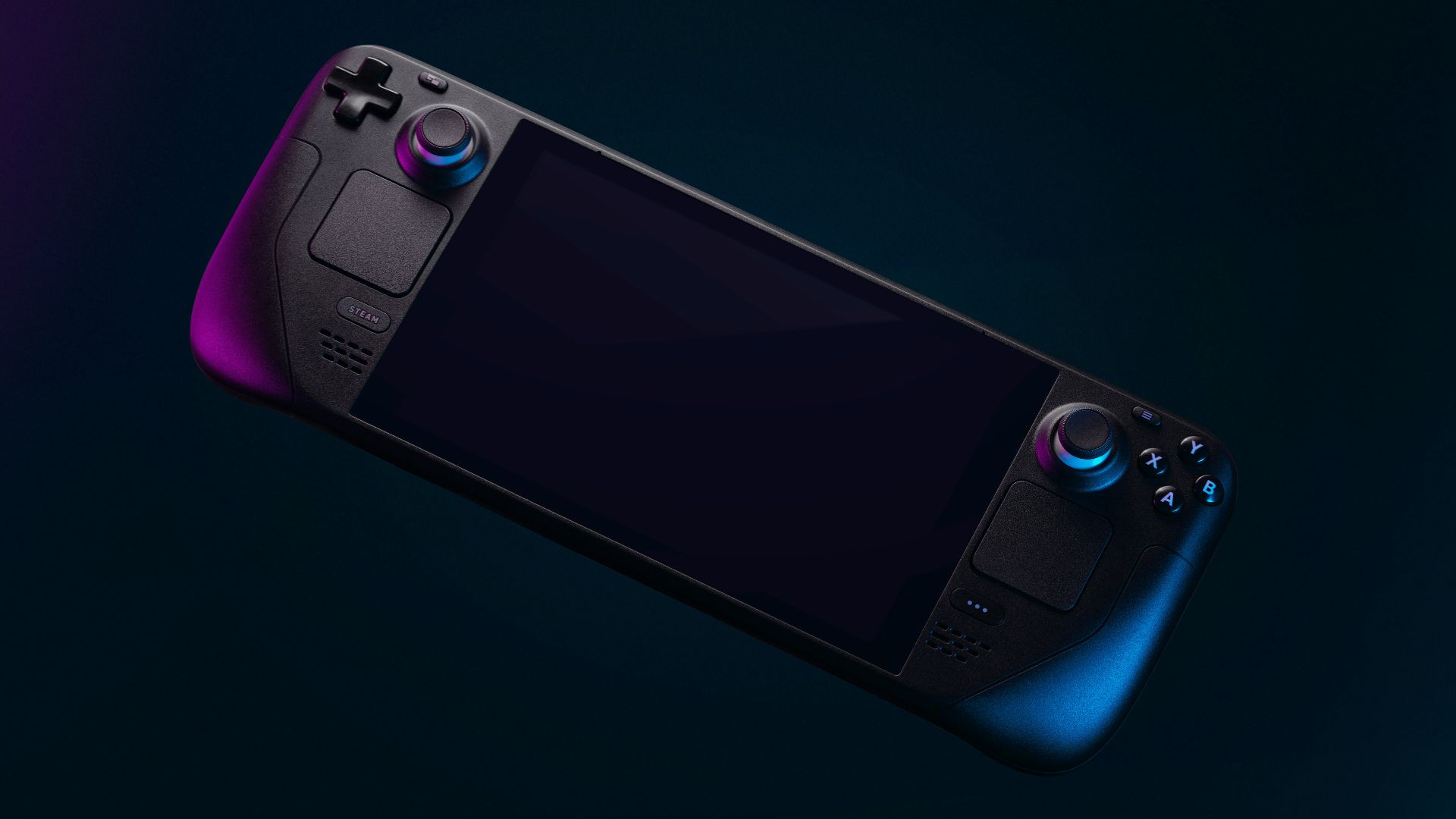
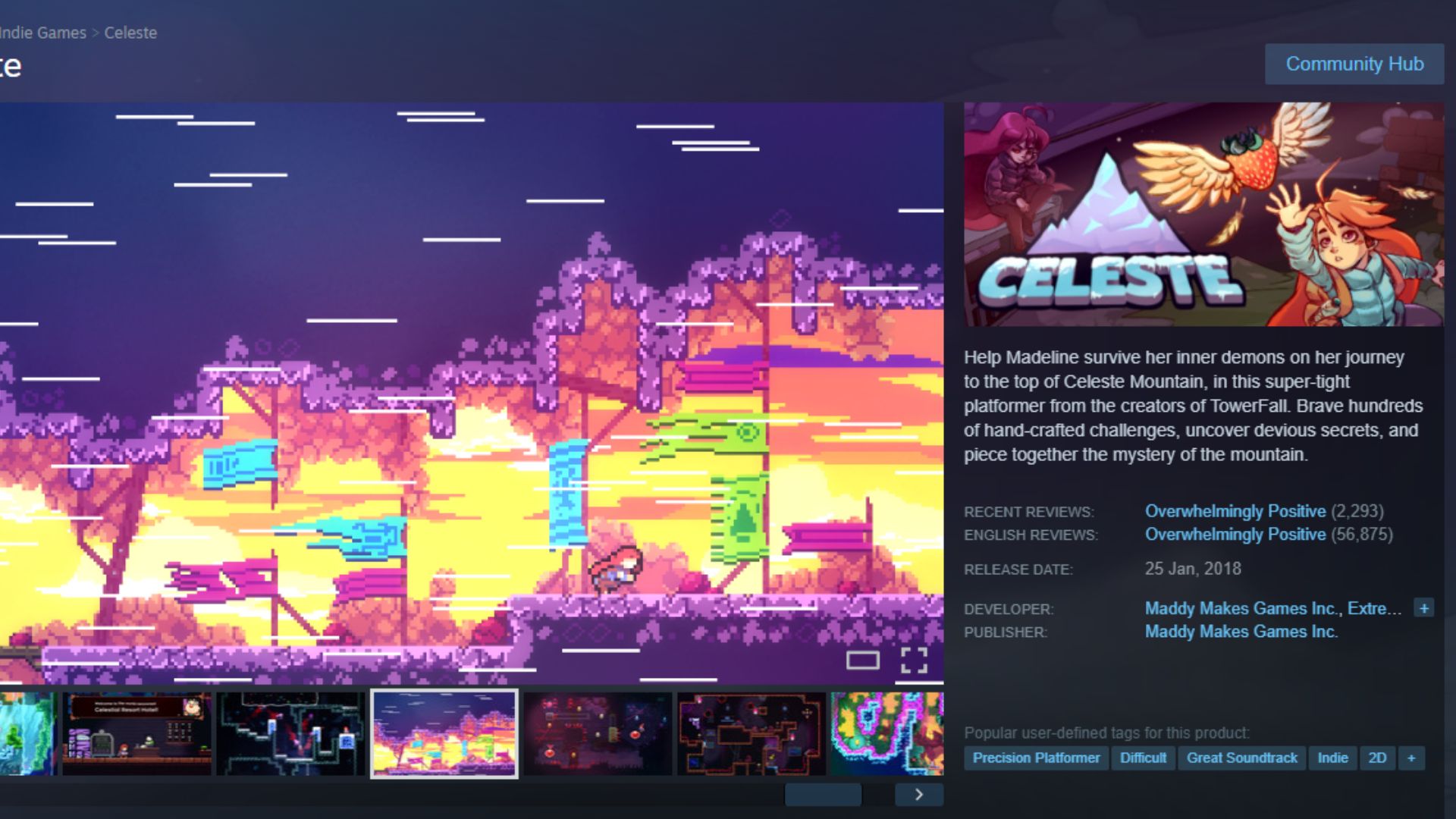
The Steam Deck makes it incredibly easy to sign in and immediately access the games you already own on Steam, which cuts out the annoying “rebuy everything” problem. Plenty of titles are marked with compatibility ratings, so you can quickly see what’s expected to run well and what should remain on your desktop.
2. OLED Model Upgrade
If you go for the OLED version, you’ll get an HDR OLED display and a refresh rate up to 90Hz, which is great for games that benefit from smoother motion. Valve also built in longer battery life on the OLED models, with estimates that can reach three to 12 hours depending on what games you play. That combo makes portable sessions more practical and doesn’t require you to find the nearest wall outlet.
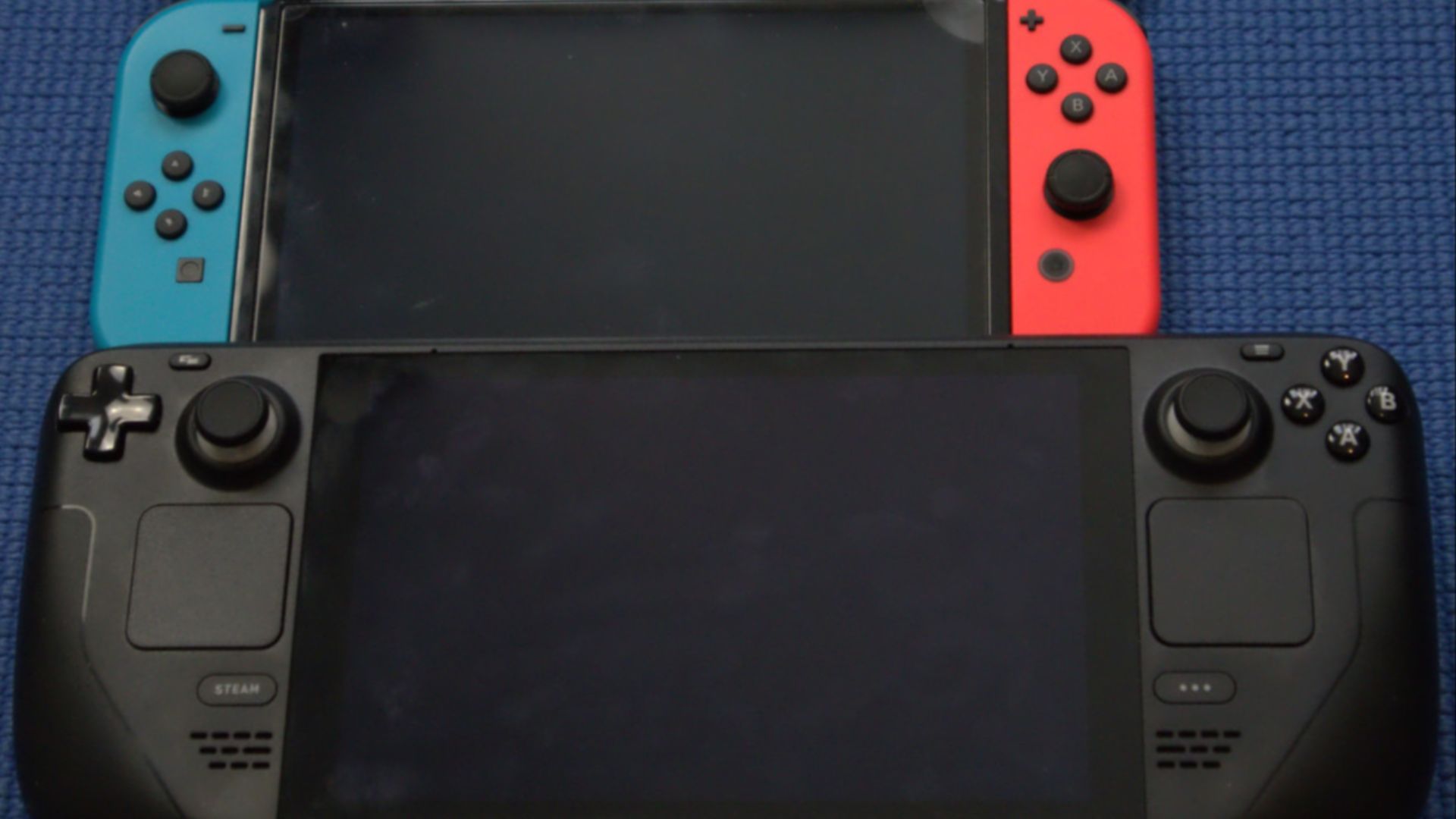 Liam Dawe/GamingOnLinux on Wikimedia
3. Real Controls Built In
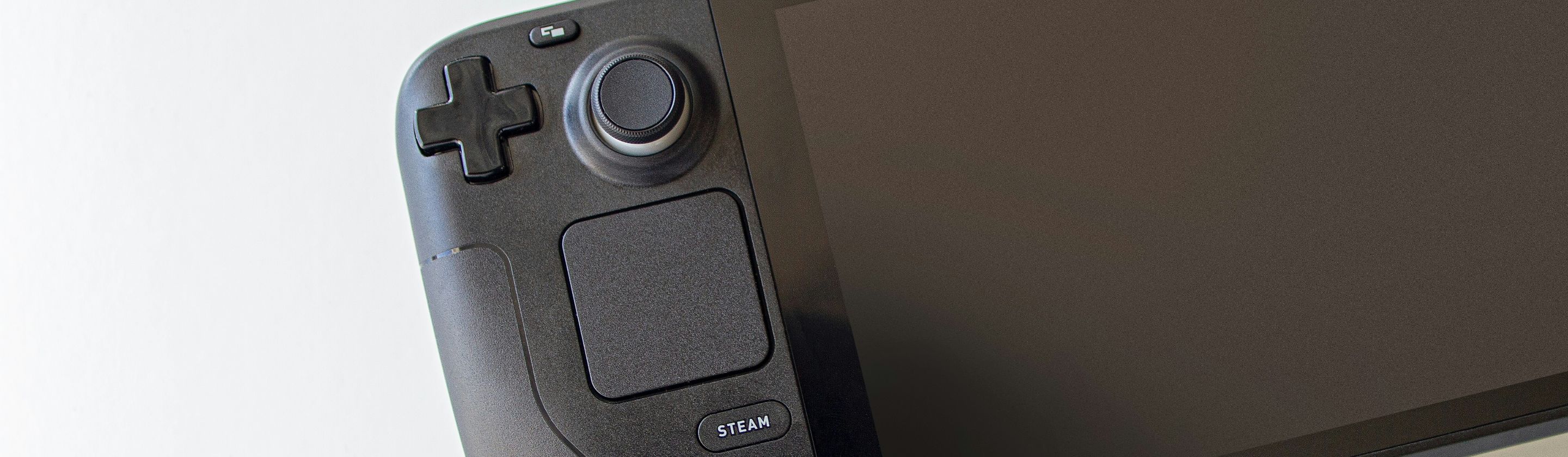
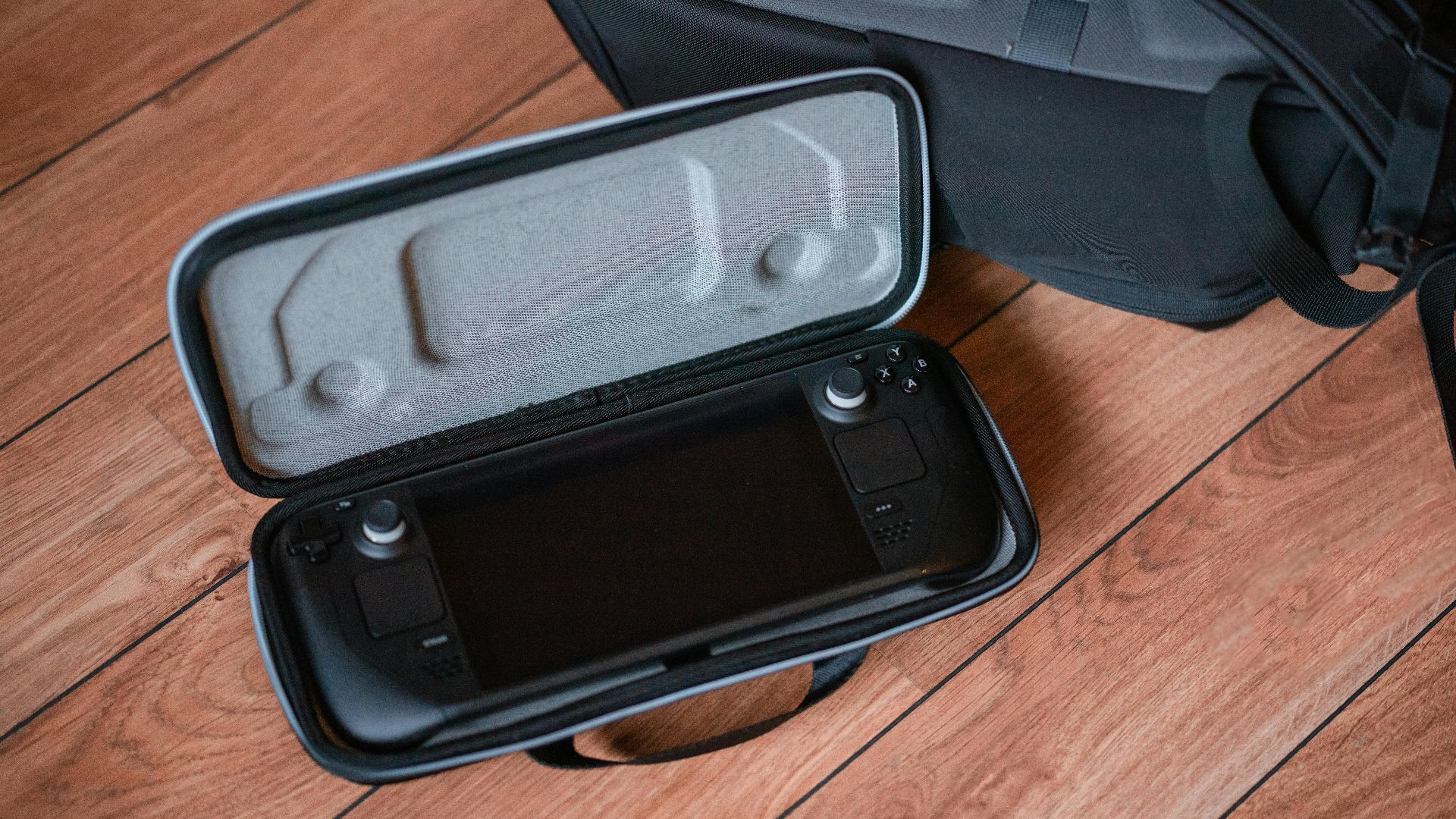
The Deck doesn’t rely on a separate controller, so you can pick it up and play right away. Between the thumbsticks, trackpads, back buttons, and gyro options, you’ve got a lot of ways to dial in comfort and convenience.
4. Console-Like SteamOS
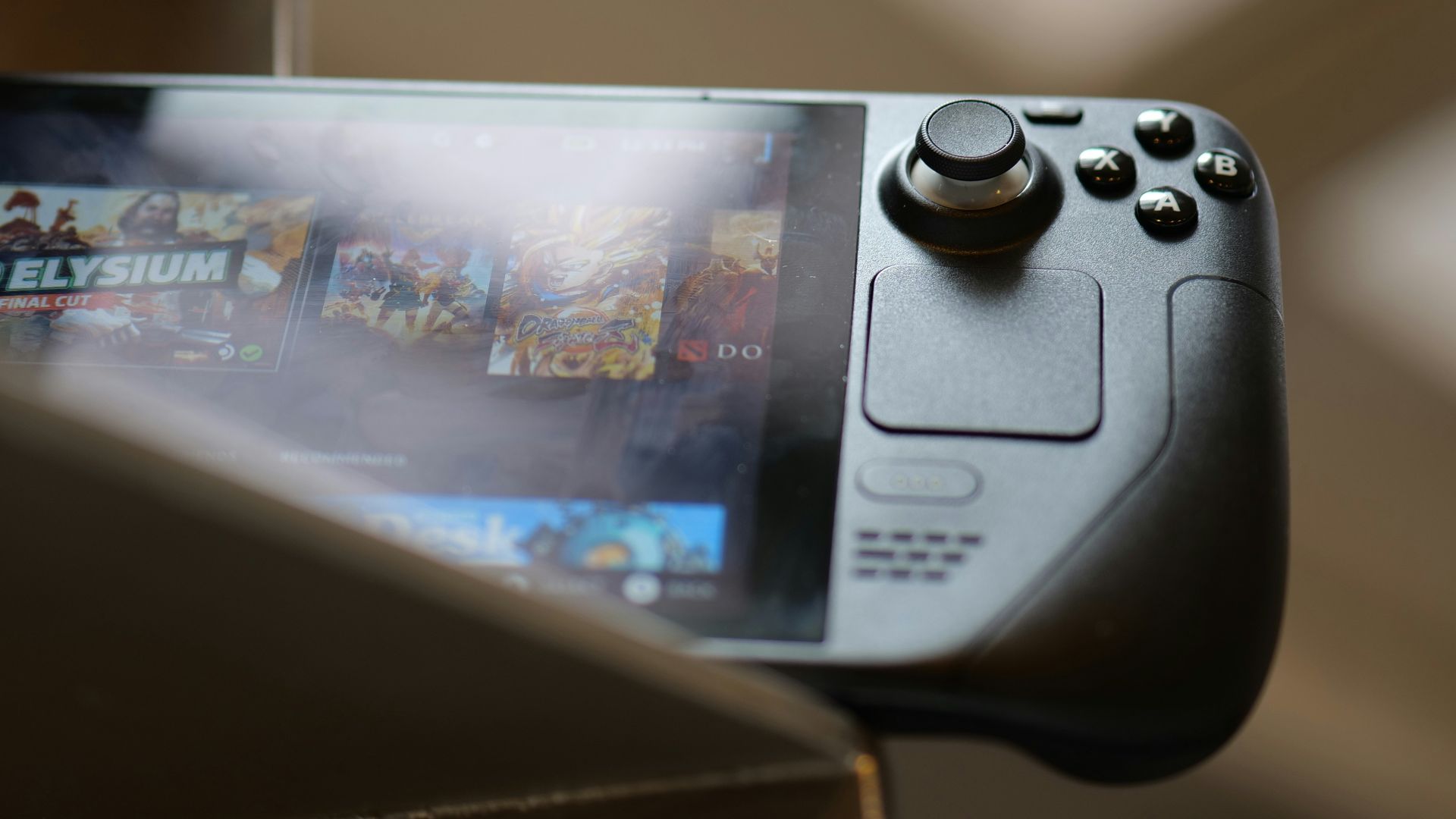
The SteamOS software is designed to feel straightforward, with a quick-launch interface that gets you into games fast. You can still adjust performance, brightness, and controller layouts without digging through a dozen menus, unlike when you’re playing on a full desktop setup.
5. Desktop Mode Options
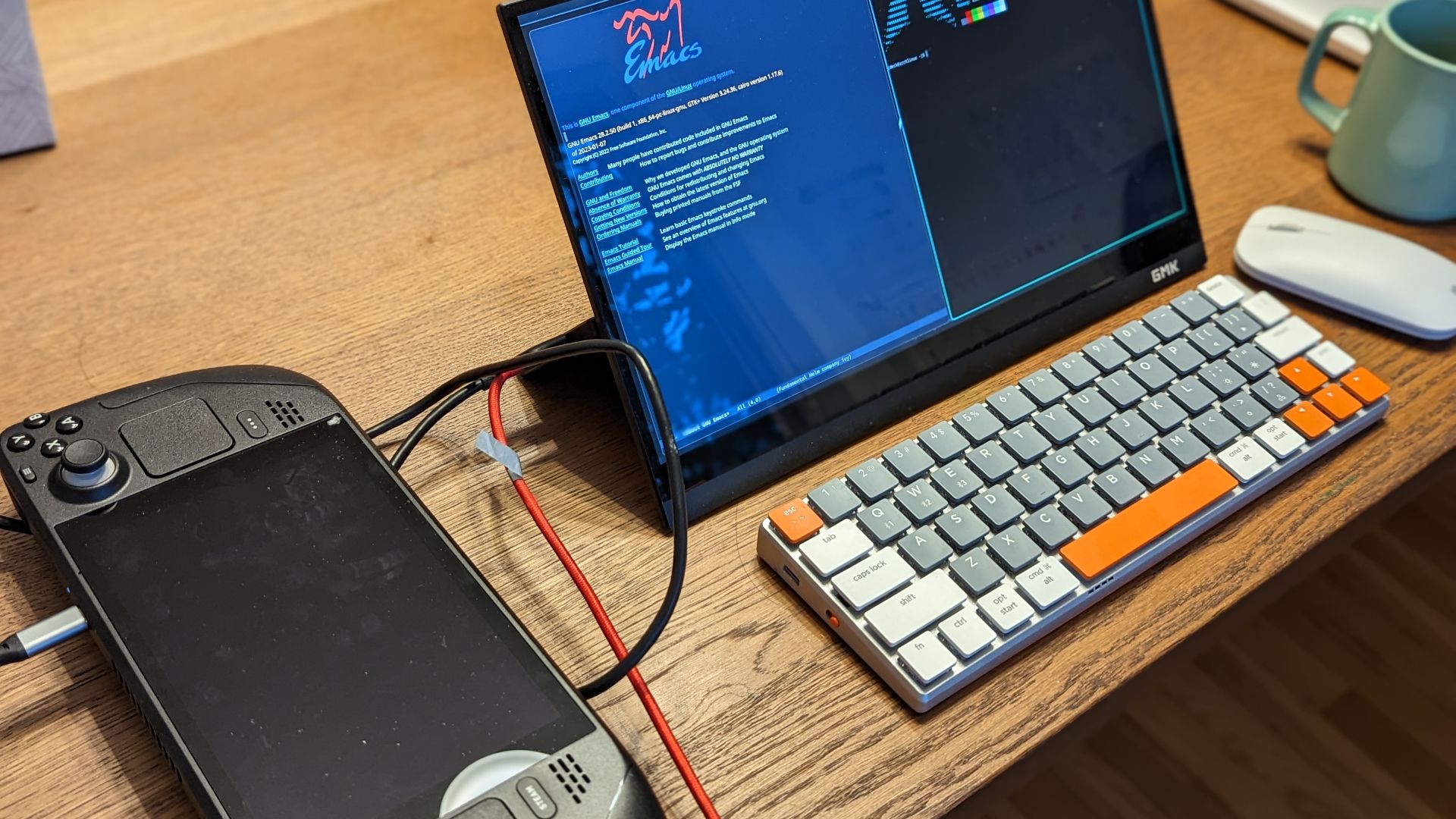
If you do want the full PC vibe, Desktop Mode is there, since SteamOS is Linux-based and includes a traditional desktop environment. That opens the door to installing apps, managing files, and customizing more than a typical console allows.
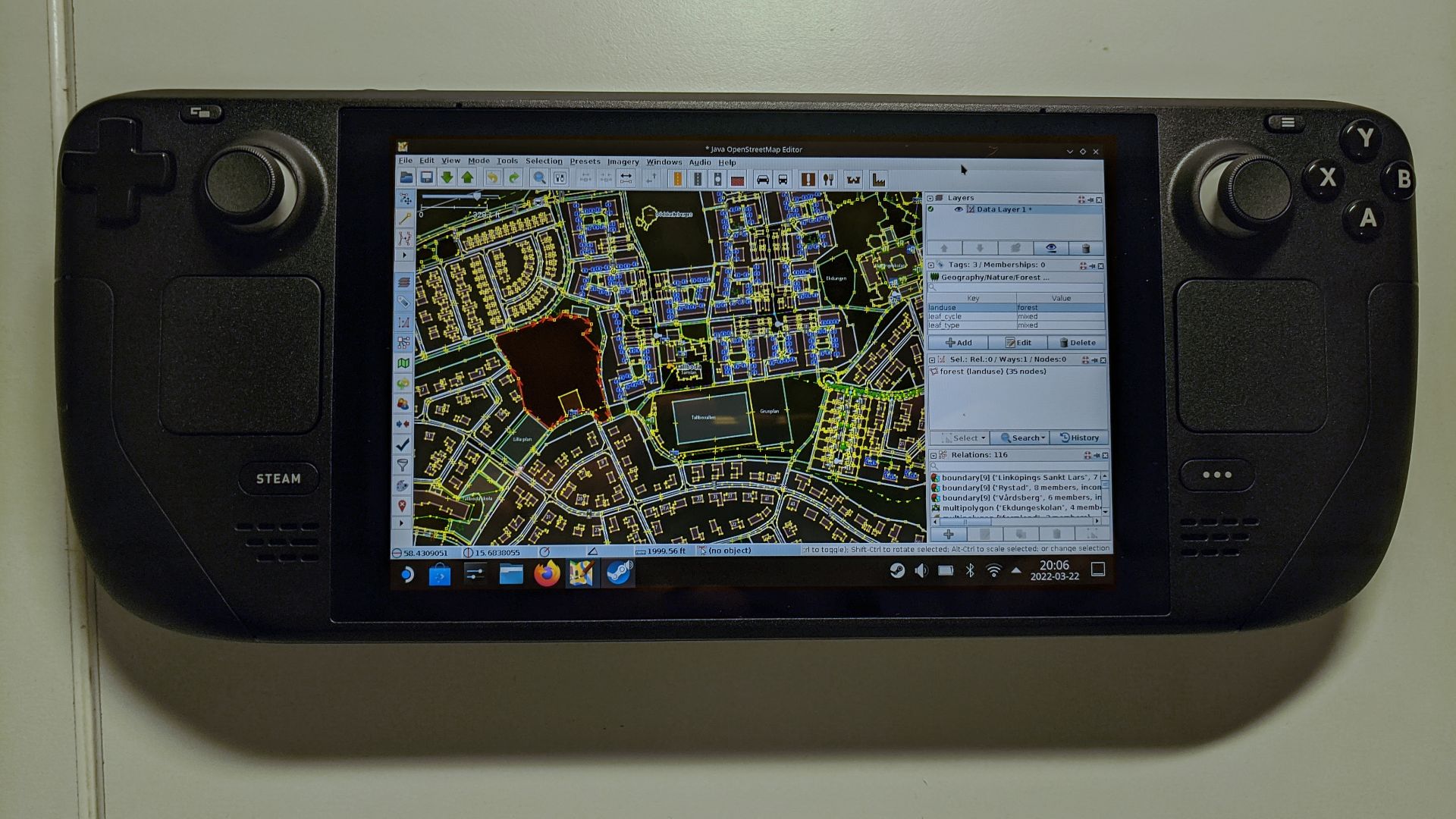 https://wiki.openstreetmap.org/wiki/User:Riiga on Wikimedia
6. Quick Suspend Feature
Suspend and resume make handheld play feel natural, especially when real life interrupts your gaming sesh. You can pause mid-game, set it down, and come back without needing to start from your last save point.

7. Per-Game Performance Tuning
The Deck lets you set performance profiles so you can prioritize smoother gameplay or longer battery life, depending on the title. It’s useful when one game runs best at higher frame rates while another is fine with a lower-power setup. Once you save settings, you don’t have to constantly re-adjust them, unlike other handheld gaming consoles.
8. Docked Play Support
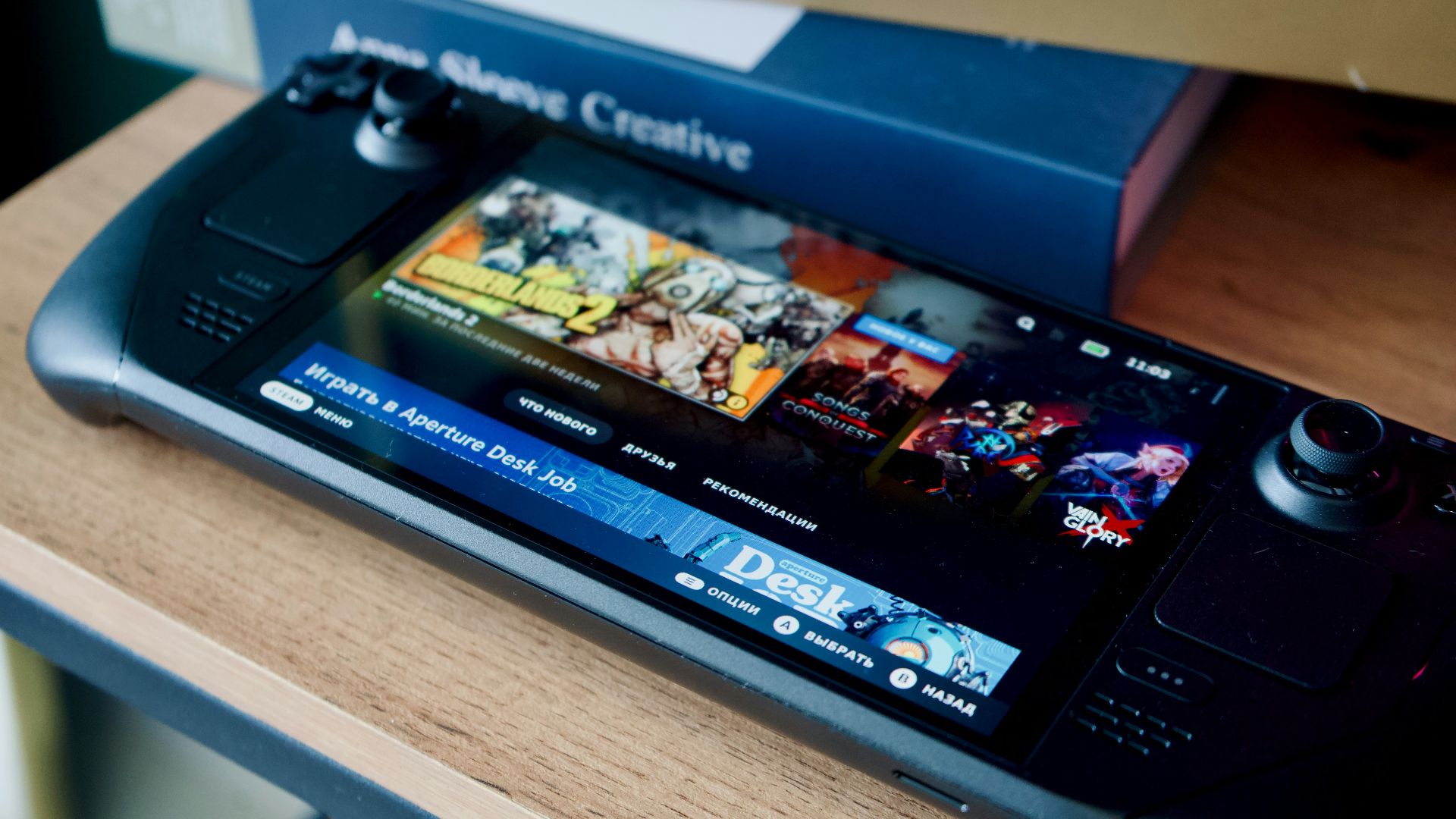
You can connect it to a TV or monitor with a dock or compatible USB-C hub, which makes it flexible for living room play. Pair a controller, sit back, and treat it like a compact console when you’re not in handheld mode. Switching between handheld and docked setups is also pretty painless.
9. Strong Community Help
Because the Steam Deck has a huge user base, you’ll find tons of guides for settings, compatibility tips, and controller layouts. When a game needs a quick fix or a specific configuration, someone has usually already documented it. That support makes owning the device easier than it would be if you were figuring everything out alone.
 Website layout: Valve CorporationGame cover and screenshots: Maddy Makes Games on Wikimedia
10. Solid Value Options
Valve offers different storage configurations, including an LCD model and OLED models up to one terabyte. That gives you room to choose based on budget and how many games you like to keep installed. If you’ve been thinking about a portable PC anyway, the Deck often lands as a practical buy.

1. Not Every Game Works
Steam Deck compatibility has improved over time, but plenty of titles still run poorly or need extra tinkering. Some games have anti-cheat or launcher issues that can block play entirely. Depending on what kind of games you play, this may feel like a wasted purchase.
2. Battery Life Varies
Depending on what you play and how high you push settings, battery life can drop quickly. If you only play big, demanding games, it’s likely your Deck will need a recharge after only a couple of hours.

3. It’s Not Lightweight
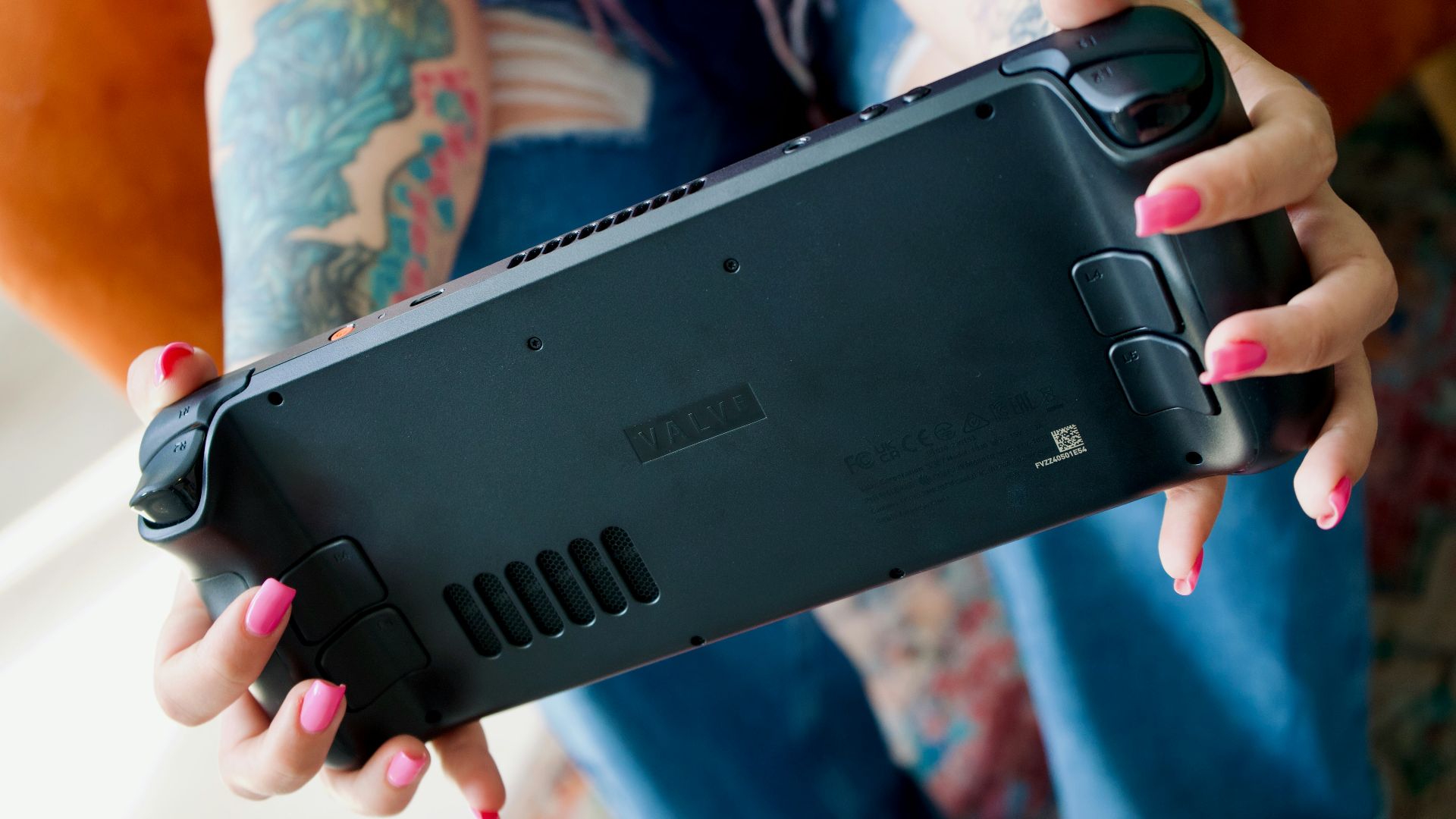
The Steam Deck is comfortable, but it’s still a fairly heavy handheld. Long sessions can make your wrists and arms tired, especially if you play lying down. If you want something you can hold effortlessly, this may not be it.
4. You Might Tinker
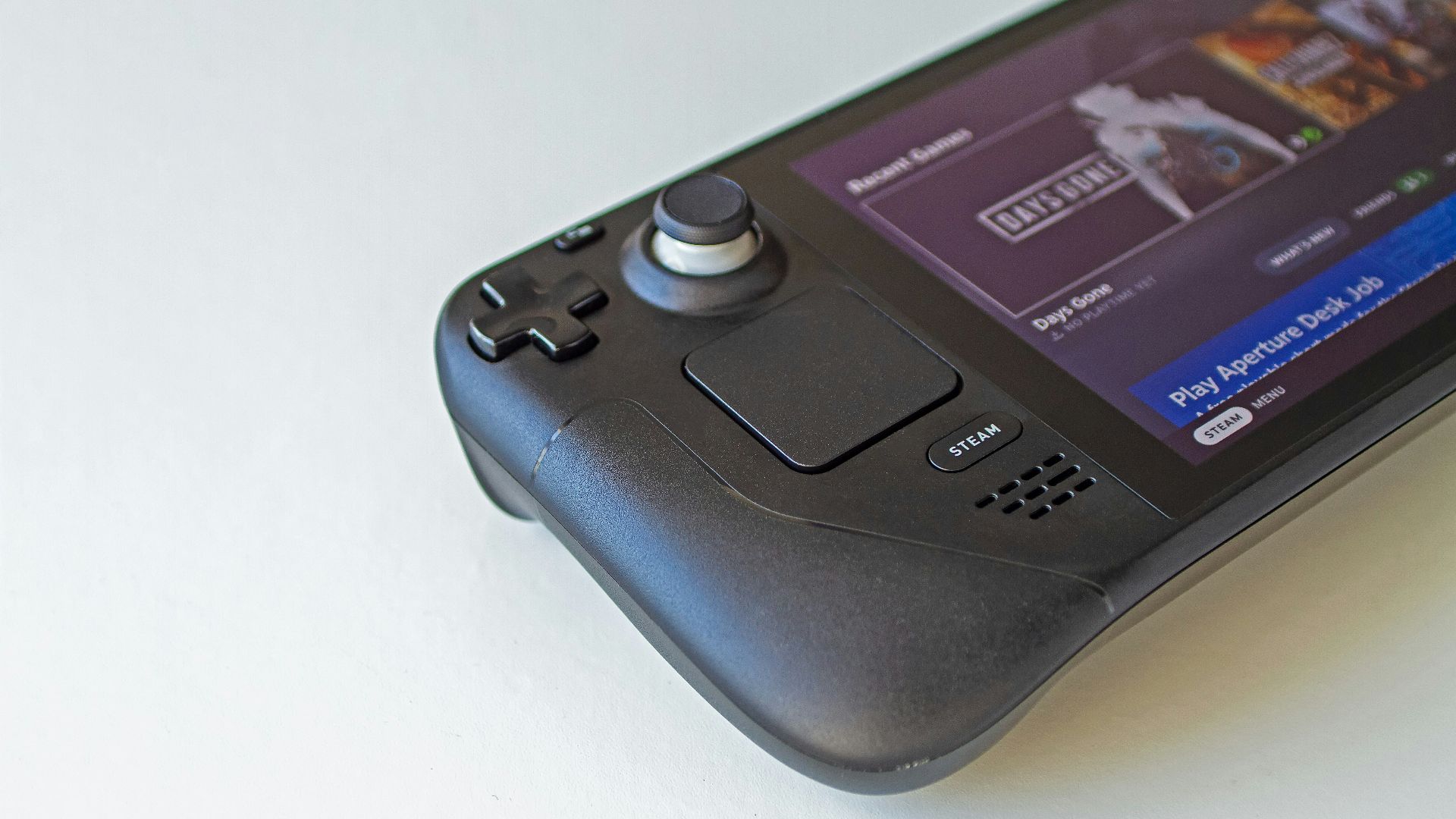
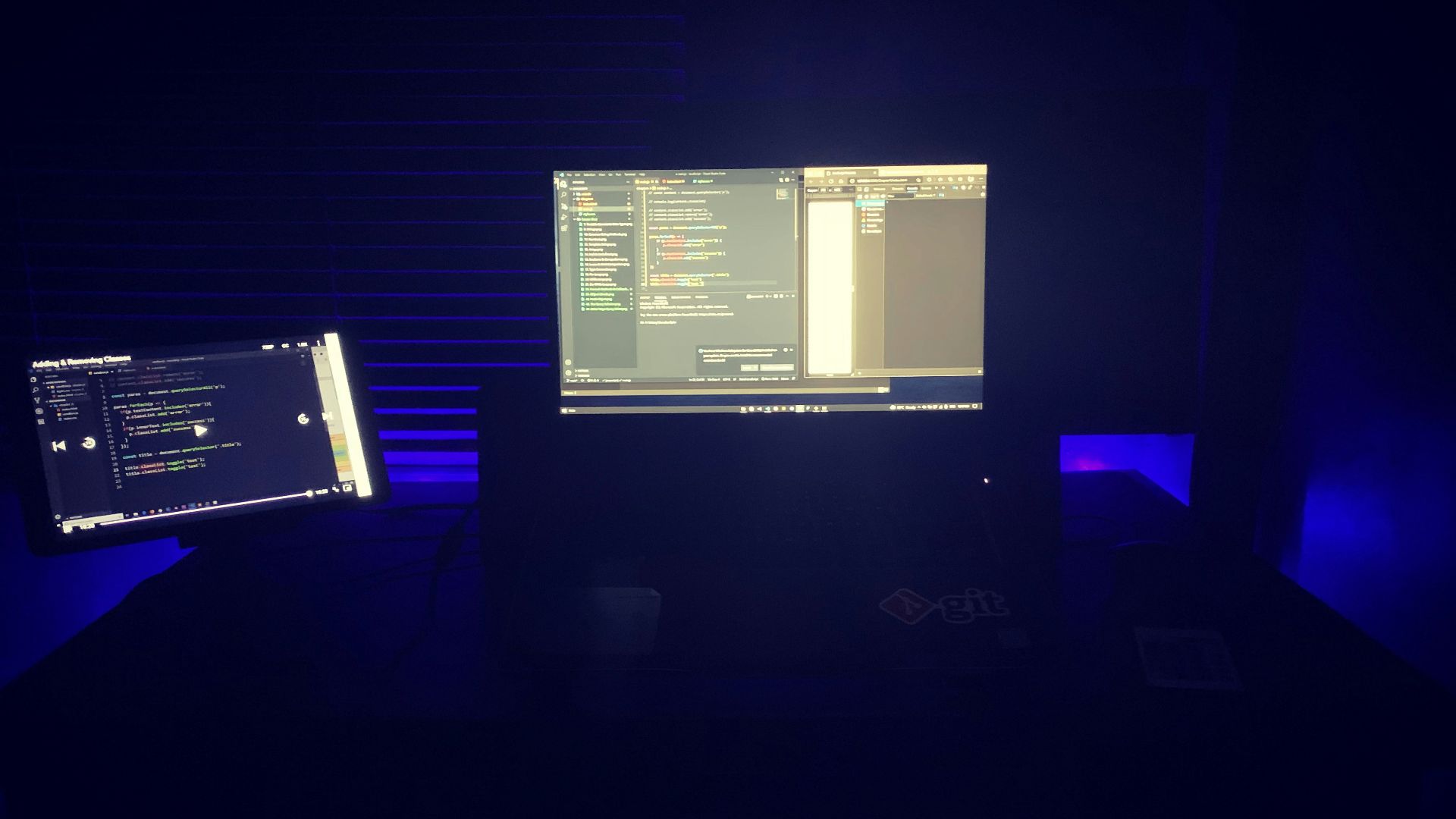
Some games run great out of the box, but others require adjusting graphics settings, controller layouts, or compatibility tools. If you want a device where everything always works with zero effort, this may not be the right gaming system for you.
5. Storage Fills Fast
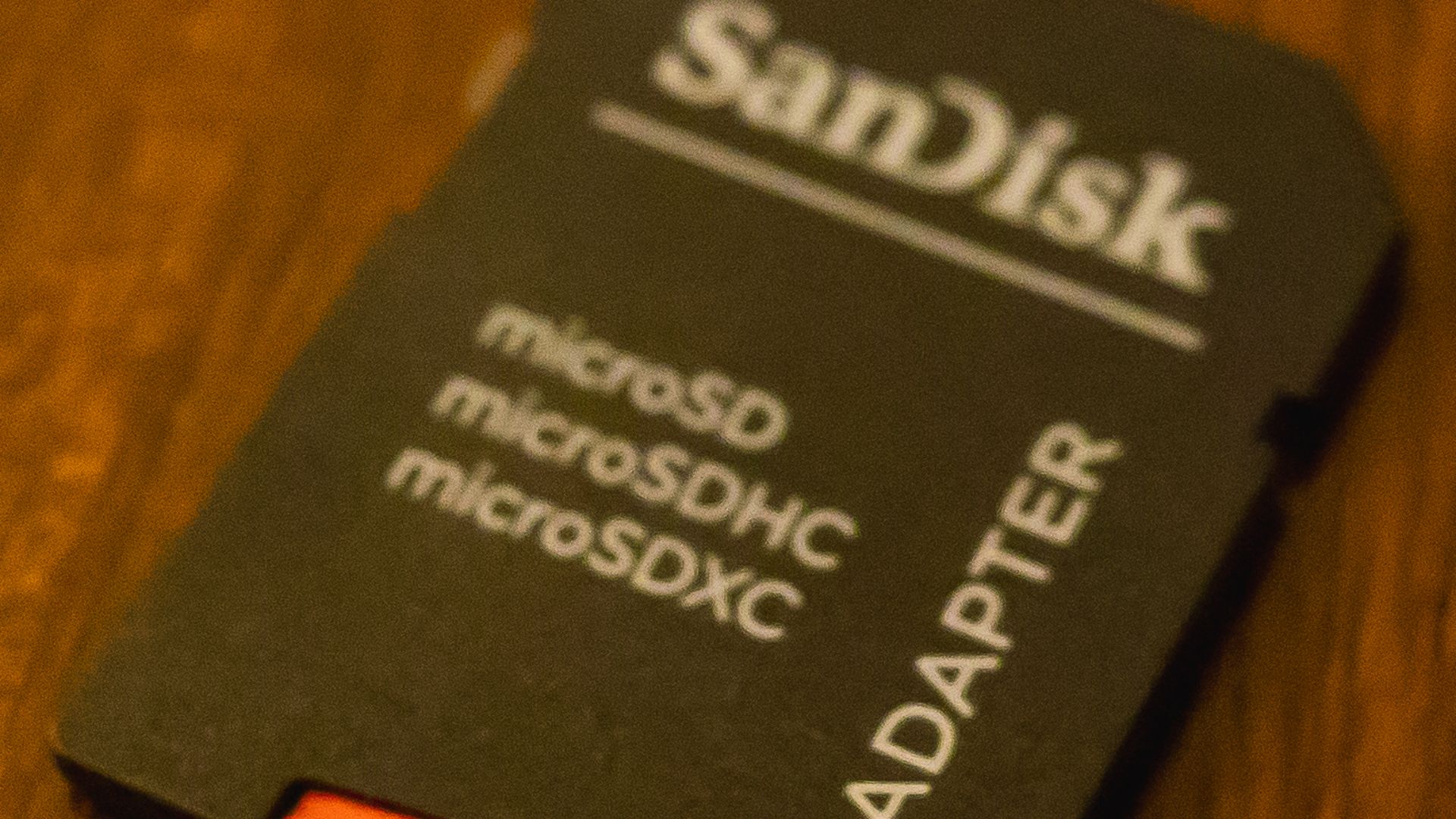
Modern PC games are huge, and even large storage models can fill up quickly. You can certainly expand with microSD, but awful load times and space management still become part of the routine.
6. Multiplayer Can Be Tricky
Online titles with strict anti-cheat systems don’t always behave well on SteamOS. Some games work fine, others do not, and the situation can change with every update. If competitive multiplayer is your main hobby, the Deck might not be the safest pick.
7. Small Screen Limits
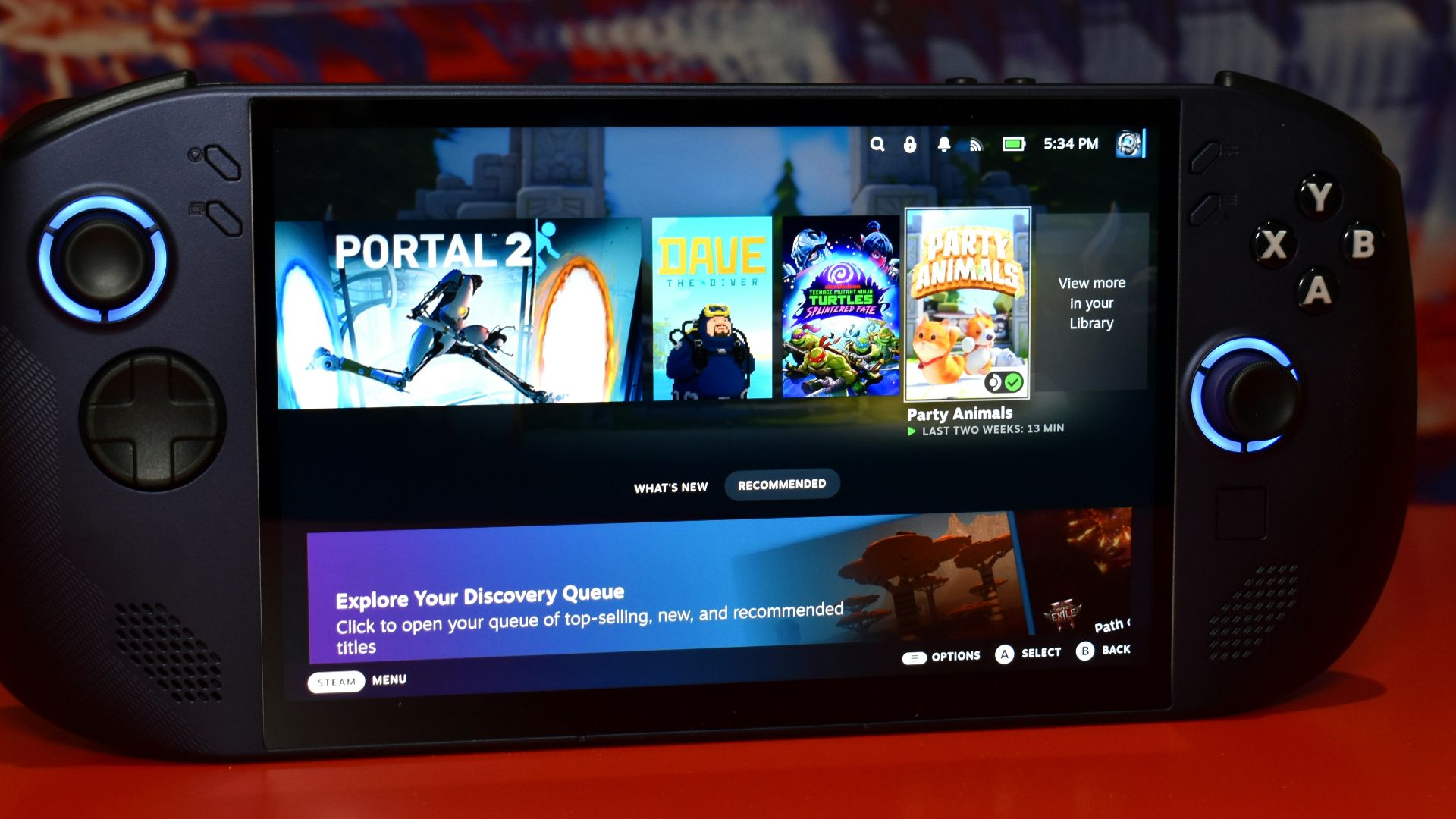
The screen looks good, but small text and dense interfaces can be frustrating. Strategy games, management sims, and older PC ports sometimes assume a larger display. If you don’t want to squint or adjust UI scaling often, you might prefer a laptop or console setup.
8. Docked Isn’t Perfect
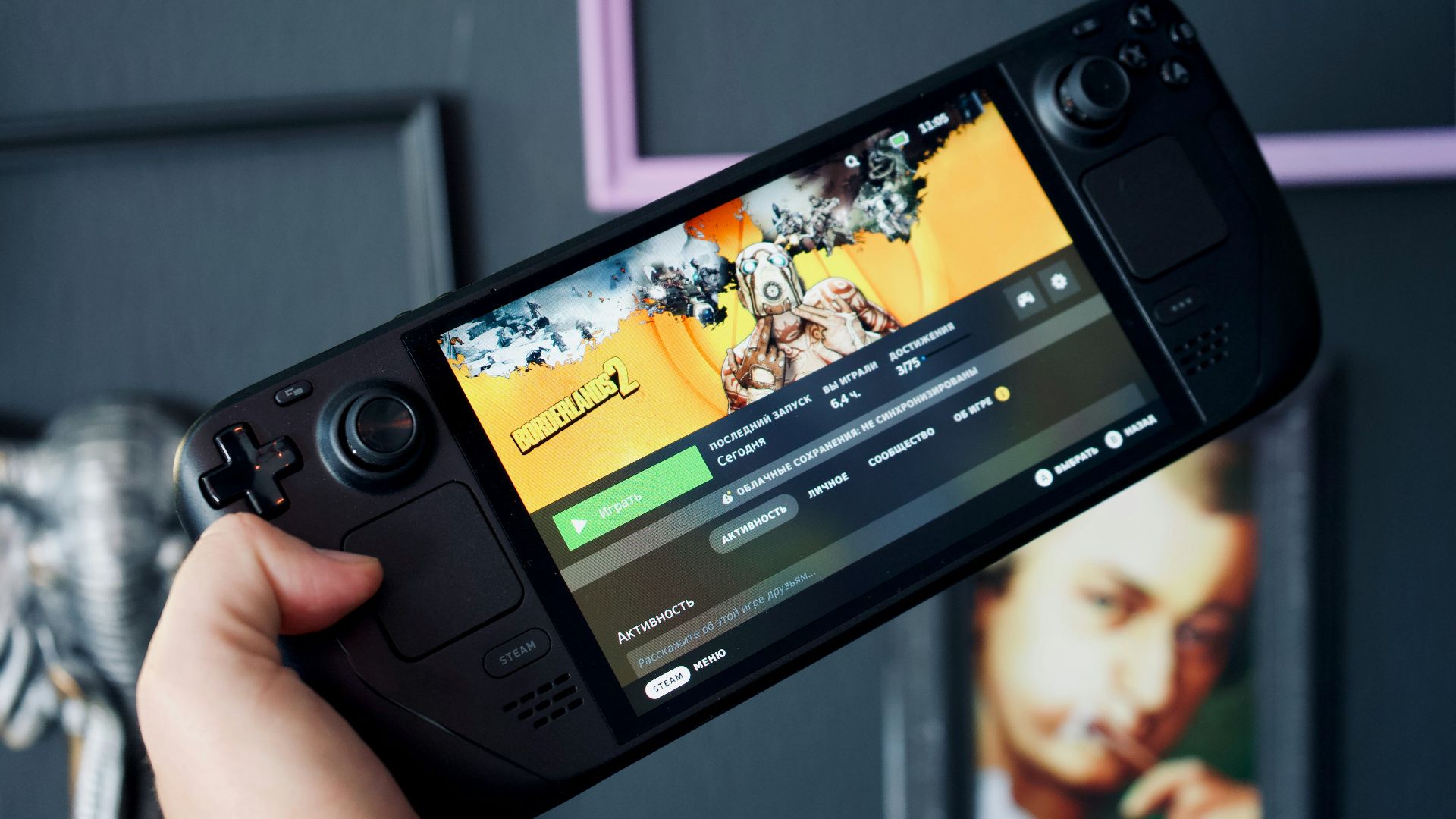
You can dock the Deck, but the experience may not feel as seamless as a dedicated console. Some games need new settings for higher resolutions, and performance can vary depending on what you’re trying to output. This also means your game’s resolution is at the mercy of your television's quality.
9. The Price
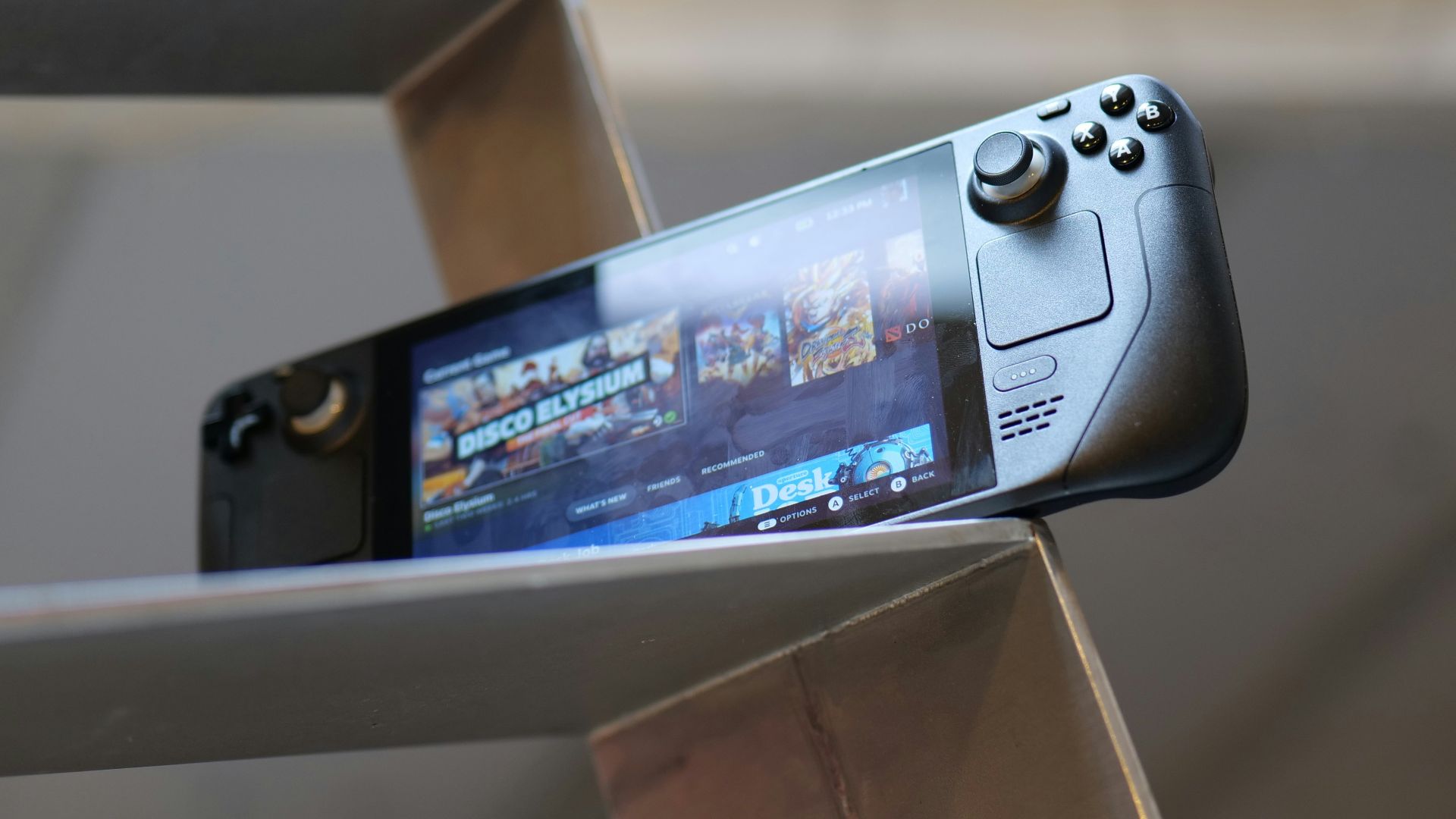
Unsurprisingly, the Steam Deck is so expensive, seeing as how many new gaming systems are quickly approaching the unattainable price range. The Deck is no exception. A brand new console with high storage capacity will run you about $550 USD, and that’s excluding any taxes or other hidden fees.
 John Guccione www.advergroup.com on Pexels
10. A Gaming PC May Win
If you mostly play at home, a desktop or laptop may give you better performance per dollar. You’ll also have fewer compatibility surprises and an easier time with mods, streaming, and peripherals.