The Trade-Offs of Going All-In on Apple
If you’ve built your daily life around Apple devices, you already know the ecosystem can feel both incredibly seamless and, occasionally, absolutely maddening. The same design choices that make everything feel cohesive can also create problems when you want flexibility, customization, or cheaper options. So: does the bad outweigh the good? Or is it the other way around? Here are 10 annoying cons and 10 perks that often make people stick with it anyway, even when they complain about it.
1. The “It Just Works” Tax
Apple hardware tends to cost more than comparable devices, and you feel that premium across the lineup. But if you want decent storage, more RAM, or a better display, the cost of these upgrades adds up fast. Even when you’re happy with the product, you can’t pretend the pricing will be kind to your wallet.
2. Accessories Can Feel Like a Second Purchase
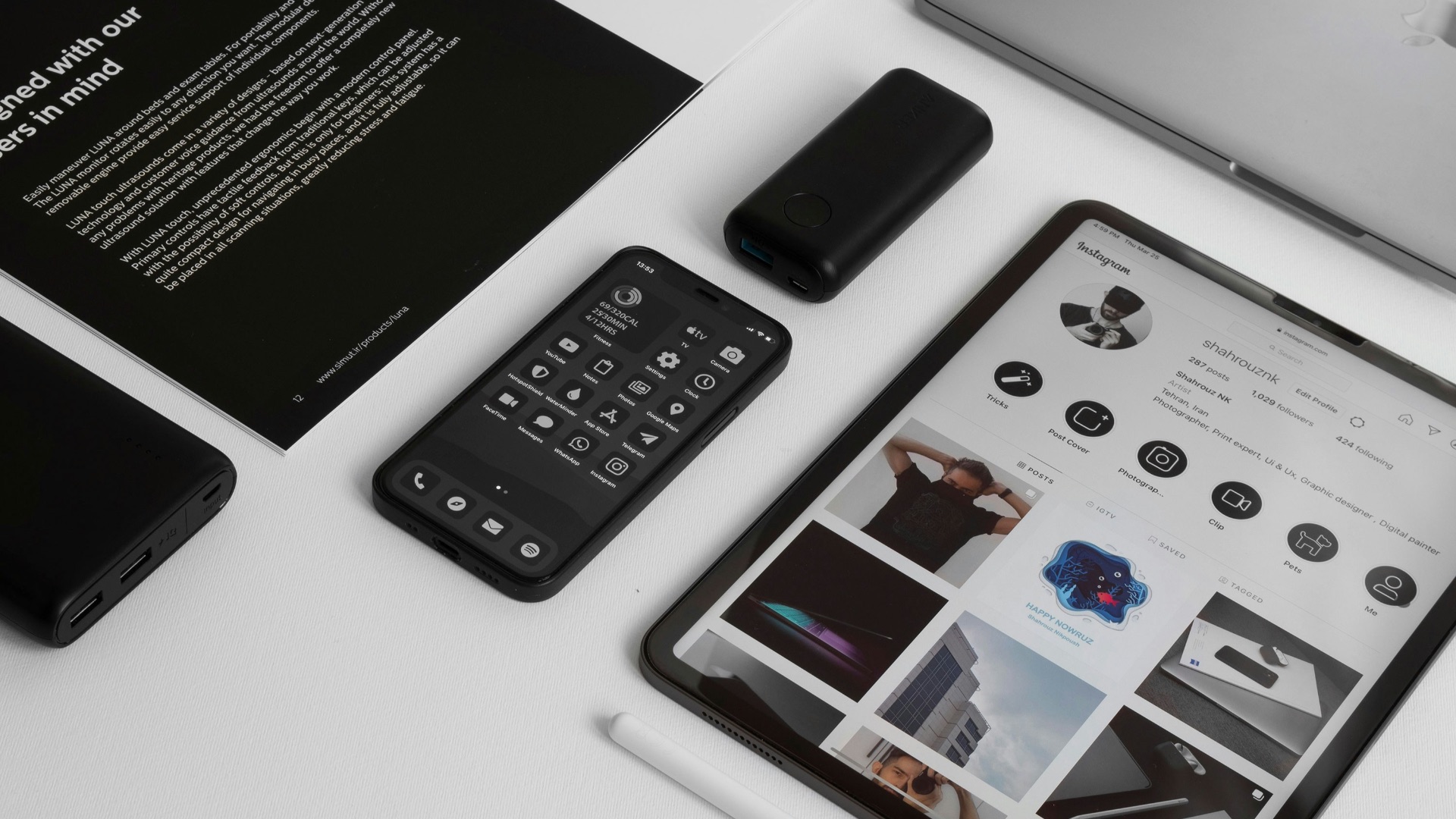
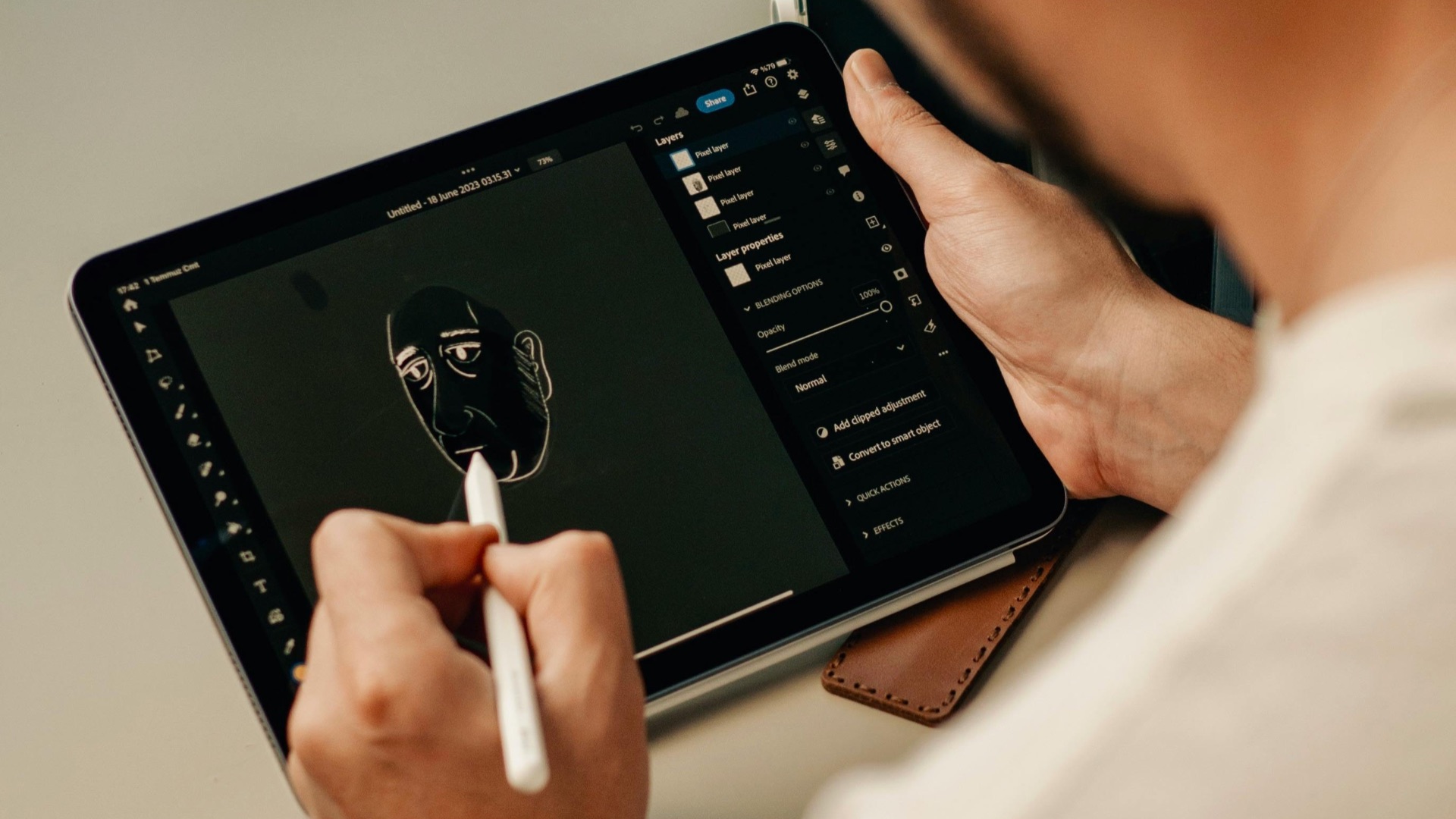
A lot of Apple’s best experiences depend on add-ons that aren’t cheap. You might buy an iPad and quickly realize the keyboard and Apple Pencil are what make it truly useful for your workflow. Once you start stacking accessories, the total price can feel hard to justify.
3. Default Apps Often Push You to Stay Put
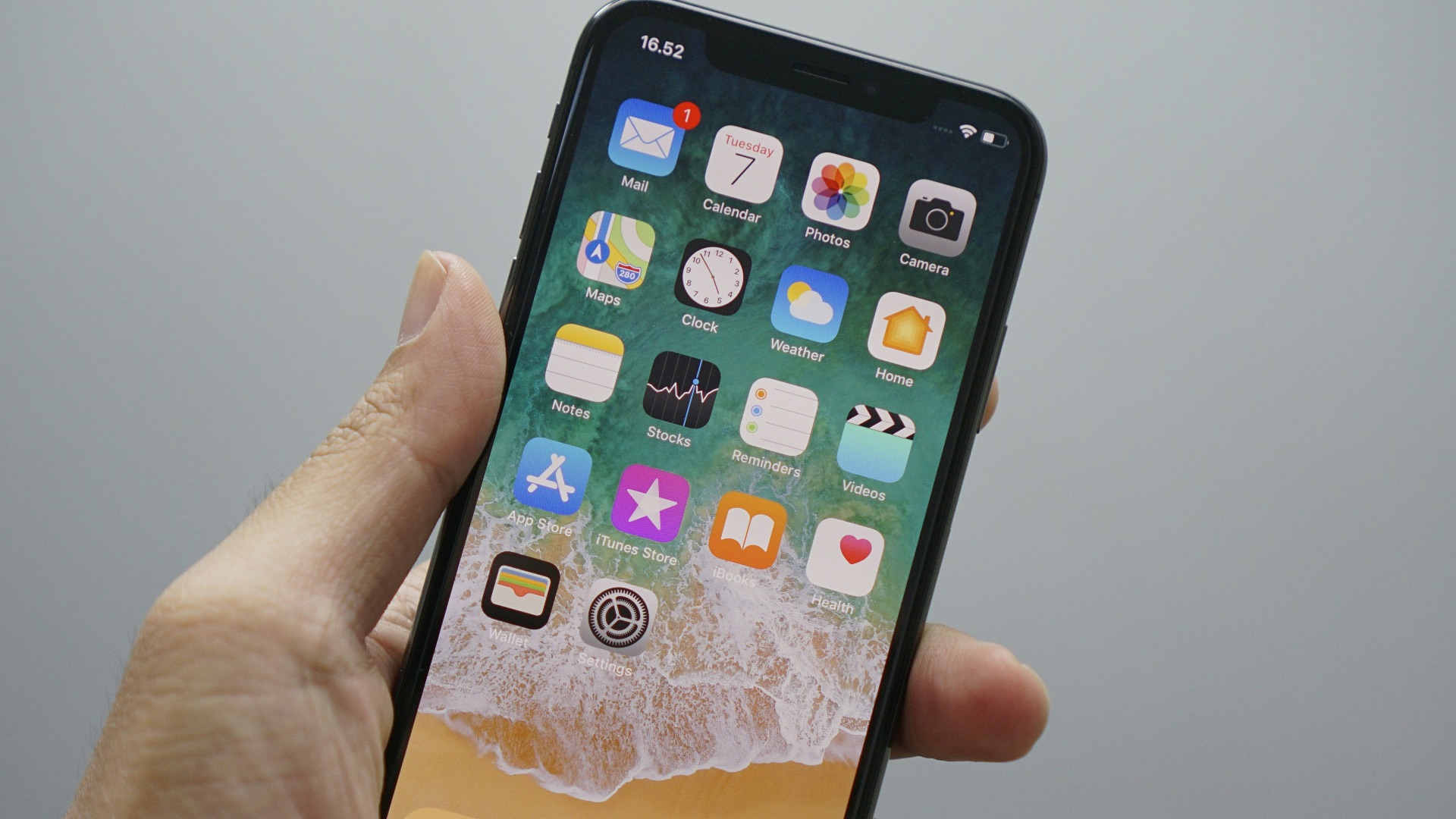
Apple’s built-in apps are competent, but they’re also designed to keep you in Apple’s orbit. If you switch to alternatives, things like link handling, default settings, and cross-device syncing can get annoying. It’s not impossible to break away, but you’ll notice the system prefers you don’t.
4. Limited Customization Can Be a Constant Irritant
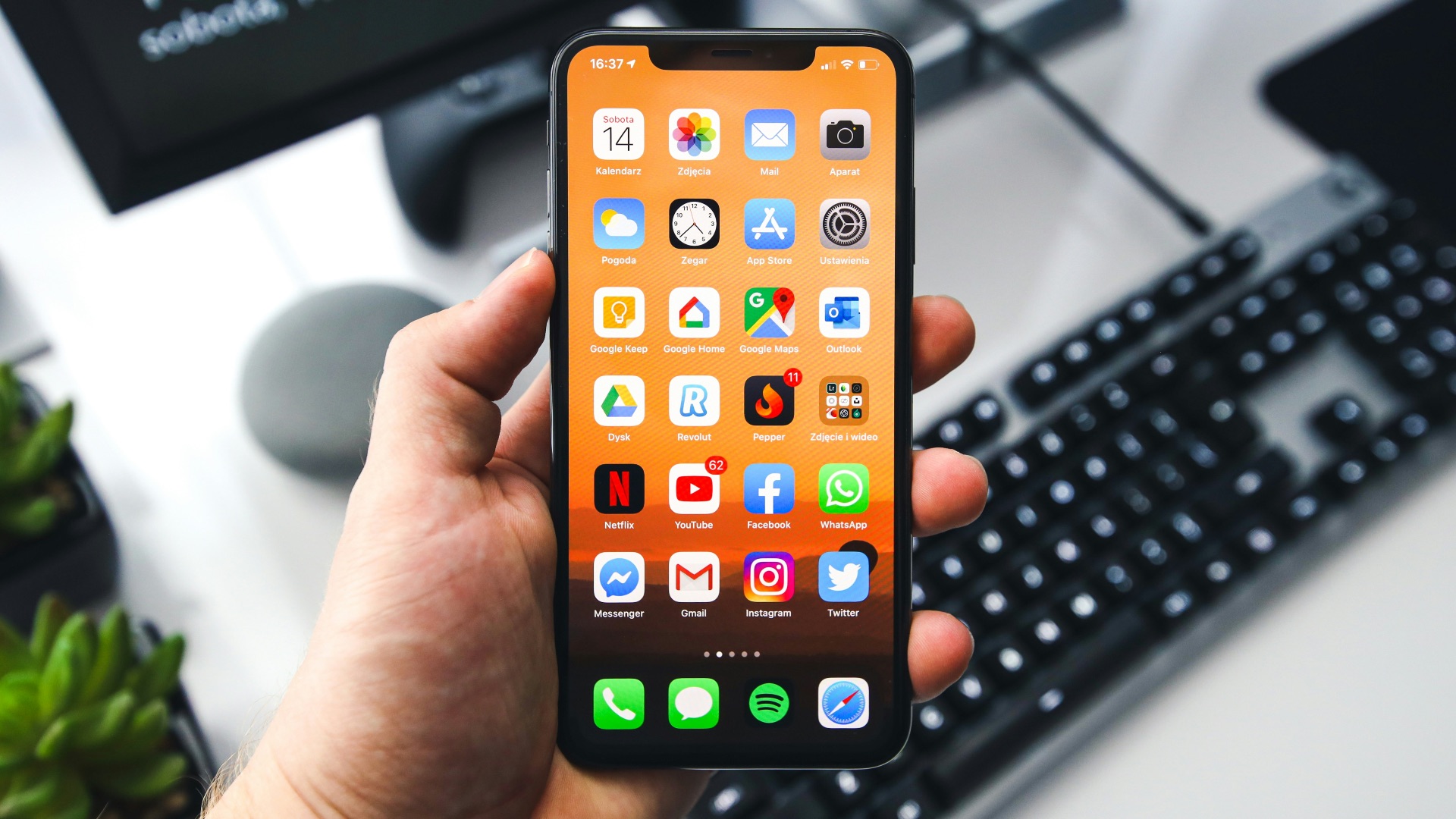
If you like tailoring your device to your habits, iOS, iPadOS, and macOS can feel restrictive. Some changes are allowed, but deeper personalization is still off-limits compared to other platforms. You may end up having to just adapt to Apple’s design decisions instead of the other way around.
 Sebastian Bednarek on Unsplash
5. Repairs Can Be Slow, Costly, and Complicated
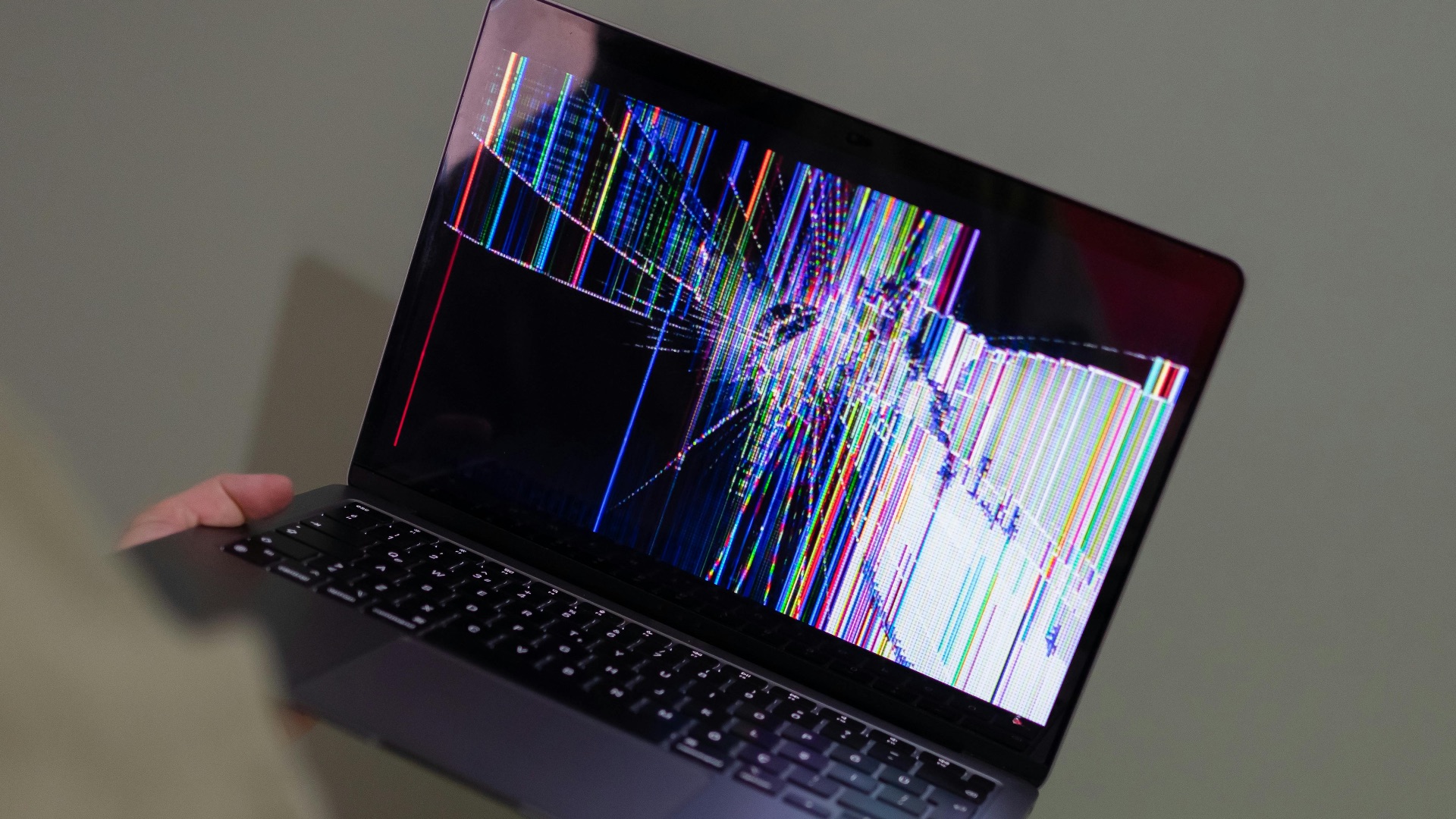
When something breaks, Apple’s repair process can be efficient, but it can also be expensive and constrained by strict policies. Independent repair options exist, yet parts availability and device design can make repairs harder than they should be. If you’re unlucky with timing, being without your device can disrupt your week.
6. Storage Management Can Feel Like a Forced Upgrade
Base storage still fills up quickly, especially if you take lots of photos or download media. You’ll likely be nudged toward iCloud plans or higher-capacity models sooner than you’d like. That pressure can feel unnecessary when storage is inexpensive elsewhere.
7. Notifications and Settings Can Get Messy Across Devices
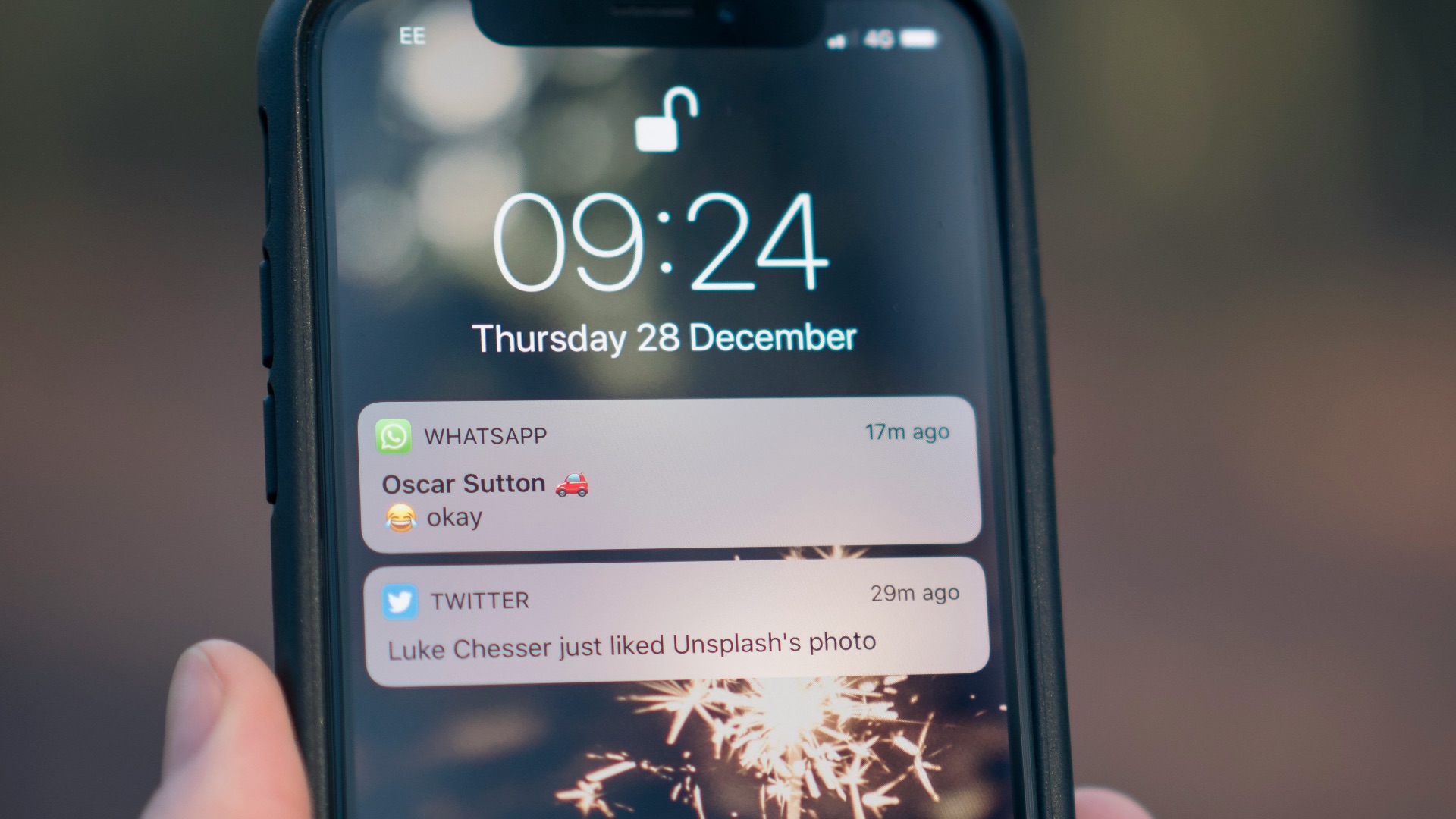
With multiple Apple devices, alerts can multiply in ways that don’t feel smart. You’ll sometimes get the same notification on your phone, watch, tablet, and laptop, even when you only need it once. Tweaking those settings helps, but it takes more effort than most people expect.
8. Compatibility Headaches Outside the Ecosystem
When your friends use Android or Windows, sharing can become less convenient. Group chats, file transfers, and certain shared services may not work as cleanly as Apple-to-Apple. You can absolutely make it work, but the extra friction is real.
9. Some Features Are Locked Behind Newer Hardware
Apple updates are frequent, yet many headline features only run on recent chips. That can make perfectly fine devices feel older faster, even when performance is still solid. You might end up upgrading to access software perks rather than because your device truly needs replacing.

10. Big Changes Sometimes Happen Without Your Input
Apple can adjust interfaces, remove ports, or change workflows in ways that affect how you use your devices daily. You may like the new direction, but you may also find yourself relearning habits you had already gotten used to. If you prefer stability over surprises, those shifts can be jarring and frustrating.
But the Apple ecosystem isn't always so bad; there's a reason why so many people love keeping around all-Apple products, right? Let's jump next into the perks that reel everyone in.
1. Seamless Device Handoff Saves You Real Time
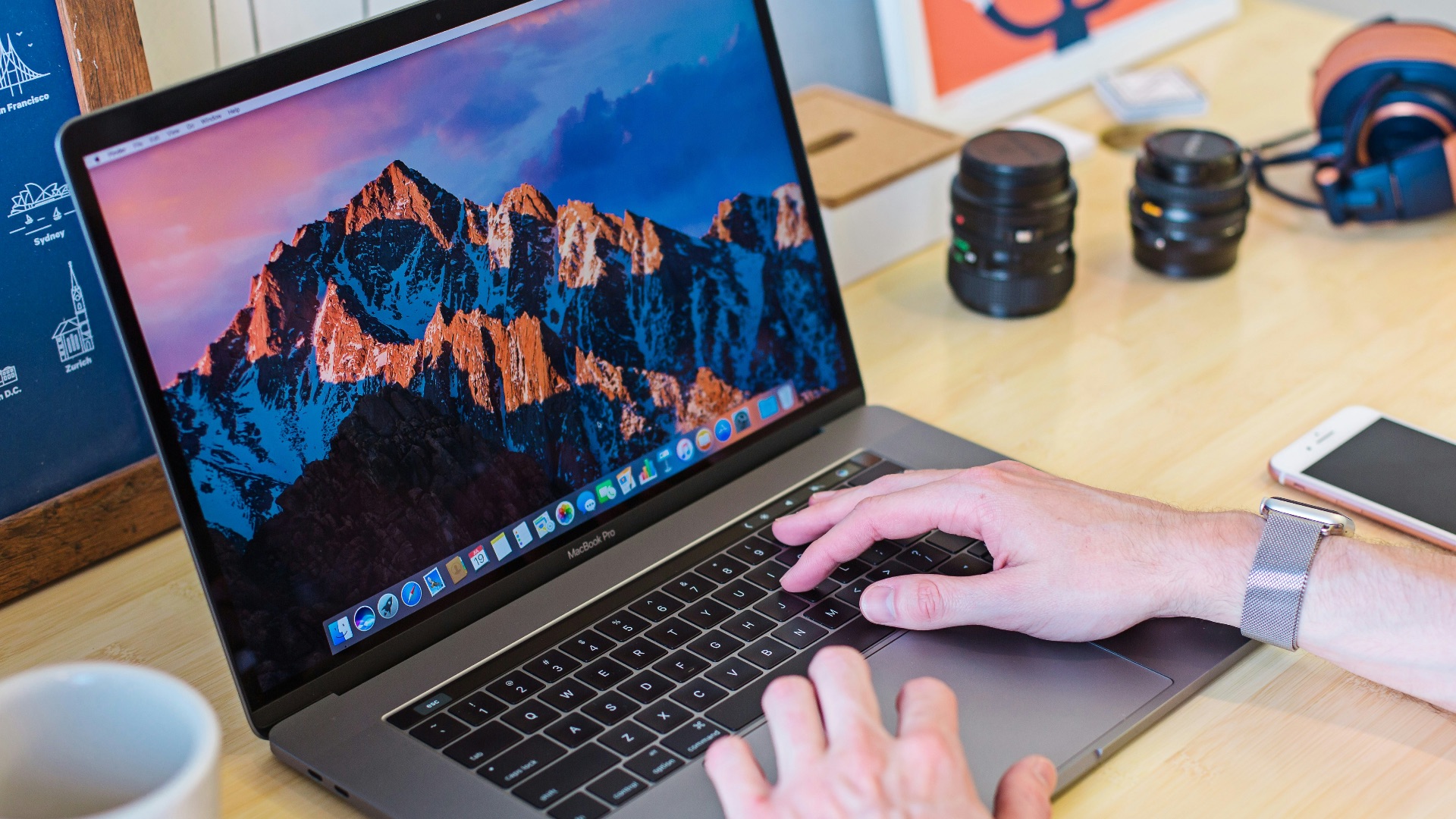
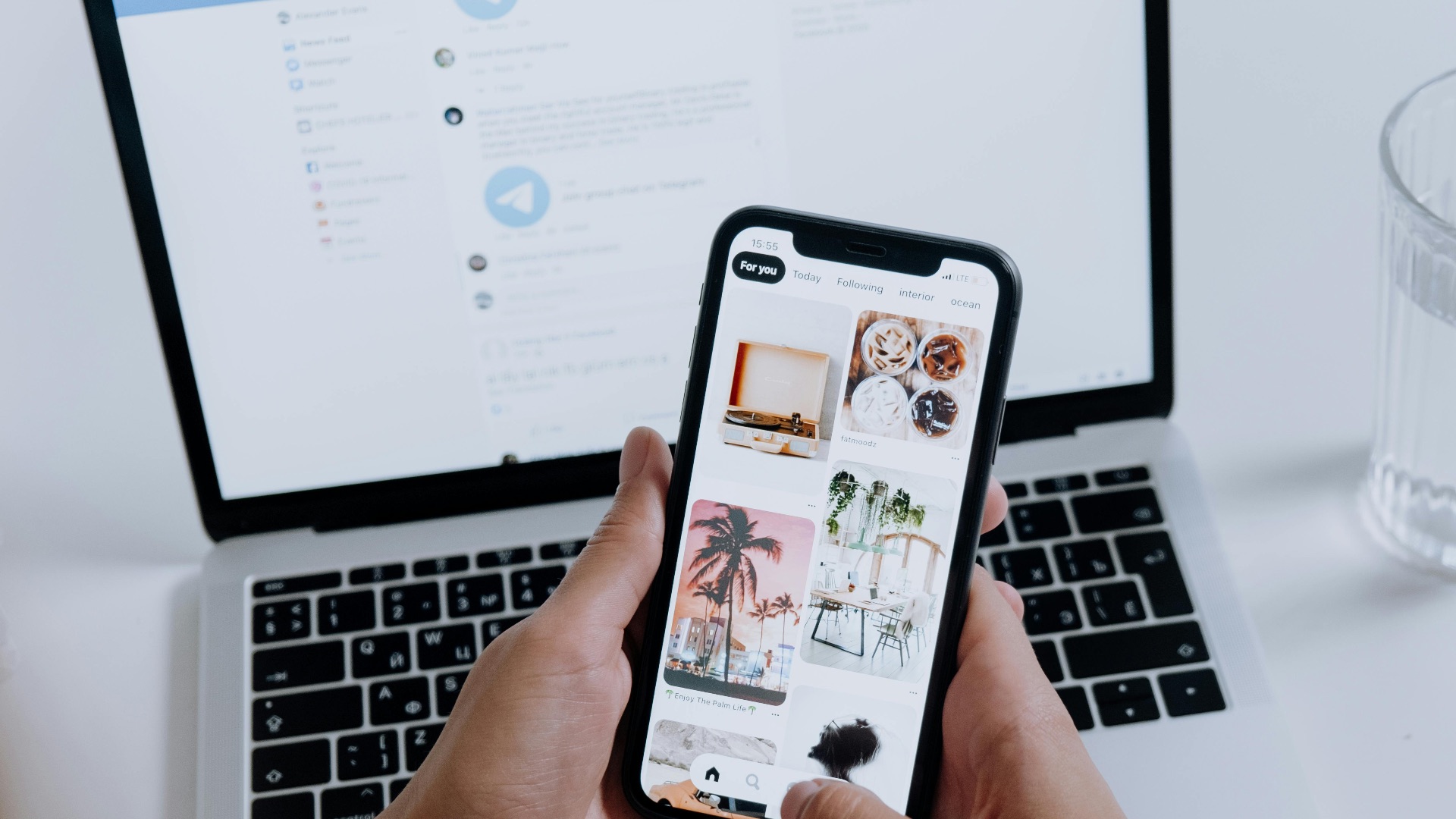
Moving between iPhone, iPad, and Mac is usually smooth enough that it becomes a habit. Copying on one device and pasting on another, picking up Safari tabs, and handing off tasks can reduce small daily annoyances. Once you rely on it, it’s hard to give up.
2. iMessage and FaceTime Are Still Incredibly Convenient
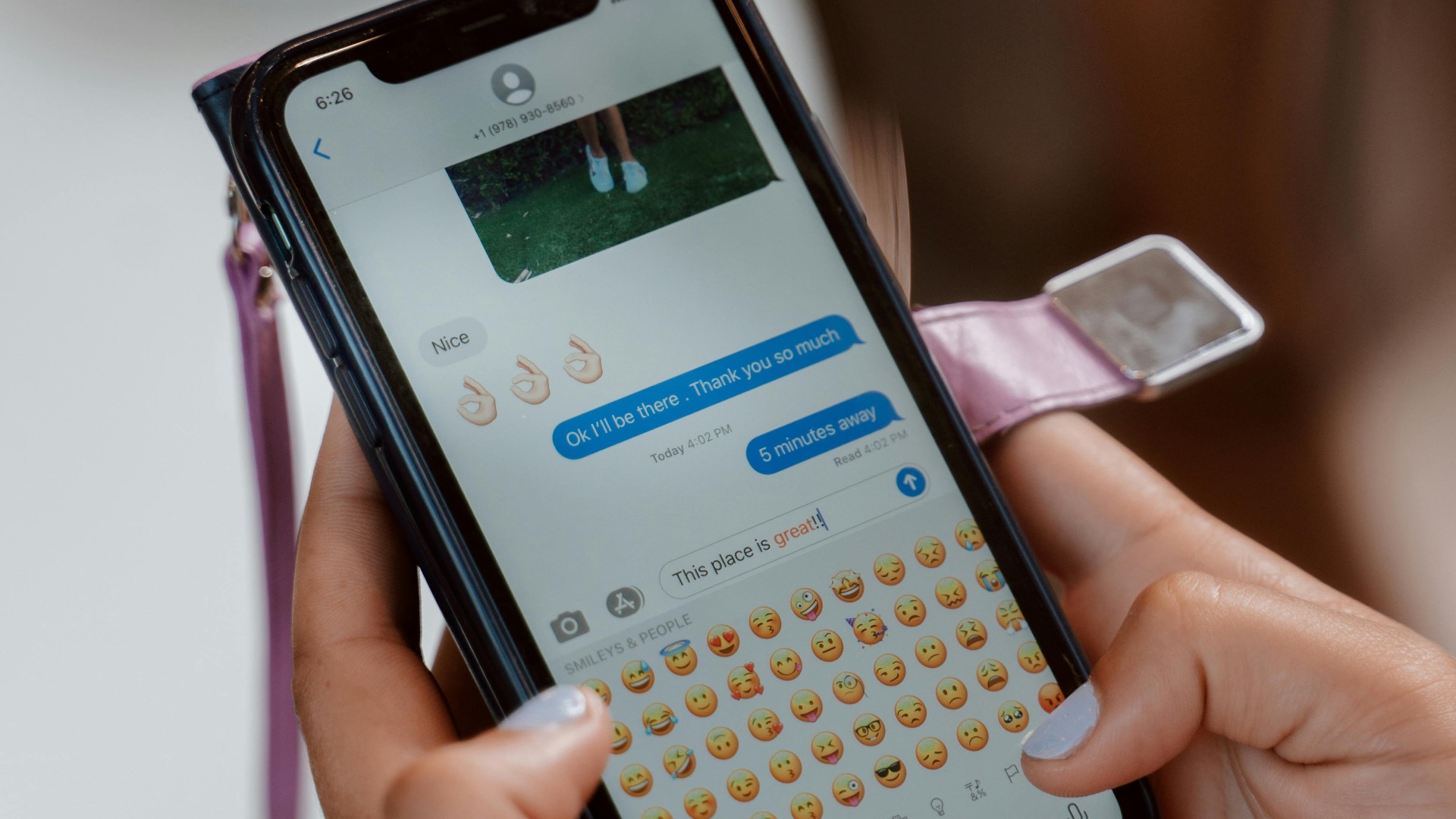
For anyone with other Apple users in their circle, messaging and calls are simple and consistent. Features like high-quality video, reliable group chats, and easy media sharing work with minimal setup. You don’t have to manage multiple apps to get a polished experience.
3. AirDrop Makes File Sharing Feel Effortless
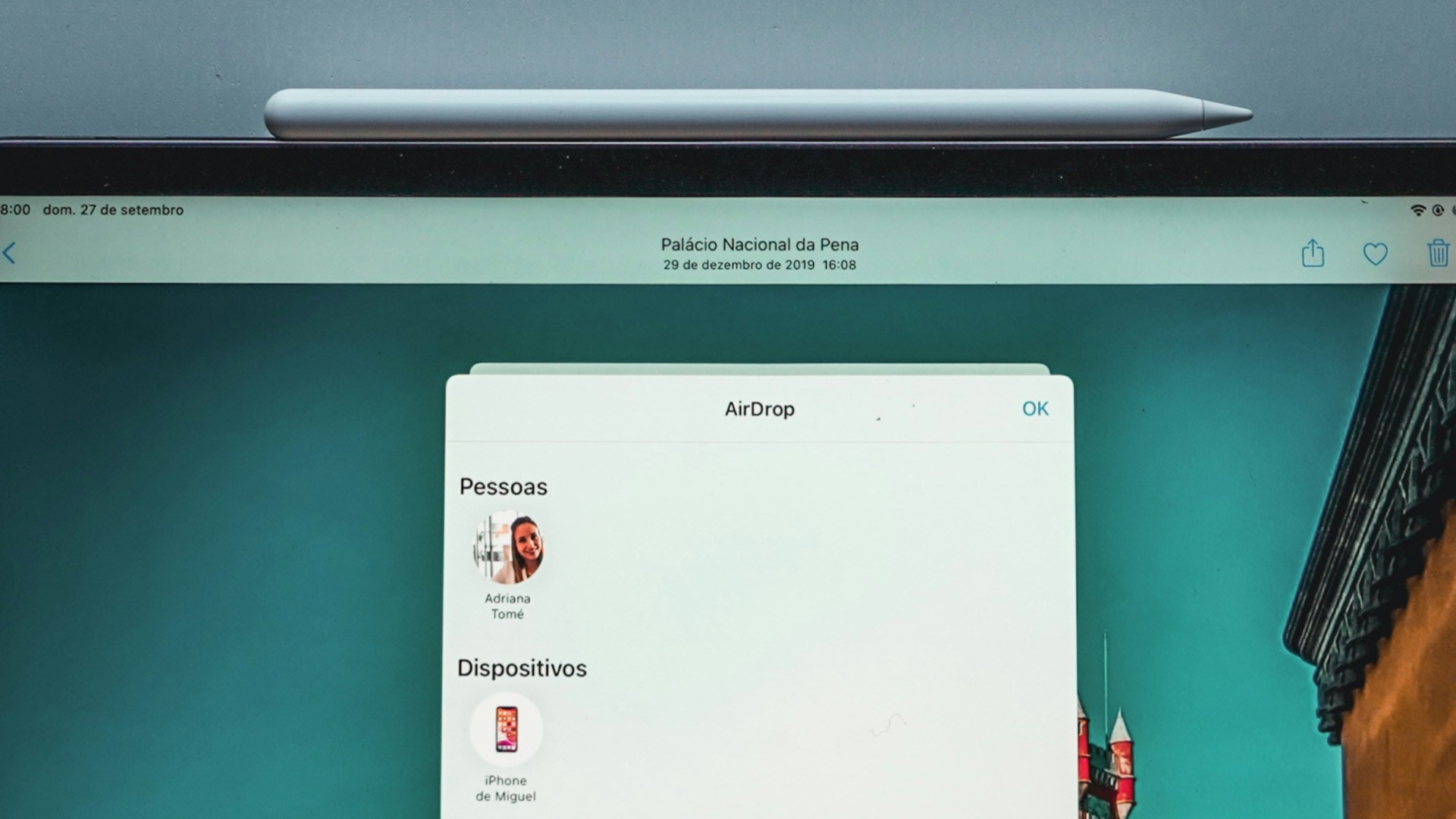
AirDrop is one of those features you don’t think about until you need it, and then it’s suddenly essential. Sending photos, documents, or links between Apple devices takes seconds and requires almost no troubleshooting. It’s especially useful when you’re in a hurry or helping someone nearby.
4. Apple Watch Integration Can Improve Everyday Routines
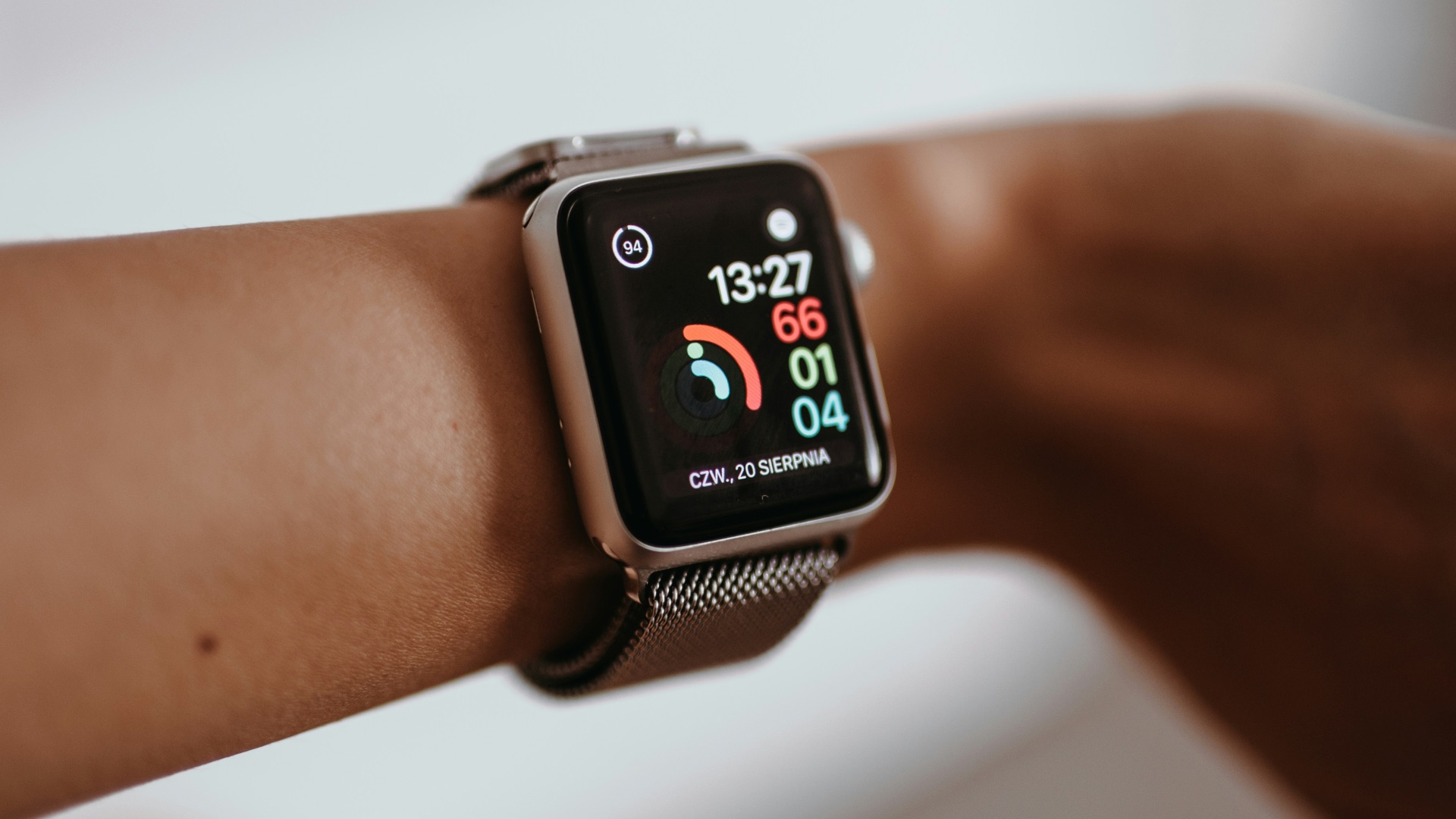
If you wear an Apple Watch, the way it pairs with iPhone can feel unusually complete. Unlocking your Mac, handling quick replies, and getting health data in one place becomes easy to maintain. The convenience is subtle, but it adds up over time.
5. Privacy Controls Are More Centralized Than Many Alternatives
Apple puts a lot of privacy settings directly in front of you, and the interface makes them understandable. Permissions, tracking controls, and app access are generally straightforward to review and adjust. You still need to make choices, but you’re not left guessing where the switches are.

6. Long-Term Software Support Helps Devices Age Better
Apple typically supports its devices for years, which can protect your purchase longer than you’d expect. Even when older models miss some new features, they often keep receiving security updates and core improvements. That consistency matters if you don’t want to replace hardware constantly.
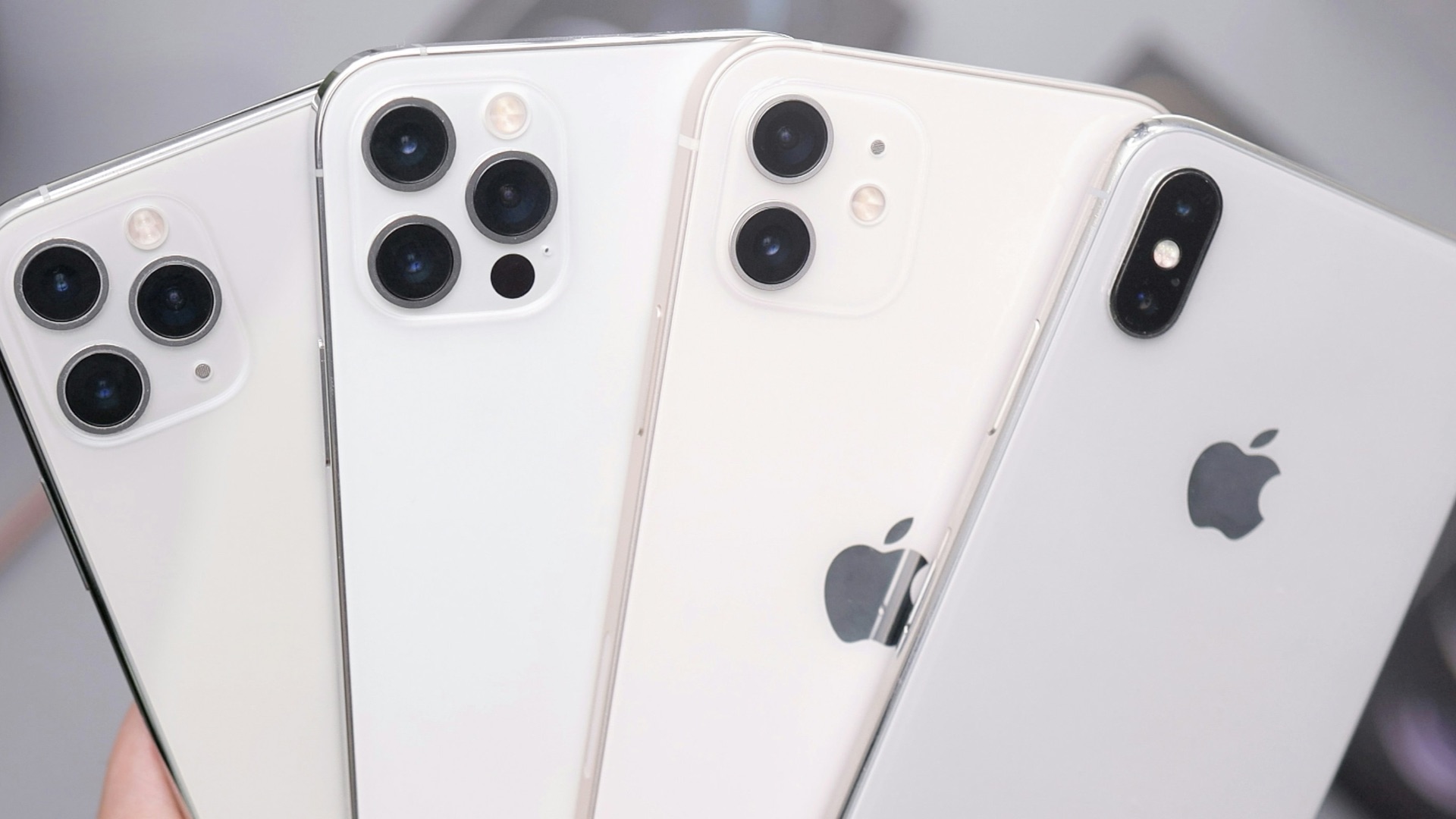
7. Apple’s Ecosystem Is Strong for Creative Workflows
For many people, macOS plus iPadOS creates a practical setup for writing, design, music, and video tasks. Features like Sidecar, solid trackpad gestures, and reliable color handling can support real work. Even if you use third-party tools, the platform tends to stay stable under load.
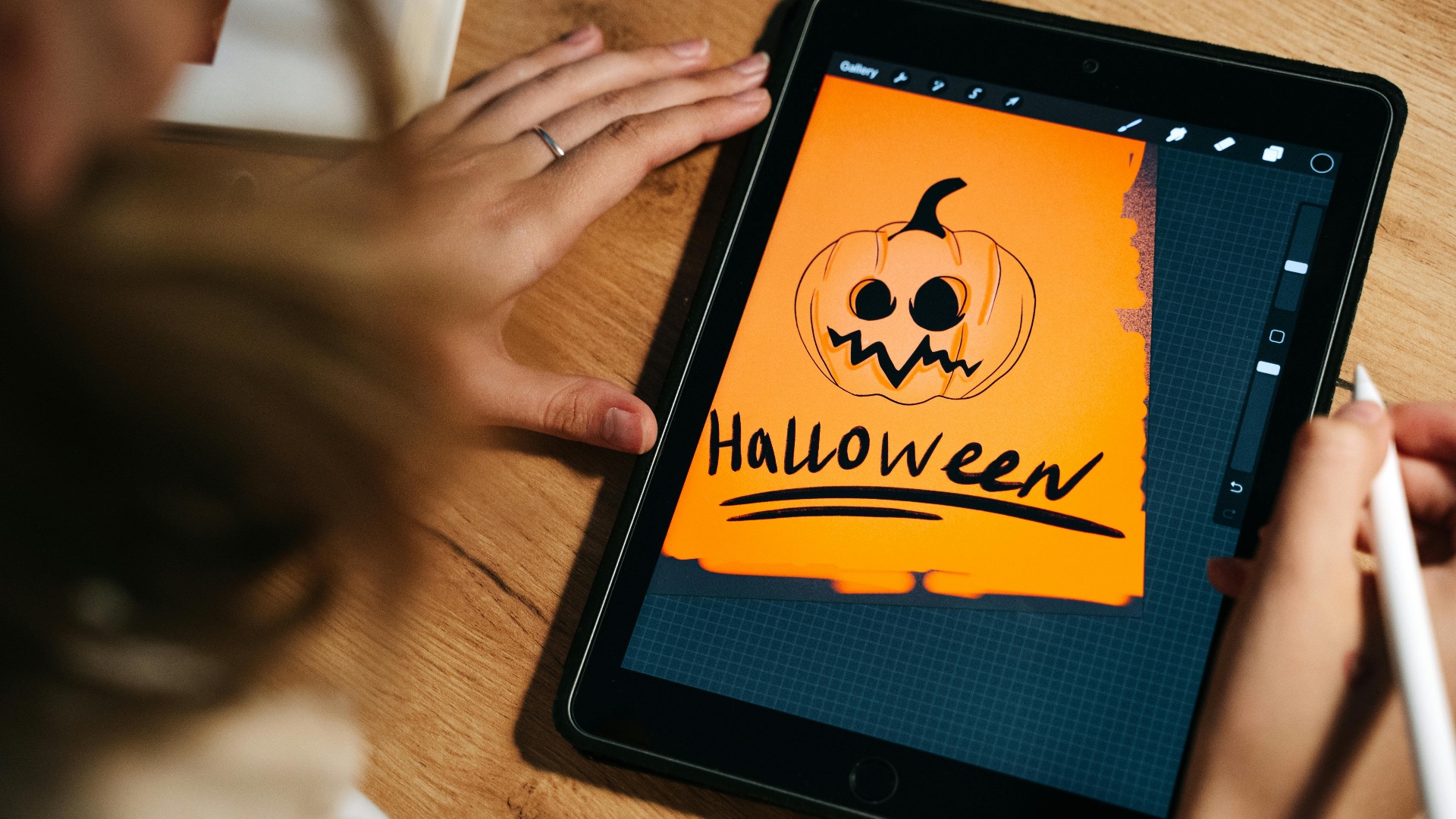
8. The App Quality Floor Is Relatively High
You’ll still find mediocre apps, but the overall standard on Apple platforms is often better than the wildest corners of other marketplaces. Many developers prioritize iOS and macOS, so you get polished interfaces and better ongoing support. That makes trying new apps feel less risky.
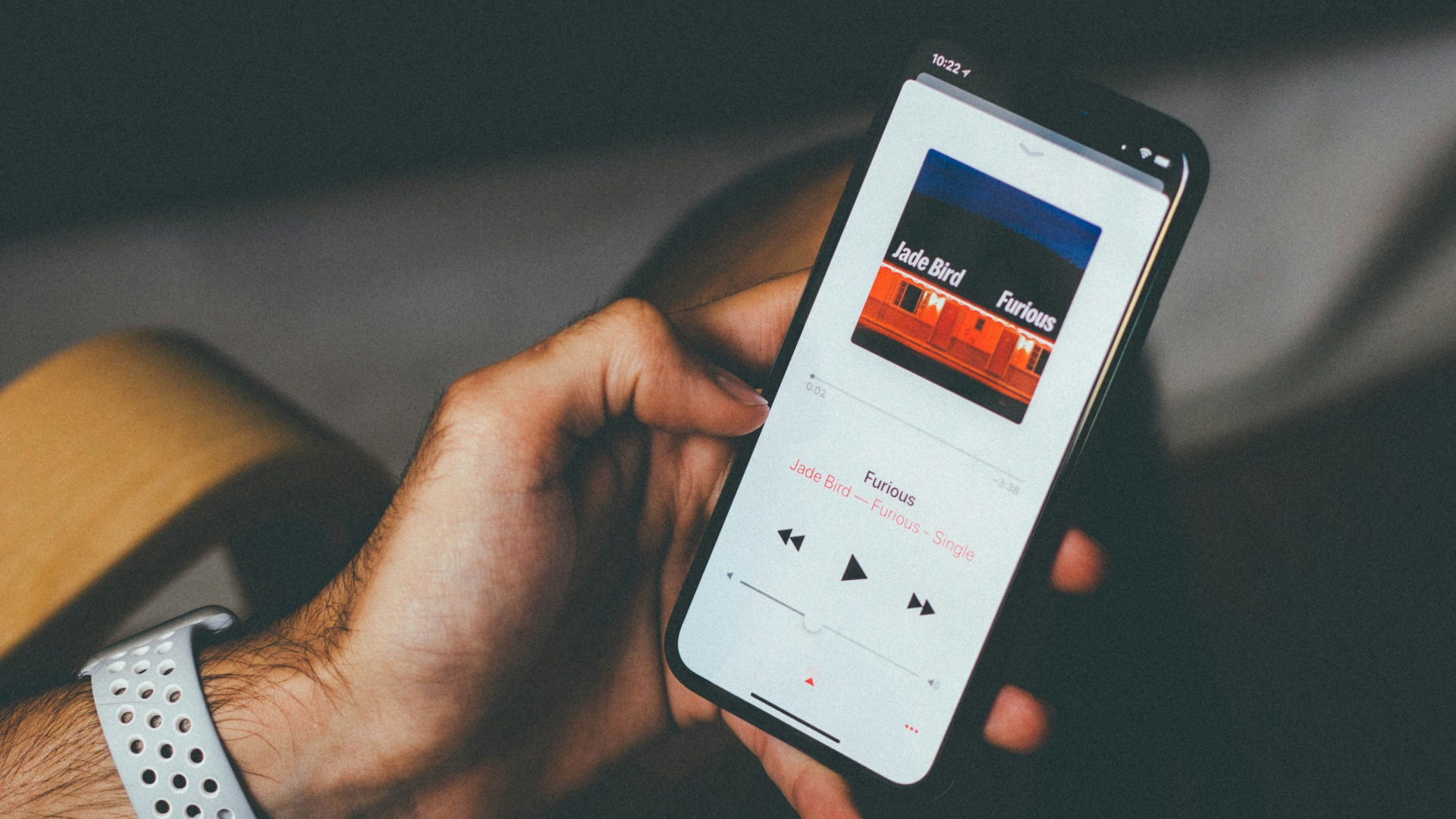
9. Consistent Design Reduces Mental Overhead
Apple’s design language is predictable across devices, which can make navigation feel intuitive. When you learn a gesture or setting pattern once, it often carries over elsewhere. That uniformity helps if you want your tech to feel calm and manageable.
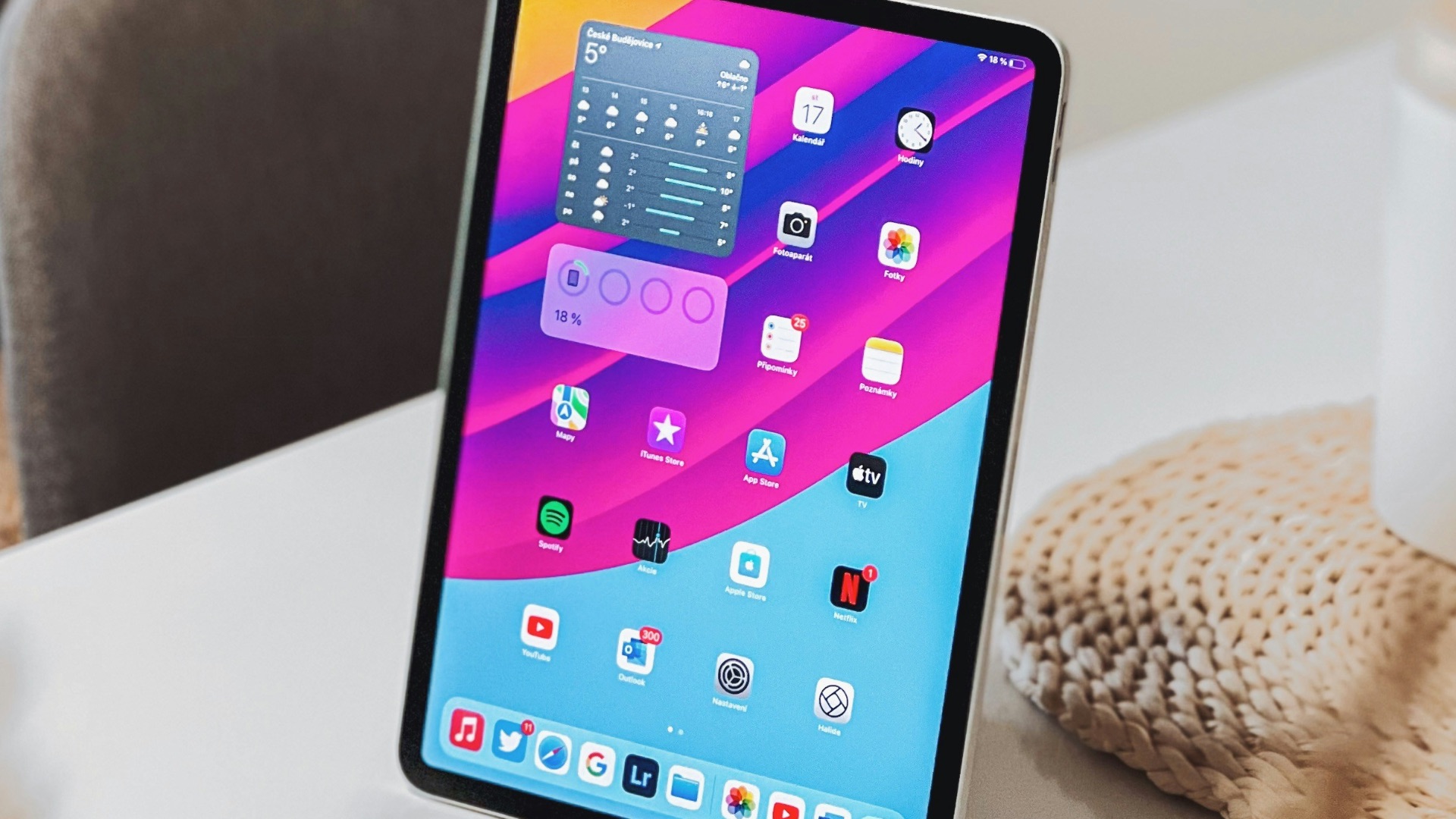
10. Resale Value and Trade-Ins Can Soften Upgrade Pain
Apple products tend to hold value better than many competitors, which can reduce the sting of buying premium hardware. Trade-in programs and strong secondhand demand can make upgrading more financially tolerable. Even if you don’t upgrade often, it’s nice to know your old device isn’t worthless.