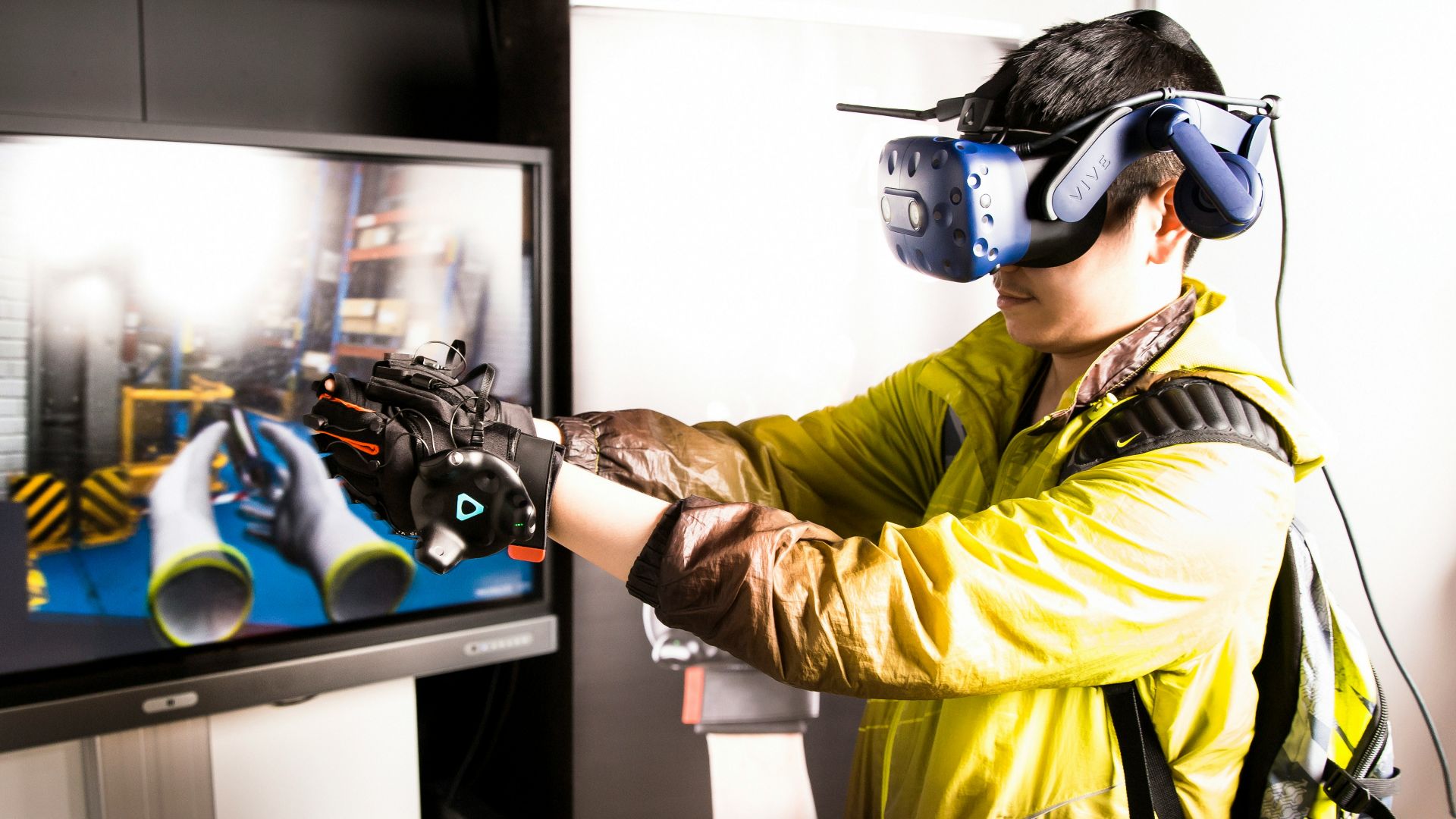
Motion sickness while gaming affects many players, especially in fast-paced 3D games or virtual reality (VR). It can cause dizziness, nausea, headaches, and general discomfort, turning what should be a fun experience into a frustrating ordeal.
While some players accept it as unavoidable, there are a few effective ways to reduce or even prevent symptoms. Understanding what triggers motion sickness and how the body reacts to visual motion without matching physical movement helps in choosing the right strategies. If you’re a gamer who deals with motion sickness, these methods will make playtime feel a whole lot more comfortable.
Optimize Your Gaming Environment
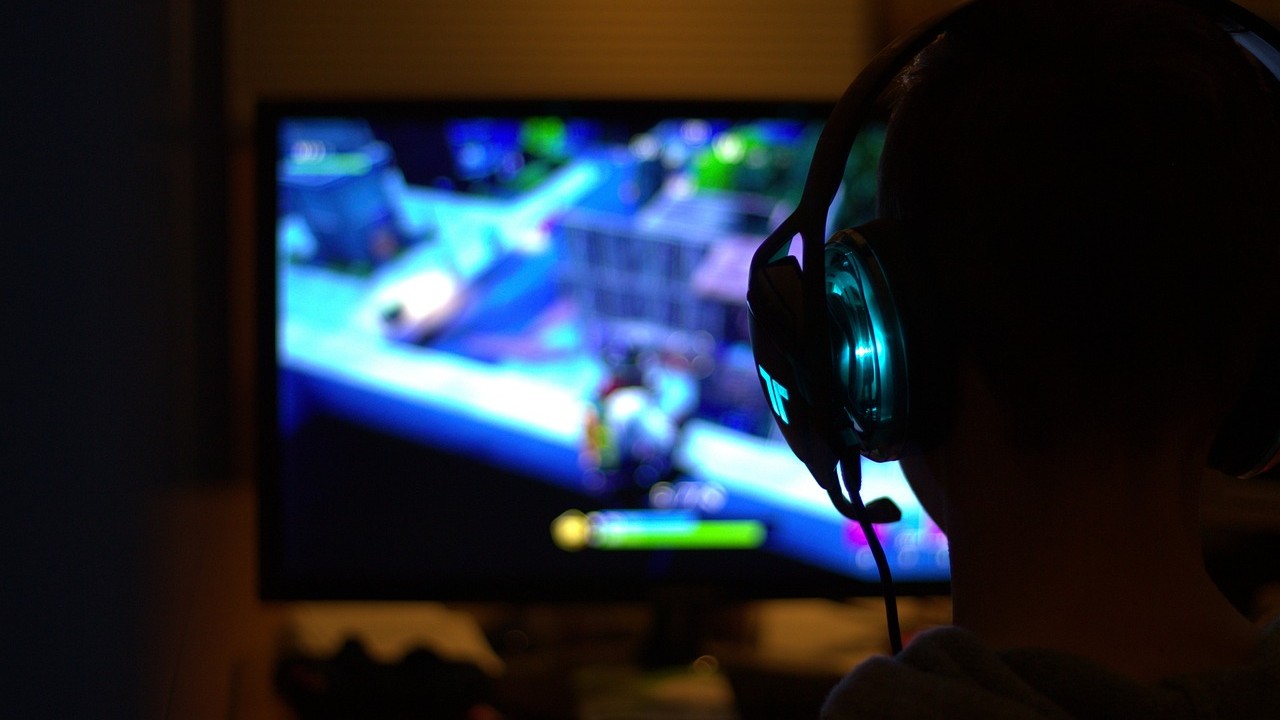
Reducing environmental strain plays a major role in combating motion sickness. Proper lighting can limit visual stress that contributes to feelings of nausea. This is because harsh contrasts between a bright screen and a dark room make the eyes work harder to focus, potentially raising discomfort. Keeping the room softly lit, with no glare on the screen, makes visuals easier to process and reduces eye fatigue—an important factor for motion sickness.
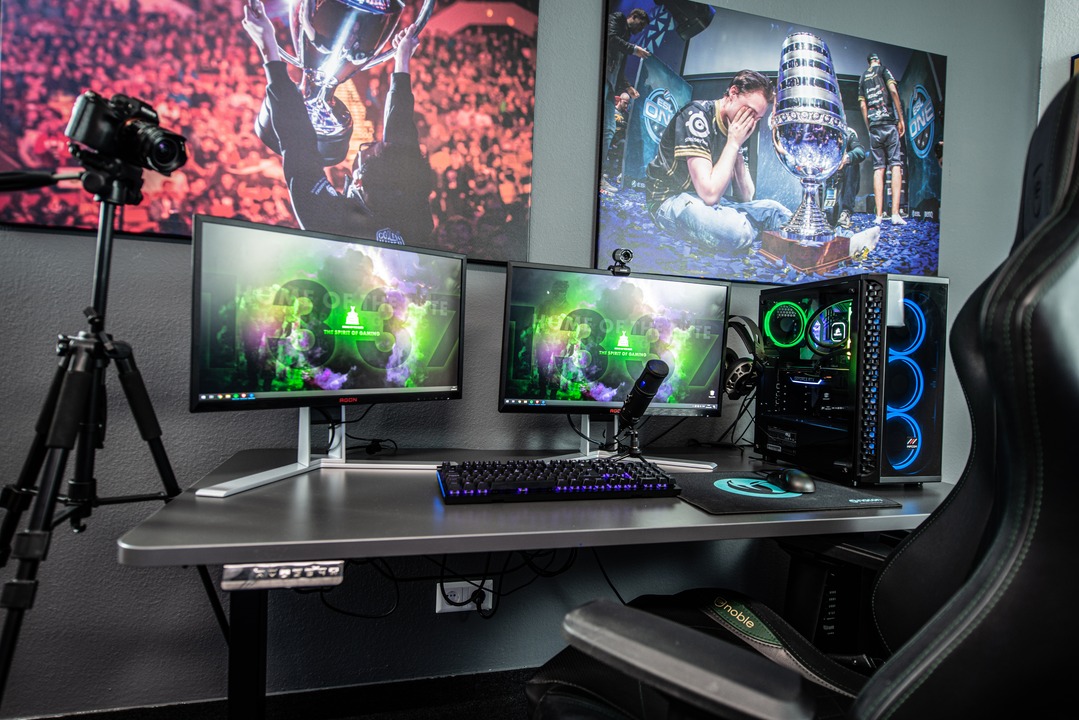
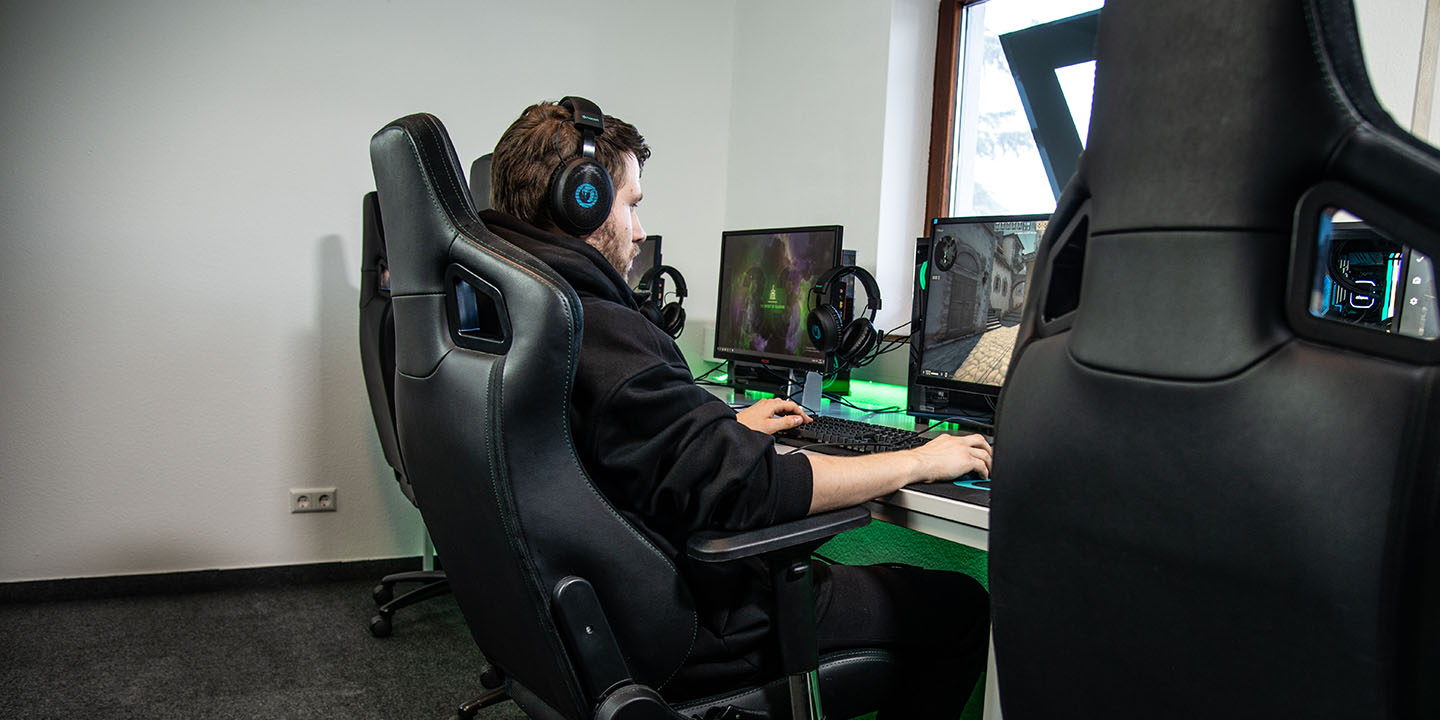
Equally important is screen distance and height. The display should be at eye level and about an arm’s length away. Sitting too close can make motion appear more intense, which increases the conflict between visual cues and physical balance. Proper posture also reduces strain on the neck and eyes, helping the brain interpret movement in a steadier, more controlled way that lessens sickness.
Adjust Game Settings For Comfort
Many games include settings specifically designed to reduce motion sickness. Field of View (FOV) is one of the most impactful. A narrow FOV can make motion feel faster and more disorienting, while increasing it gives a wider perspective that aligns better with how humans naturally see. Players who raise the FOV often report less dizziness and nausea.
Other settings like motion blur, camera shake, and head bobbing also contribute to discomfort. Motion blur smooths fast movements on screen but can confuse the brain’s visual processing of motion, leading to sickness. Disabling these effects helps stabilize visuals and improve clarity. Game developers increasingly include “comfort modes” that limit rapid camera movement to offer a gentler experience for sensitive players.
Build Tolerance And Play Smart

Gradual exposure can help the body adapt to motion stimuli. Short play sessions with breaks of at least 10–15 minutes reduce cumulative strain and allow the inner ear and vision to realign. The repeated long sessions without rest increase the likelihood of nausea.
Hydration and general health also matter. Mild dehydration and fatigue heighten sensitivity to motion sickness. Drinking water before and during play supports overall comfort. If symptoms persist, stepping away for fresh air or focusing on a fixed point in the room helps the brain reset from conflicting signals. Maintaining consistent sleep patterns further supports balance and reduces sensitivity to visual motion.
By optimizing your environment, adjusting in-game settings, and pacing play time wisely, motion sickness while gaming can become more manageable. These strategies rely on how the body and brain interpret motion, and reducing visual-vestibular conflict is key. Gamers who apply these methods often find that discomfort decreases and enjoyment increases, allowing more time doing what they love—without the undesirable side effects.