
Your IT Team Is Tired, but Still Trying
IT workers spend their days fixing problems, preventing disasters, explaining the same password rule for the 400th time, and trying not to sigh audibly when someone says, “I didn’t touch anything.” Most people don’t mean to make tech support harder, but tiny habits can turn simple fixes into long, confusing investigations. From ignoring updates to clicking suspicious links, here are 20 things IT professionals wish everyone would stop doing.

1. Ignoring Software Updates Forever
IT workers don’t ask you to update your software because they enjoy interrupting your afternoon. Updates often fix security holes, bugs, and performance issues that can cause much bigger problems later. When you click “remind me tomorrow” for six straight months, you’re not avoiding inconvenience so much as postponing chaos.
2. Using Passwords That Belong in 2004
Passwords like “password123,” your pet’s name, or your birthday are not charmingly simple. They’re easy to guess, easy to crack, and painfully common. IT workers would love everyone to use strong, unique passwords and a password manager instead of recycling the same login everywhere.
3. Clicking Suspicious Links
That random email promising an urgent invoice, surprise prize, or terrifying account warning deserves suspicion. IT teams spend a lot of time cleaning up problems caused by one rushed click. If something feels off, it’s better to pause and report it than to become the plot twist in a phishing story.

4. Saying “It’s Broken” With No Details
“It’s broken” may be emotionally accurate, but it’s not very helpful. IT workers need to know what you were doing, what error appeared, when it started, and whether anything changed recently. Without details, they have to guess through a dozen possible causes.

5. Restarting Only After Being Asked
Restarting a device is not an IT superstition. It clears temporary glitches, applies updates, frees memory, and fixes more problems than people want to admit. Many tickets could be solved faster if users restarted before calling for help.

6. Hiding Error Messages
Error messages may look annoying, but they’re often full of useful clues. Closing the pop-up before reading it makes troubleshooting harder for everyone involved. A screenshot can save time, especially if the issue disappears right before IT arrives.

7. Waiting Until the Last Second
IT workers don't love hearing about a critical presentation ten minutes before it starts, especially when the projector, laptop, password, and microphone are all involved. Last-minute emergencies are sometimes unavoidable, but many are caused by not testing things ahead of time.

8. Plugging in Random USB Drives
A mystery USB drive shouldn't be treated like treasure. Unknown drives can carry malware, spyware, or other unpleasant surprises that spread through a system quickly. IT workers would much rather you hand it over than plug it into your work computer out of curiosity.

9. Sharing Login Credentials
Sharing passwords may feel convenient, but it creates a huge accountability problem. If several people use the same login, nobody can tell who changed, deleted, accessed, or approved something. IT teams need separate accounts so access can be managed safely.
10. Saving Everything to the Desktop
A desktop covered in files, screenshots, downloads, and mystery folders makes IT workers nervous. Important documents can get lost, skipped by backup systems, or accidentally deleted during cleanup. Organized storage may not feel exciting, but it keeps your work safer and easier to recover.

11. Refusing Multi-Factor Authentication
Multi-factor authentication may add a few seconds to your login, but it can block major account breaches. IT workers know it’s slightly annoying, and they still want you to use it. A stolen password is much less dangerous when an attacker can’t get past the second step.
12. Installing Unauthorized Software
Downloading random tools because they “look useful” can create security, licensing, and compatibility problems. IT teams need to know what’s running on company devices for good reasons, not because they’re trying to ruin your productivity dreams. Some software may come bundled with unwanted extras or violate company policies.

13. Blaming the Wi-Fi for Everything
Wi-Fi gets accused of crimes it didn't commit. Sometimes the problem is the website, the device, the VPN, the browser, the app, or the fact that 37 people are streaming video in one room. IT workers have to figure out the actual cause before they can fix anything.

14. Moving Equipment Without Telling Anyone
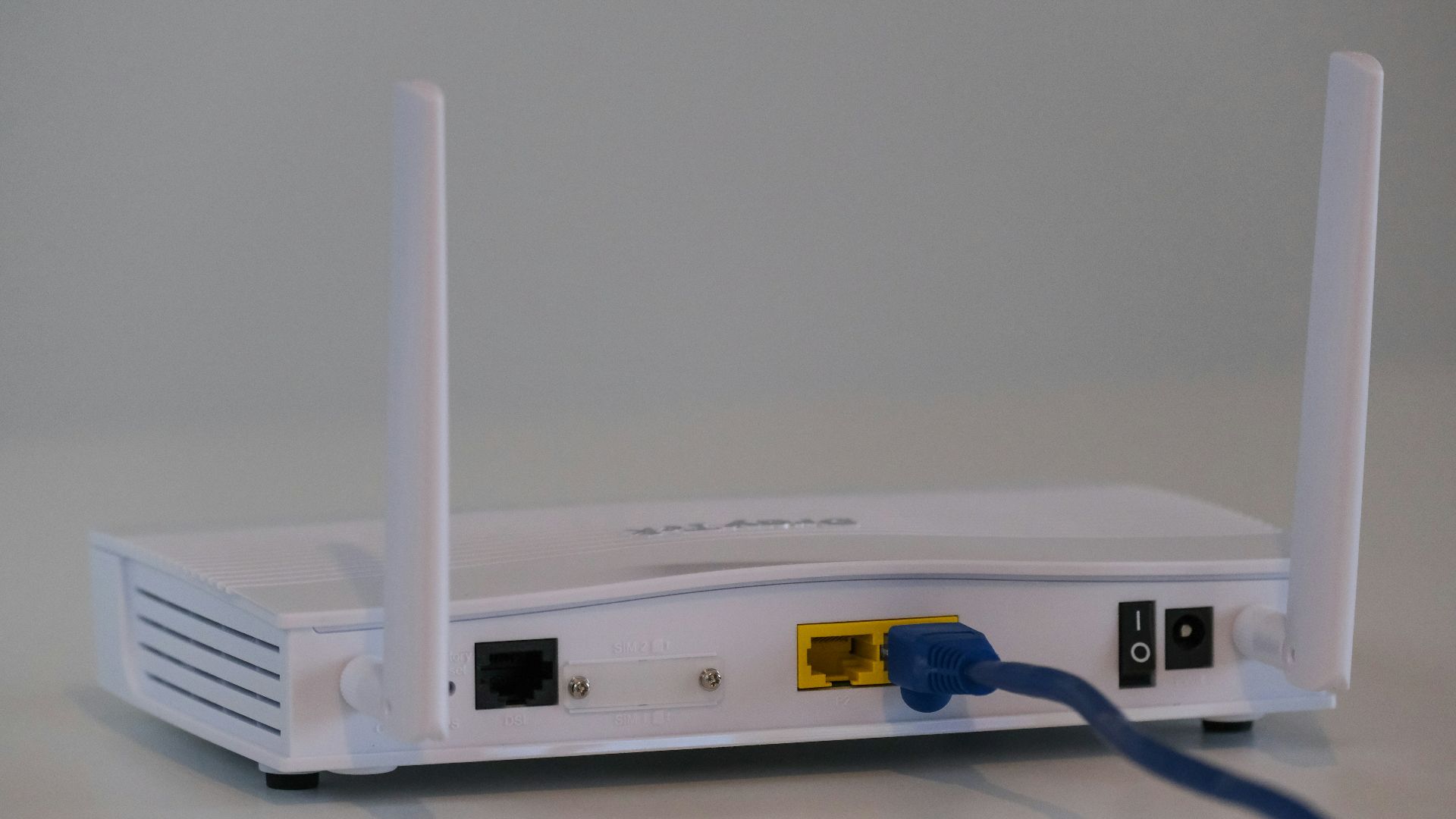
That monitor, docking station, router, or printer may have been set up a certain way for a reason. Moving hardware without telling IT can break connections, confuse inventory records, and create problems for the next person. What looks like a harmless rearrangement can turn into a hunt for missing cables and devices.
15. Treating Work Devices Like Personal Devices
A work laptop isn't the best place for personal downloads, family photo backups, games, or experimental browser extensions. IT workers have to protect company systems, data, and networks, which becomes harder when devices are used for everything under the sun. Keep work tech boring, and your IT team will appreciate you.

16. Forgetting to Back Up Important Files
Devices fail, files corrupt, and accidents happen at the worst possible time. IT workers can do a lot, but they can’t always recover something that was never backed up. Saving work in approved cloud storage or backup locations is much safer than trusting one tired machine.

17. Opening Too Many Browser Tabs & Acting Surprised
Your computer may slow down when it’s carrying 84 browser tabs, a video call, five spreadsheets, and a music stream. IT workers understand multitasking, but devices do have limits. Closing unused tabs and restarting occasionally can make a real difference.
 Emiliano Vittoriosi on Unsplash
18. Ignoring Security Training
Security training may not be anyone’s favorite calendar invite, but it exists for a reason. Hackers often target regular employees because one mistake can open the door to a much larger problem. IT workers wish people would treat the training like practical self-defense instead of background noise.

19. Saying Nothing Changed When Something Definitely Changed
Troubleshooting gets much harder when people leave out important context. Maybe a new app was installed, a cable was moved, a password was changed, or coffee had a meaningful encounter with the keyboard. IT workers aren’t looking to shame you; they’re trying to find the cause, and honest details usually lead to faster fixes.

20. Treating IT Like Magic
IT workers are skilled, but they don’t fix problems by waving a magic wand. They need information, time, access, and sometimes permission to make changes. Treating them like magicians can make technical work seem easier than it really is.